Free Applications
61 files
-
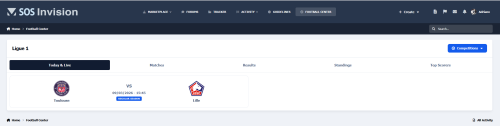
Bring football matches, scores, standings, and statistics directly to your community. Football Center integrates with the football-data.org API to display football competitions using a clean, responsive IPS 5 interface.
The app automatically loads the competitions available through your football-data.org API account. Administrators can choose a default competition, while users can easily switch between the available competitions directly from the Football Center.
Features
Support for multiple competitions available through your football-data.org account
Configurable default competition
Frontend competition selector
Today & Live matches in a single view
Live scores and match status
Matches calendar with month navigation covering the competition season
Clickable calendar dates with match details displayed in an IPS dialog
Results grouped by date
Standings
Top Scorers, including goals, assists, and penalties
Team logos and competition information
Automatic handling of competition dates and seasons
Match times displayed using the member's timezone
Fully responsive layout
Sidebar Matches widget
Football Center uses IPS Data Store caching to reduce API requests while keeping information up to date. Separate cache intervals can be configured for Today & Live, Matches, Results, and Standings & Top Scorers.
Requirement
An API key from football-data.org is required. Create an account, obtain your API key, and enter it in the app settings.
- Free
- 28 Downloads
Adriano -
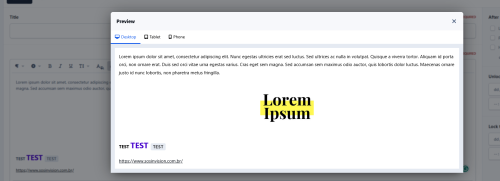
This application adds a Preview button to the IPS5 Editor toolbar, allowing users to preview their content before submitting it. The preview window shows how the content will appear after posting and includes different viewing modes:
Desktop view
Tablet view
Phone view
This helps users review formatting, images, links, and overall layout across different screen sizes before publishing their content.
Features:
Native IPS5 Editor integration
No page reload required
Responsive preview modes
Works directly from the editor toolbar
Note:
It is recommended to rebuild the system cache after installing the application (ACP -> Quick Links -> Clear System Caches).
- Free
- 28 Downloads
Adriano -
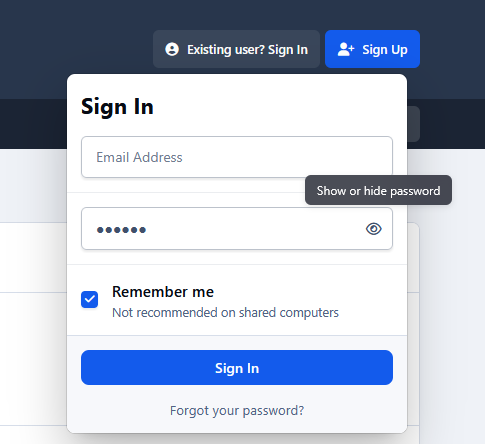
Adds a show/hide password button to password fields, making it easier for members to verify their password before submitting a form.
Tested in the following areas:
Login
Registration
Password-protected forums
Forms that require re-authentication, such as Account Settings → Security and Privacy
It should work with any password field throughout the front end.
IPS 5.1
IPS 5.1 already includes this feature natively.
- Free
- 23 Downloads
Adriano -
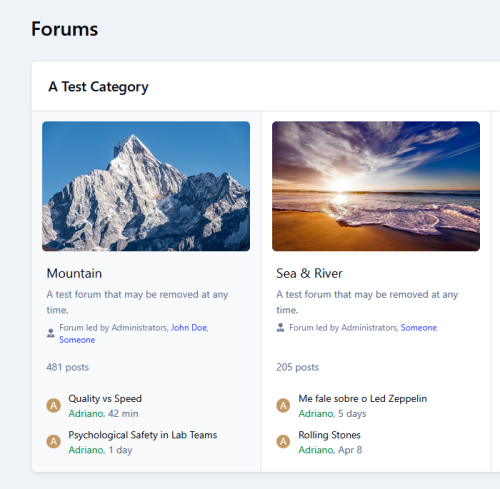
Let your community easily see who moderates each forum. This app adds a simple line under every forum showing its moderators, including both groups and individual members. It also appears inside the forum view, keeping everything consistent and easy to find.
Clean, lightweight, and fully integrated with IPS5, and integrates seamlessly with your community’s design. It uses the core moderators cache, so it runs efficiently without adding extra database queries.
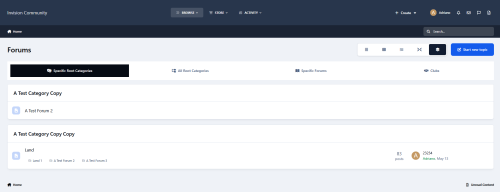
Display moderators on the Forums index:
Table view
Grid view
- Free
- 10 Downloads
Adriano -
- Free
- 16 Downloads
Adriano -
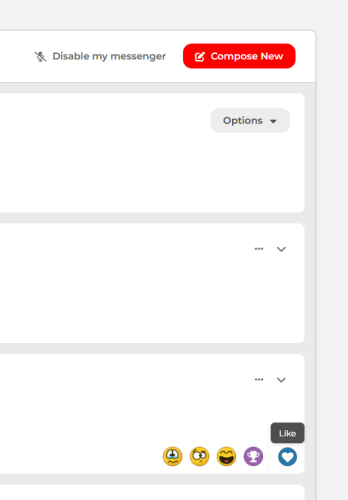
This application allows members to react to private messages.
Setting:
Groups allowed to use reactions in private messages
- Free
- 27 Downloads
Adriano -
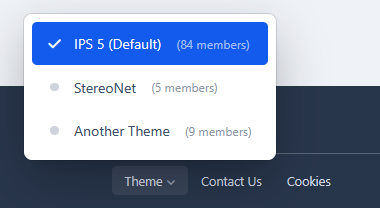
See how popular each theme is, right inside the theme selector.
This app adds a small counter next to each theme, showing how many members are using it — or what percentage of your community prefers it.
Setting:
Display mode
Count – 96 members
Percent – 4% of all users
Both – 96 members / 4% of all users
Note:
Uses caching and background tasks for performance
- Free
- 17 Downloads
Adriano -
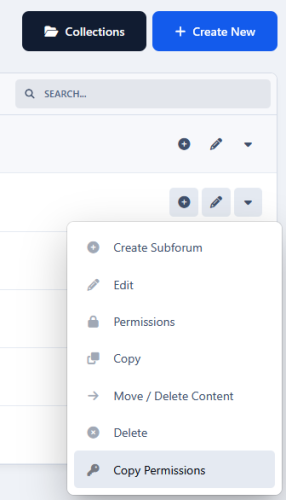
This application allows administrators to easily copy permissions between nodes (forums, categories, and calendars).
It supports:
Calendar
Downloads
Forums
Gallery
Pages
- Free
- 12 Downloads
Adriano -
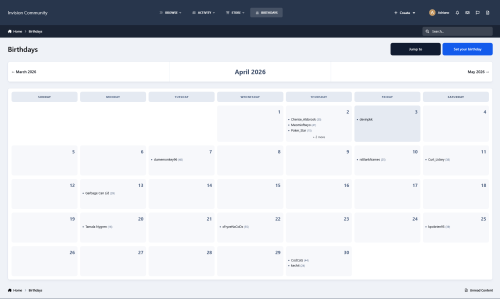
Bring your community closer by celebrating members’ birthdays with a dedicated, easy-to-use calendar.
This application displays birthdays in a clean and organized layout, making it simple to see who’s celebrating each day. Members can quickly jump to any month and year for faster navigation, and those who have not yet filled in their date of birth can add it directly from within the app.
Add a more personal touch to your community by highlighting what matters most — your members.
IMPORTANT NOTICE
The app will only display birthdays if they are enabled and set to public in the Admin CP (Members → Profiles → Profile Settings → Birthdays → Enable birthdays → Show birthdays to all in user profiles).
Improve the birthday display experience with this widget: https://www.sosinvision.com.br/index.php?/file/398-birthdays-widget/
- Free
- 21 Downloads
Adriano -
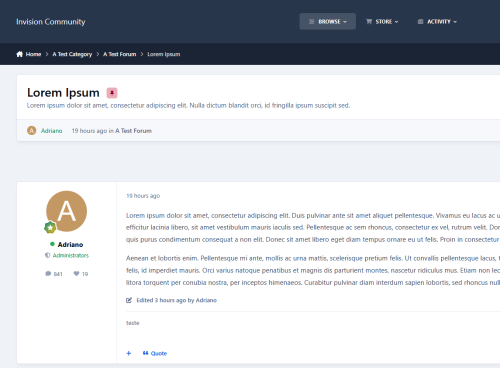
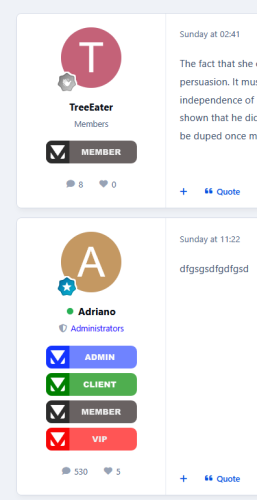
Enhance your community by displaying secondary group icons in posts. Easily identify all member groups with a clean, integrated layout that respects IPS group search restrictions.
Requirement
Every group must have a group icon configured in ACP → Members → Groups.
- Free
- 28 Downloads
Adriano -
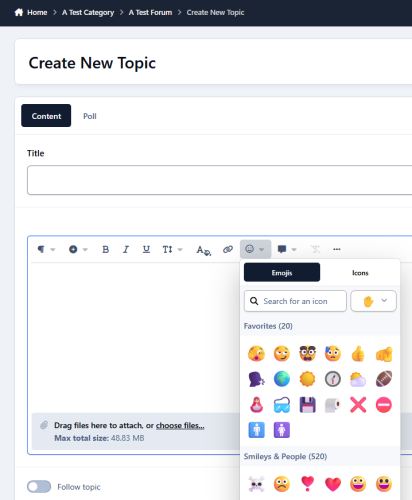
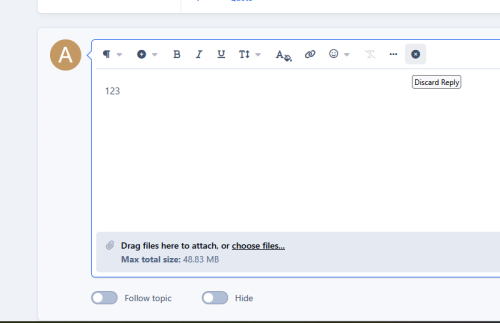
Adds a "Discard Reply" button to the IPS5 Editor V5 toolbar, allowing users to instantly clear the editor, remove attachments, and minimize the reply form with a single click.
It will appear on all content pages in the reply editor.
Setting:
Can discard replies in (specific contents, like Messenger, Posts, Downloads file comments, etc).
- Free
- 26 Downloads
Adriano -
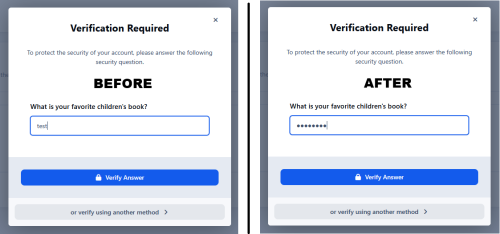
This tiny application simply turns the Security Question field into a password field, so whatever you type isn’t visible on screen.
Why this matters:
Even if “no one is supposed to see it,” it’s the same idea as hiding a password. For example, I record videos all the time, and the security answer would show up in the recording. Because of that, I used to disable Security Questions for my group altogether.
- Free
- 5 Downloads
Adriano -
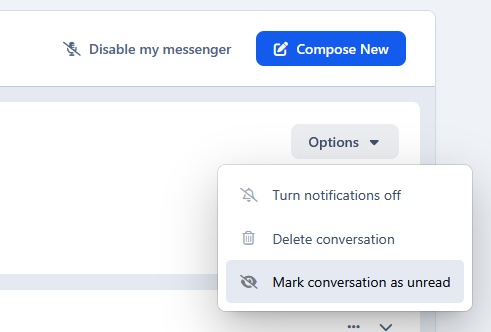
This application allows you to mark a conversation as unread so you can come back to it later, when the time is right. It will appear as unread in your messages list, making it easy to find.
- Free
- 14 Downloads
Adriano -
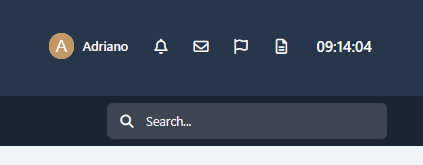
Will add a clock to display the board time, based on a time zone chosen by the admin, or the user's time, based on their time zone.
Setting:
Type of time to display
Board time
User time
- Free
- 17 Downloads
Adriano -
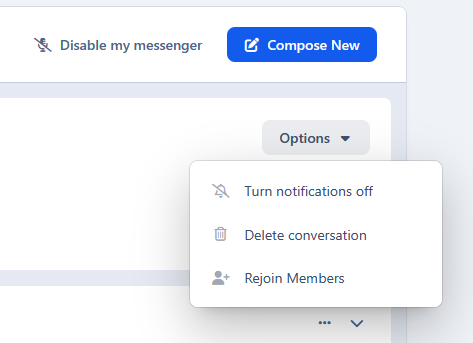
This application will allow members (from specific groups) to rejoin users who left or were banned from conversations.
Setting:
Groups who can rejoin members
- Free
- 12 Downloads
Adriano -
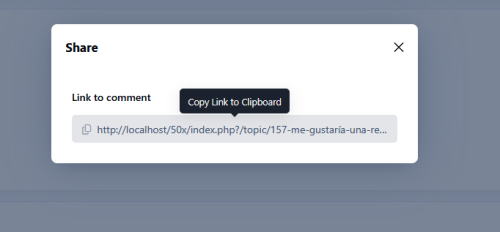
This application adds a Share This Post link to posts that are not visible to guests, to easily and quickly copy the post URL. Because IPS does not provide this option, users must manually copy the post URL from the post date, meaning registered users lose the ability to easily share posts when guest access is restricted.
Default IPS5:
With this application installed:
- Free
- 13 Downloads
Adriano -
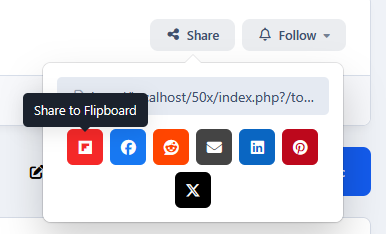
This application will allow you to share content (items, comments, and reviews) on Flipboard.
- Free
- 3 Downloads
Adriano -
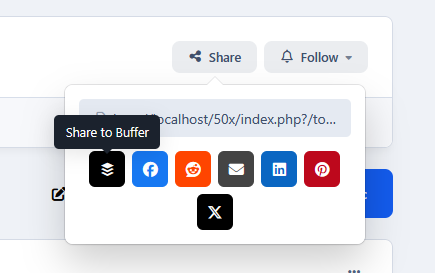
Buffer: schedule your content to the most popular platforms, including Facebook, Instagram, TikTok, LinkedIn, Threads, Bluesky, YouTube Shorts, Pinterest, Google Business, Mastodon, and X.
- Free
- 5 Downloads
Adriano -
This application will add a carousel at the bottom of the file view page to display other files from the file submitter.
Settings:
Number of files to display
Display order: start date or random files
Show block to (groups)
Requirement:
Downloads app
- Free
- 26 Downloads
Adriano -
This application will add the following links in the navigation and mobile bars:
Mark all content as read (desktop and mobile)
Page Editor (desktop only)
This link will appear only to moderators with permission to manage the sidebar
- Free
- 36 Downloads
Adriano -
This application will help you not to talk alone by adding a notice and hiding the editor when no other users are active in the conversation.
Setting:
Groups that won’t be able to reply
- Free
- 28 Downloads
Adriano -
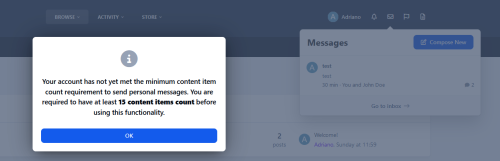
This application will set a number of content items that users must have to start a private message. However, users will still be able to reply to existing or new private messages.
Settings:
Display the number of items required on the error message
Number of content items required
Apply restrictions to (choose groups)
- Free
- 53 Downloads
Adriano -
This tiny application will focus on the TOPIC TITLE field when you try to start a new topic.
- Free
- 31 Downloads
Adriano -
Shows which members have won the most reputation or likes over the last few days.
Block settings:
Number of leaders to show
The block will appear if:
Reputation is enabled
Leaderboard is enabled
The member who's browsing has permission in the leaderboard module
- Free
- 25 Downloads
Adriano -
This application will give faster access to all files purchased by a specific member, by visiting their profile. The profile tab will appear only to administrators.
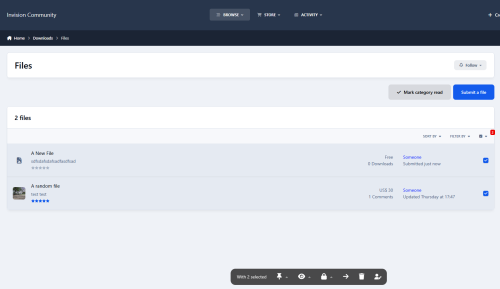
Currently, you can only get this list if you access their ACP profile -> Customer's tab.
- Free
- 23 Downloads
Adriano




Recently Updated Files
-
- 3 Purchases
- 5 Downloads
 Adriano
-
- 1 Purchases
- 4 Downloads
Adriano -
- 0 Purchases
- 3 Downloads
Adriano -
- 3 Purchases
- 7 Downloads
Adriano -
- 2 Purchases
- 7 Downloads
Adriano -
- 1 Purchases
- 4 Downloads
Adriano -
- 1 Purchases
- 5 Downloads
Adriano -
- 7 Purchases
- 18 Downloads
Adriano -
- 7 Purchases
- 27 Downloads
Adriano -
- 3 Purchases
- 8 Downloads
Adriano -
- 1 Purchases
- 3 Downloads
Adriano -
- 0 Purchases
- 2 Downloads
Adriano -
- 1 Purchases
- 11 Downloads
Adriano -
- 0 Purchases
- 2 Downloads
Adriano -
- 1 Purchases
- 5 Downloads
Adriano