





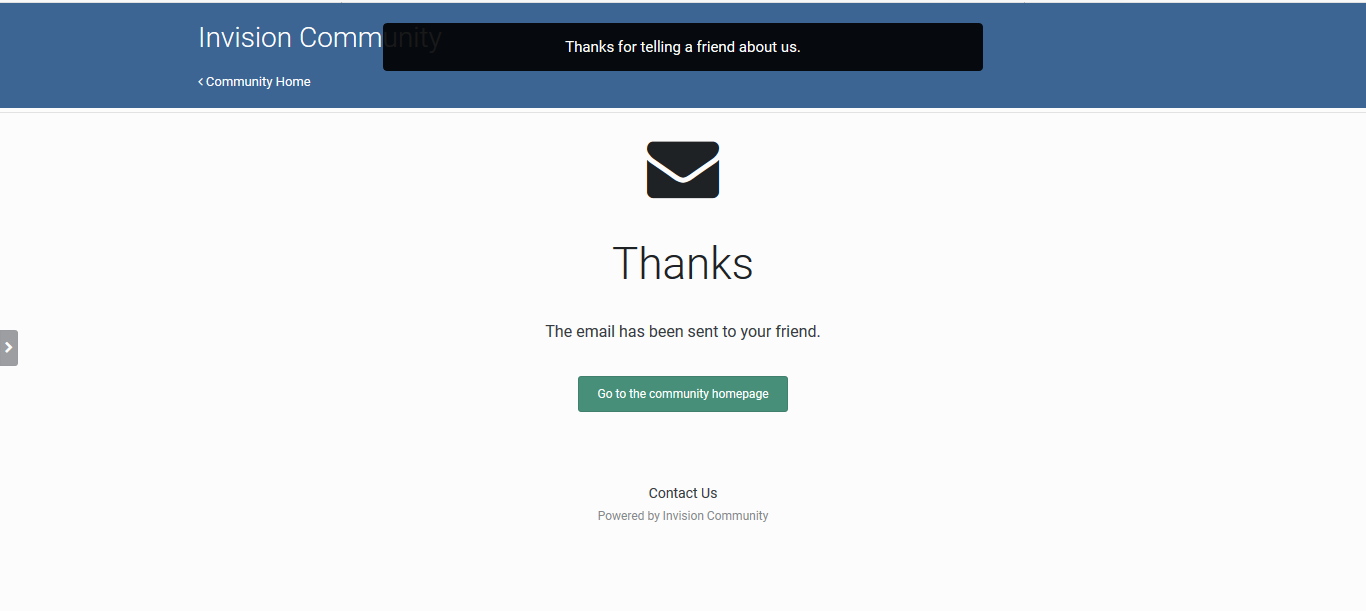
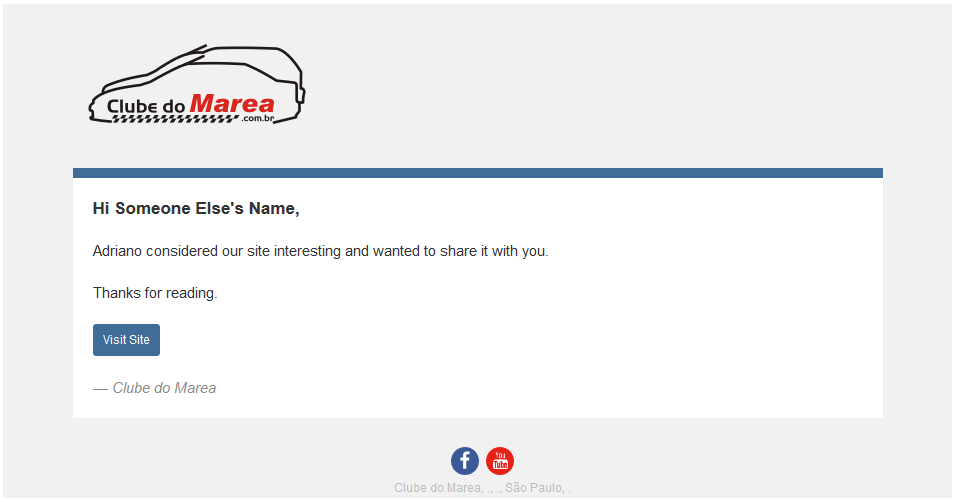
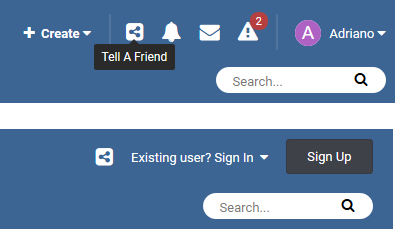
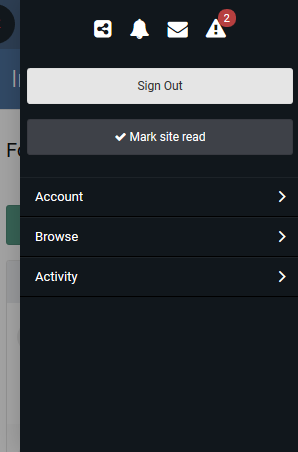
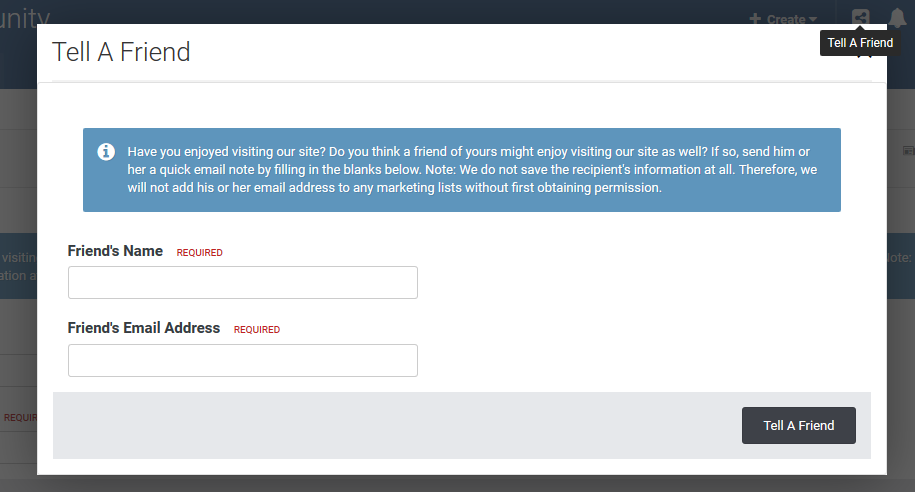
How about let people invite others to your board? This resource will allow users (members and/or guests) to invite their friends by filling a form that will be sent via email. Form will be processed and email sent via ajax but if the user opens the form on a new page/tab, then a minimal "thanks" page will show after submit the form.
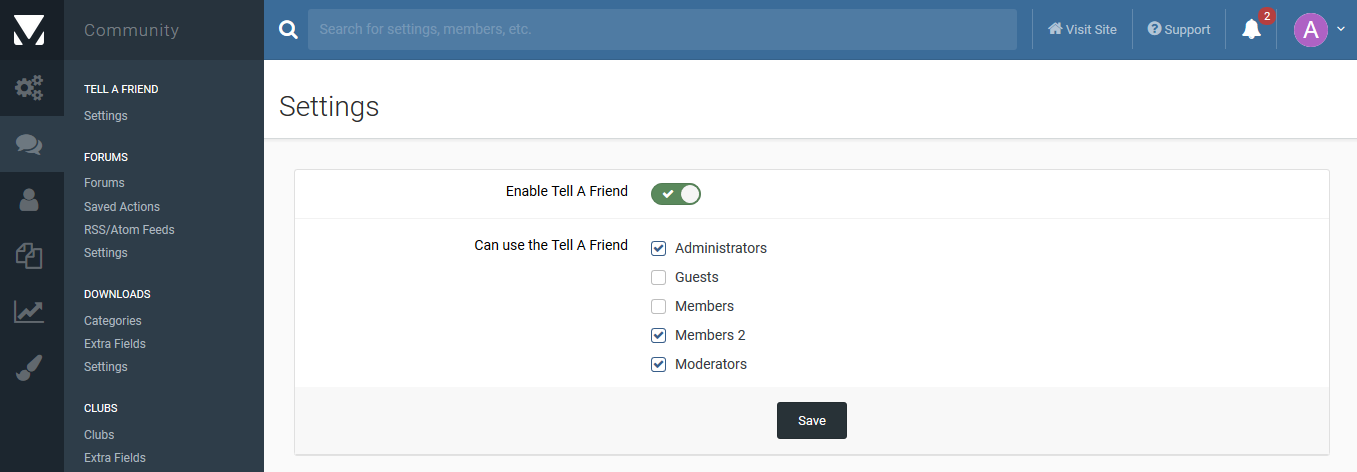
Settings:
- Form on/off
- Groups allowed to use the form
Members:
- The form won't be submitted if the email used belongs to a registered member (that wouldn't make sense to "invite" someone who already is a member from the community)
Guests:
- They will be asked to provide their name and email address
- A captcha will be added to the form
Warning and Email Subject/Content:
- The message in the form, the email subject and body are language bits so you are free to change them to whatever you want in your own Admin CP.
What's New in Version 1.0.1
Released
- Add missing language bit in Email Statistics.









You may only provide a review once you have downloaded the file.
There are no reviews to display.