


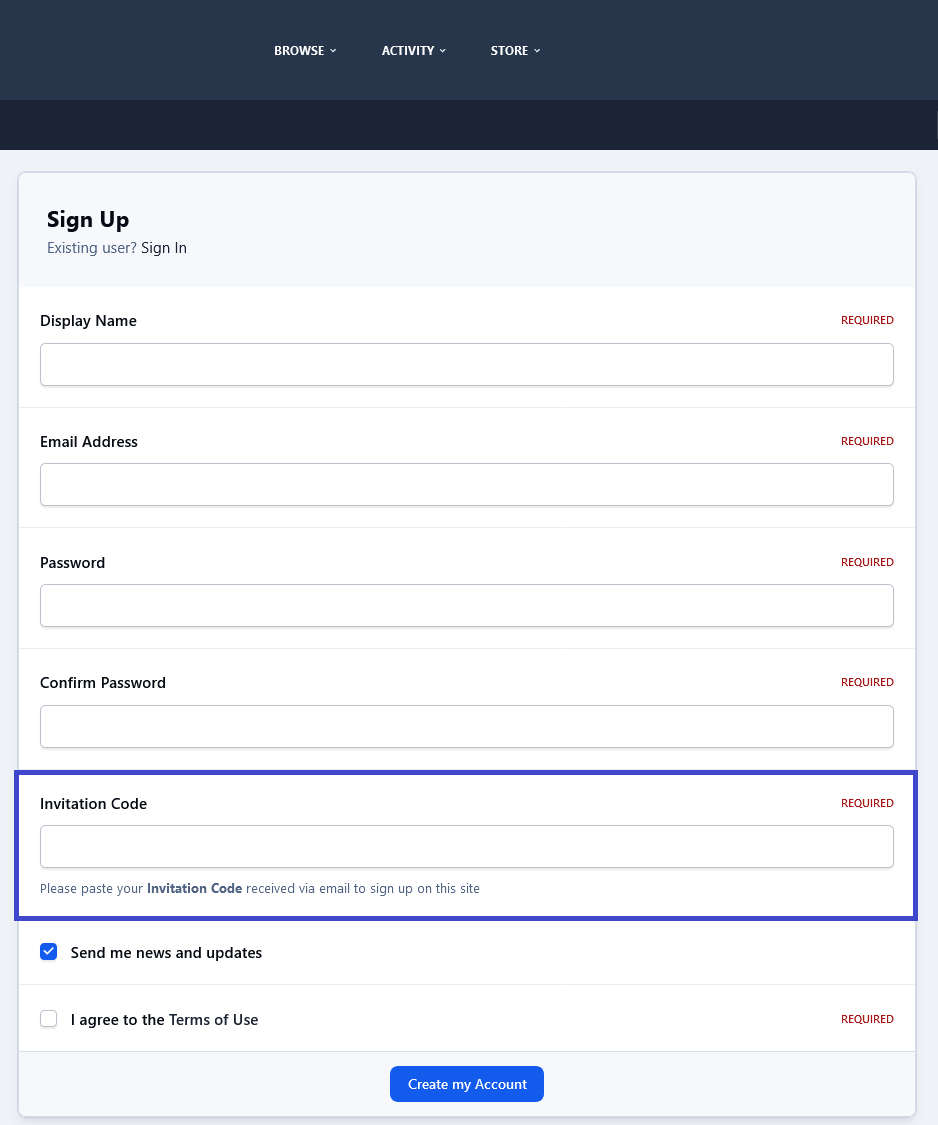
This application enables your community to use an invitation system for new registrations, which can be made mandatory based on your settings. When enabled, a valid invitation code or invitation link will be required to create a new account in your community.
Public side features:
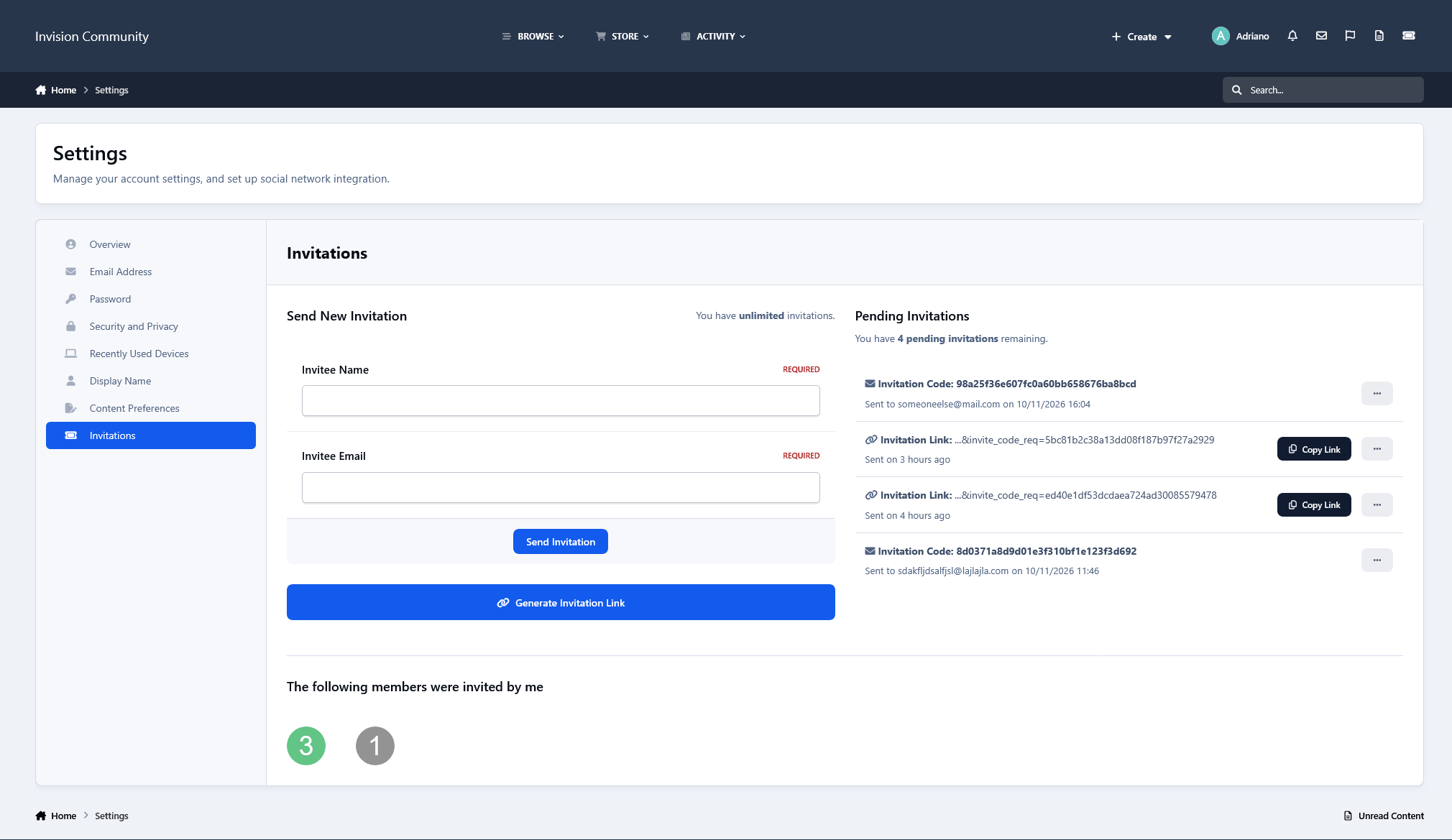
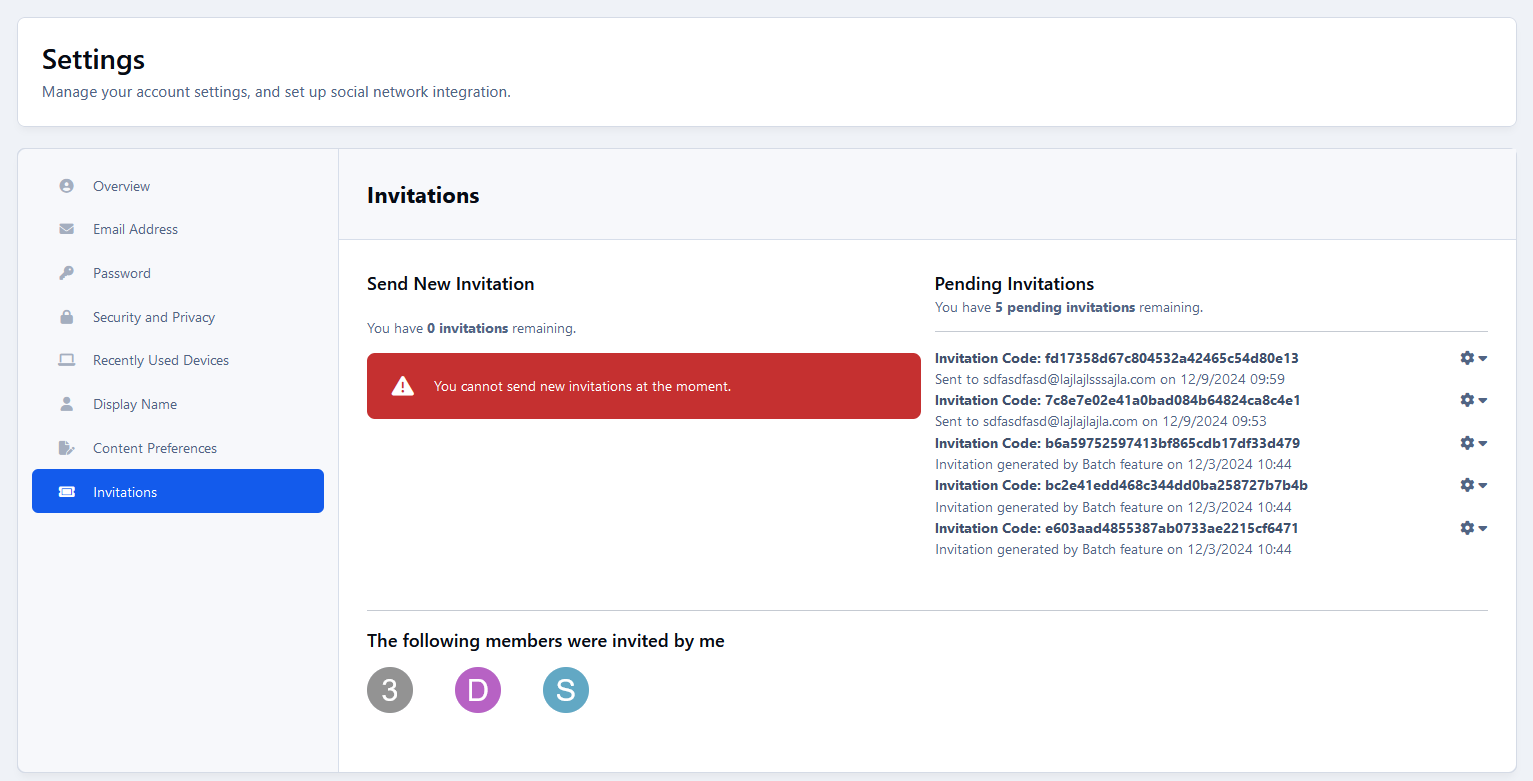
Users can send invitations on Account Settings → Invitations.
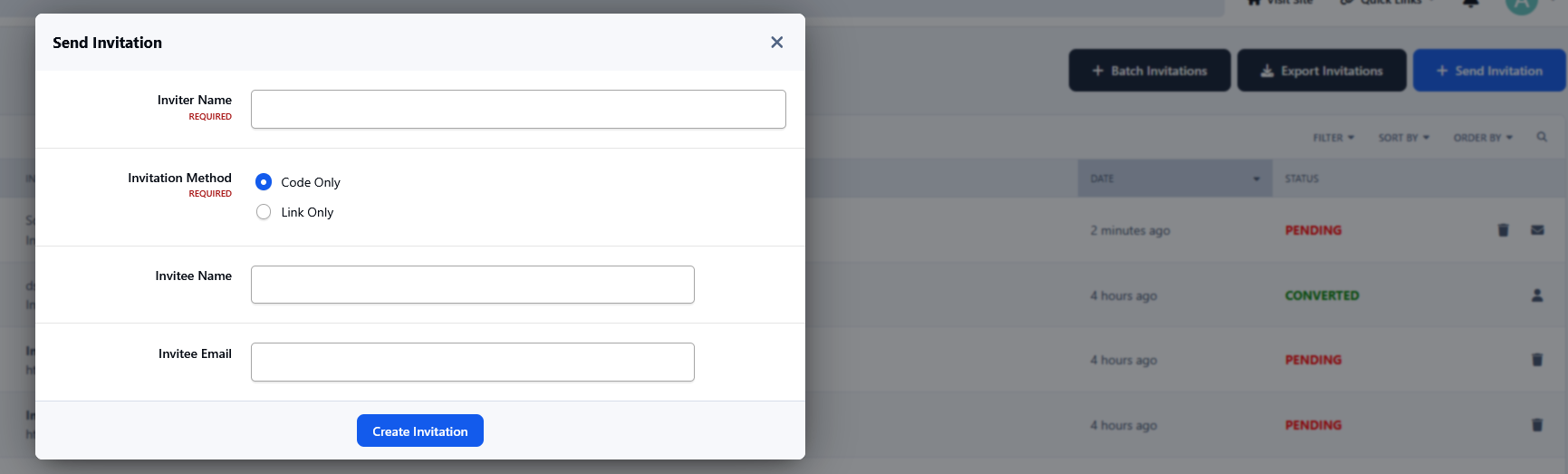
Invitation Links: Members can generate and share unique invitation links instead of sending invitations by email. Each link can be used for one registration, and users can easily copy and share it.
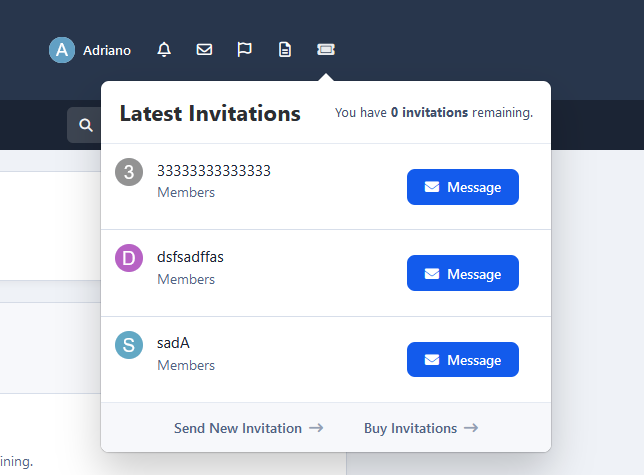
A new icon is added to the board top (beside Notifications and Messenger) to display the converted invitees and the user's number of invites. This icon also shows the remaining invitations for the member (just like how many users are online on Chat).
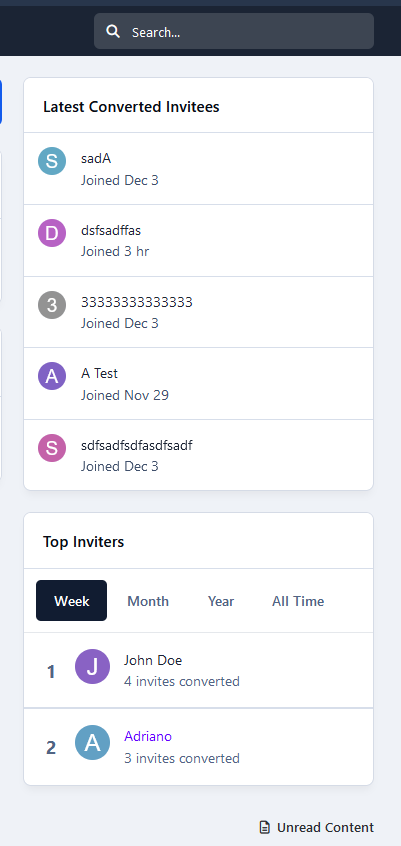
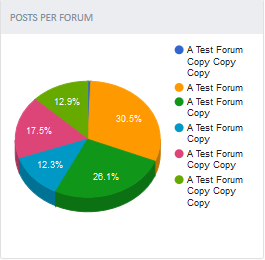
2 widgets: Top Inviters (per week, month, year, and general) and Latest Converted Invitees, which are invitations converted to membership.
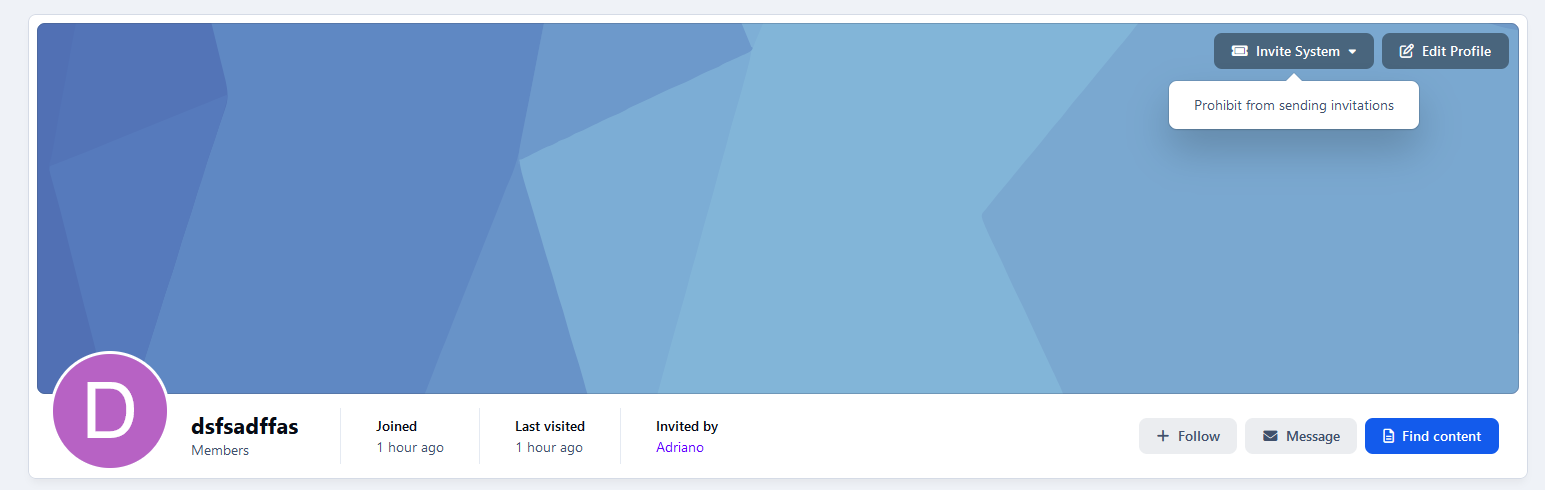
Shows "Invited by" on the user profile and profile card (hover on the user link).
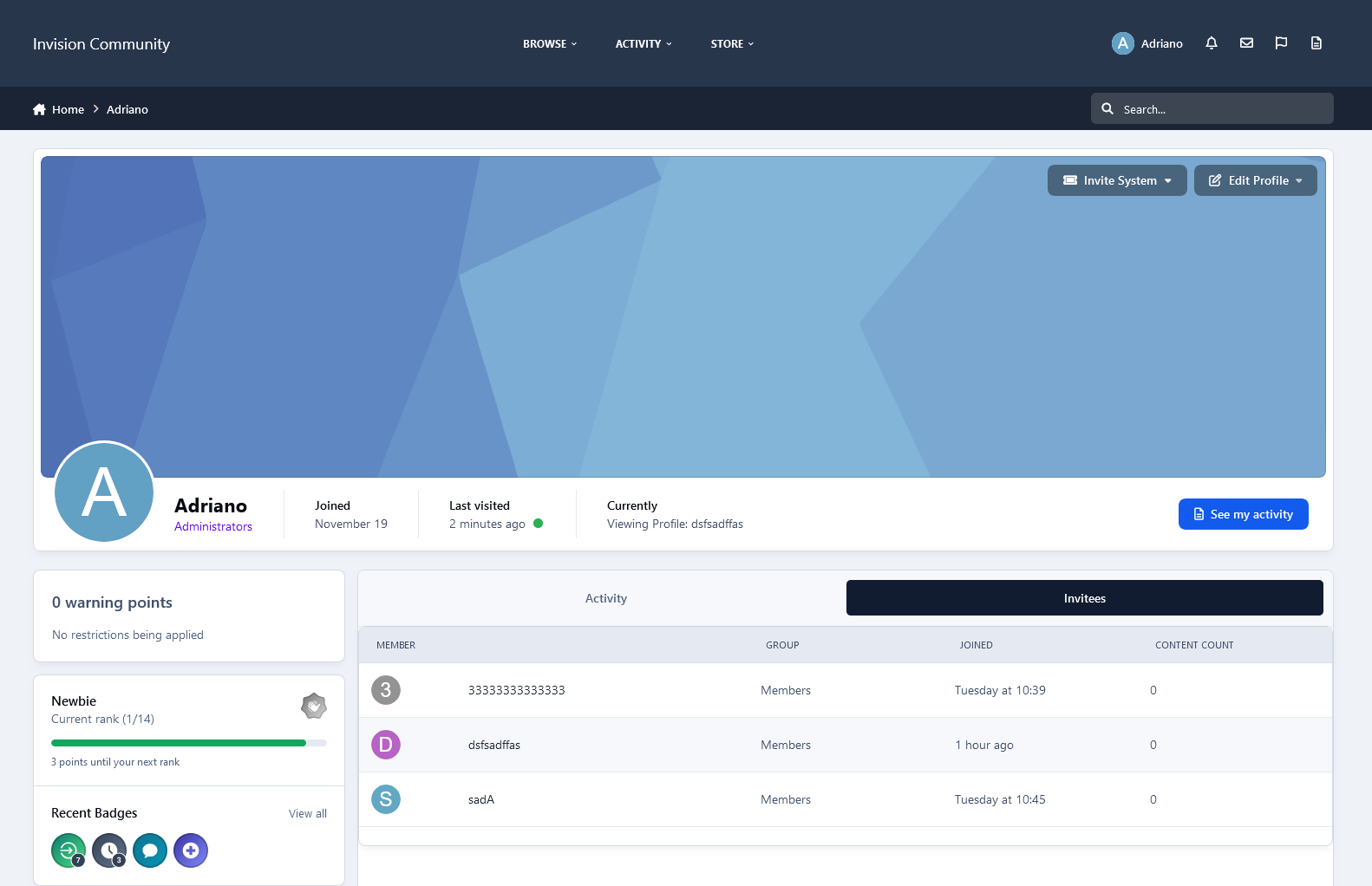
Tab on the user profile to display their invitees (converted invitations).
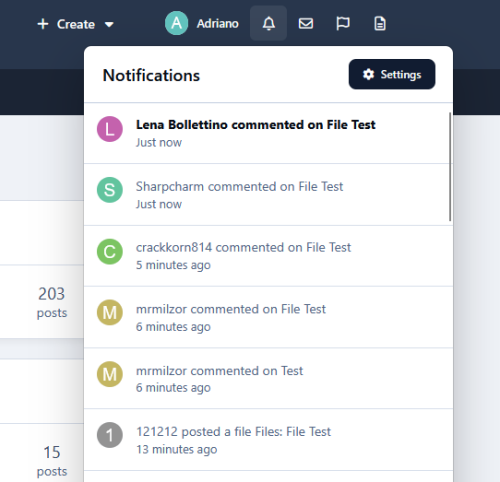
Notification to the member who invited someone when an account is created using their invitation.
Campaigns:
You can bring the Invite System to the real world by using campaigns, where people can register using the same code for a given number of days or until a limit of registration is reached.
Campaigns DO NOT send emails. The purpose is to use their codes somewhere else.
Campaigns are independent of the invitation system, so you can simply leave it disabled if you don't want to use it.
You can also use invitations and campaigns together.
More.
Settings:
Enable Invite System
Require an Invitation to Register an Account
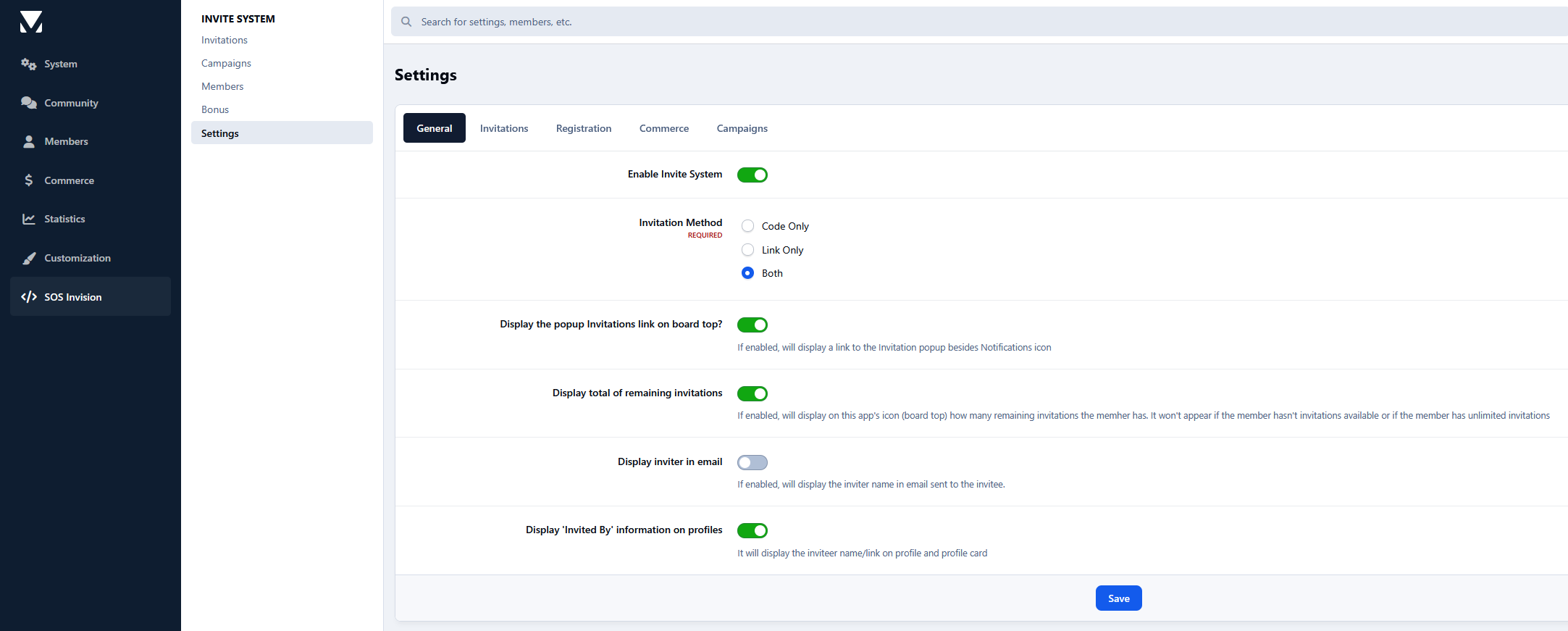
Invitation Method: Choose whether members can use invitation codes only, invitation links only, or both.
Recurring Invitation Allowance: Automatically grant invitations to members at configurable intervals, with options to accumulate unused invitations and set a maximum balance.
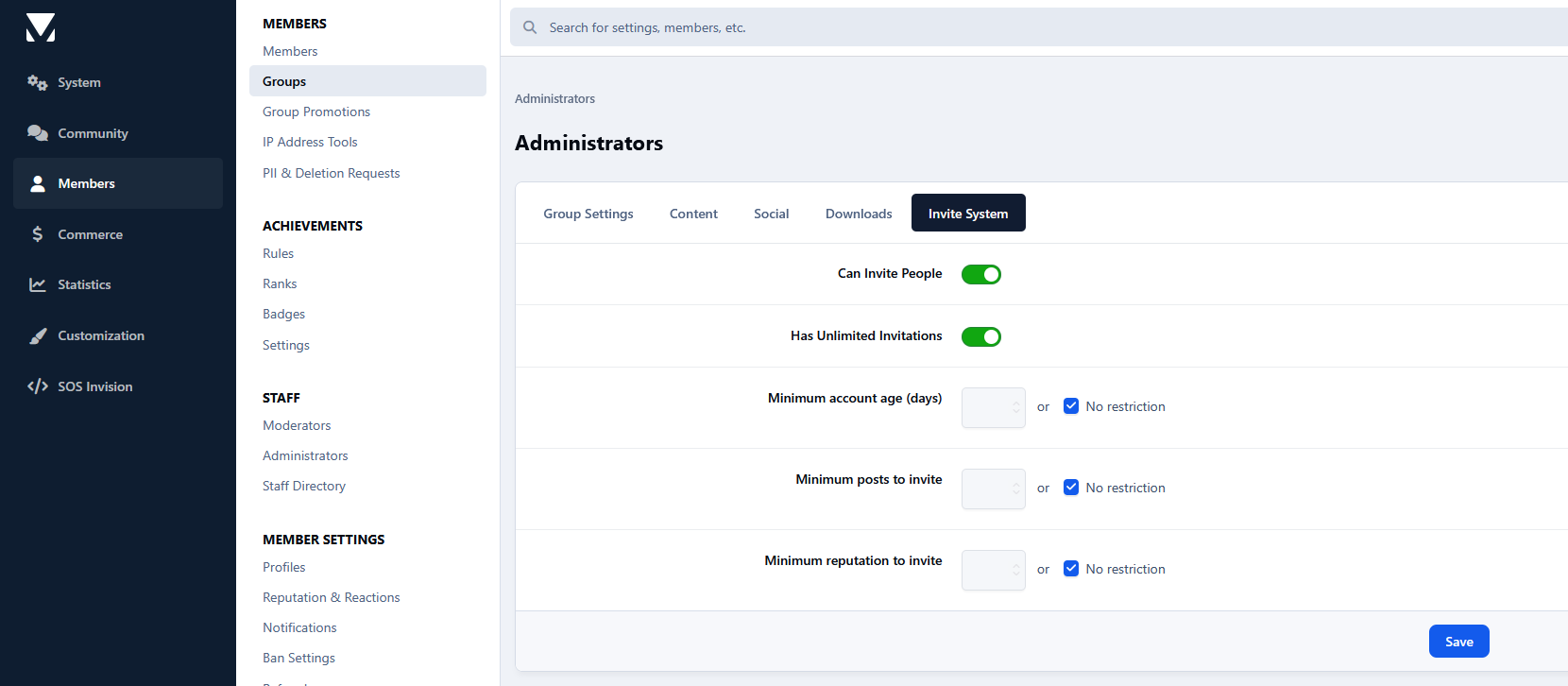
Invitation Eligibility Rules: Set minimum account age, post count, and reputation requirements for each member group to determine who can send invitations.
Restore deleted or expired invitations
Display the popup Invitations link on the board top
Display the total remaining invitations
Invitation Expires after X days
Earn one Invitation at every X new content posted
More.
ACP Features:
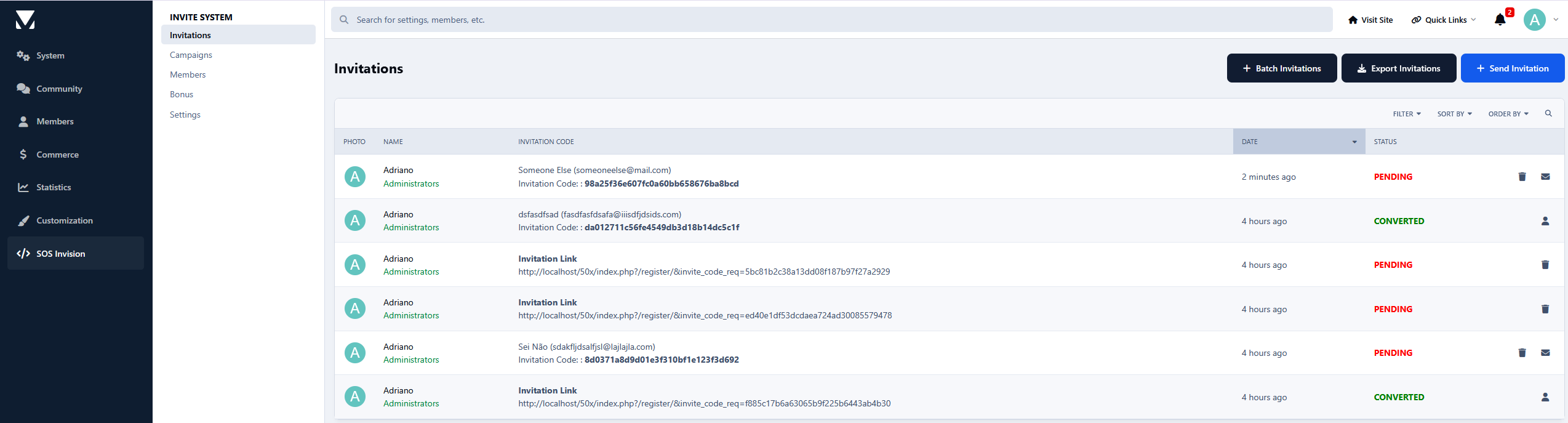
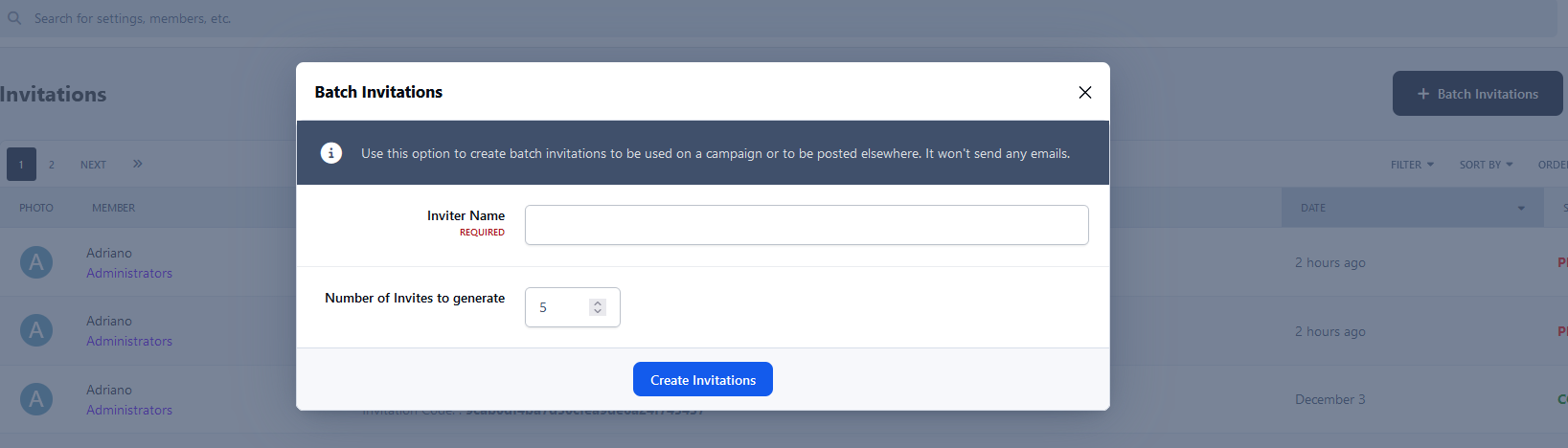
Invitations Management: A place where you can see the status of each invitation. The statuses are PENDING, CONVERTED, and EXPIRED. You can invite people, generate invitation links, and delete or resend invitations. You can also create batch invitations, to be used on a campaign or posted elsewhere. Batch invitations won't send any emails.
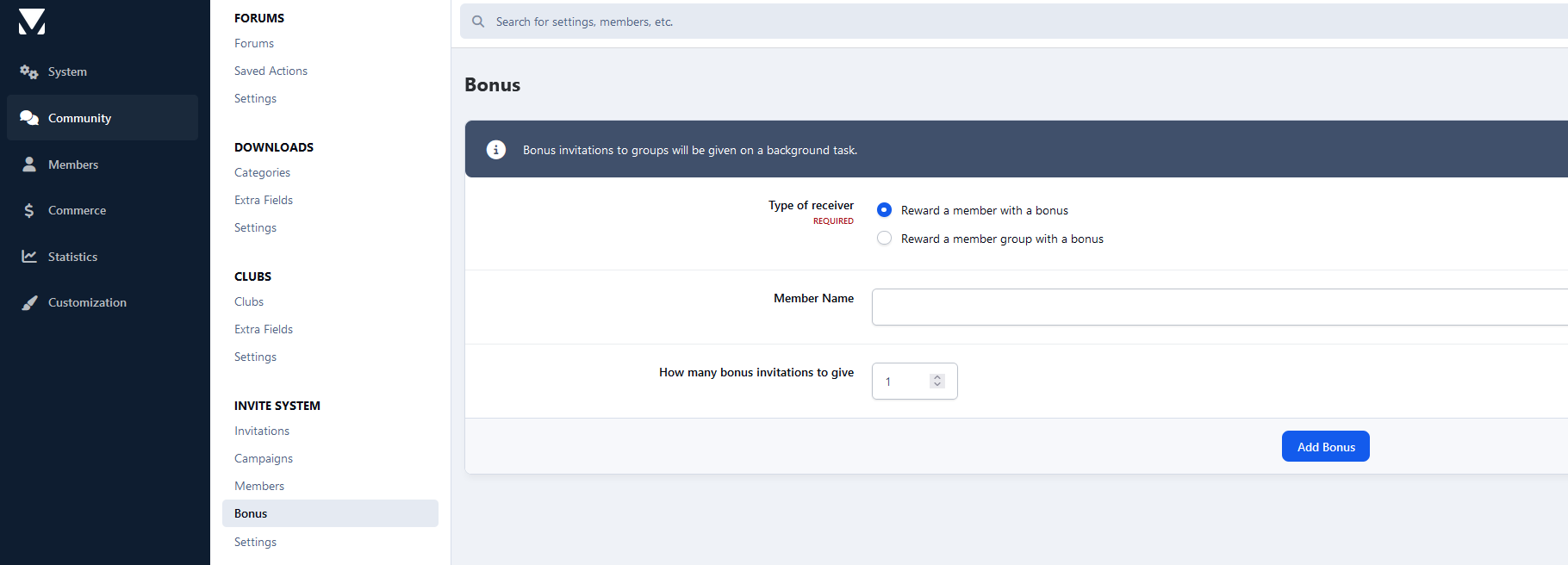
Bonus form: You can give invitations to a specific member or a whole member group.
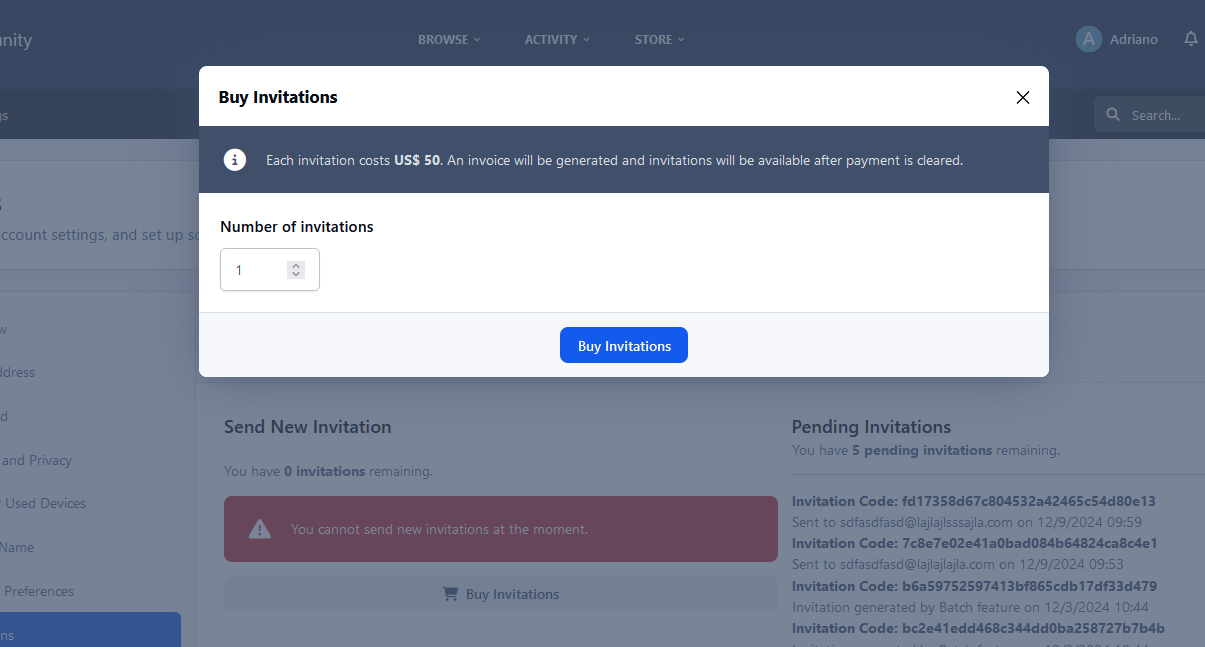
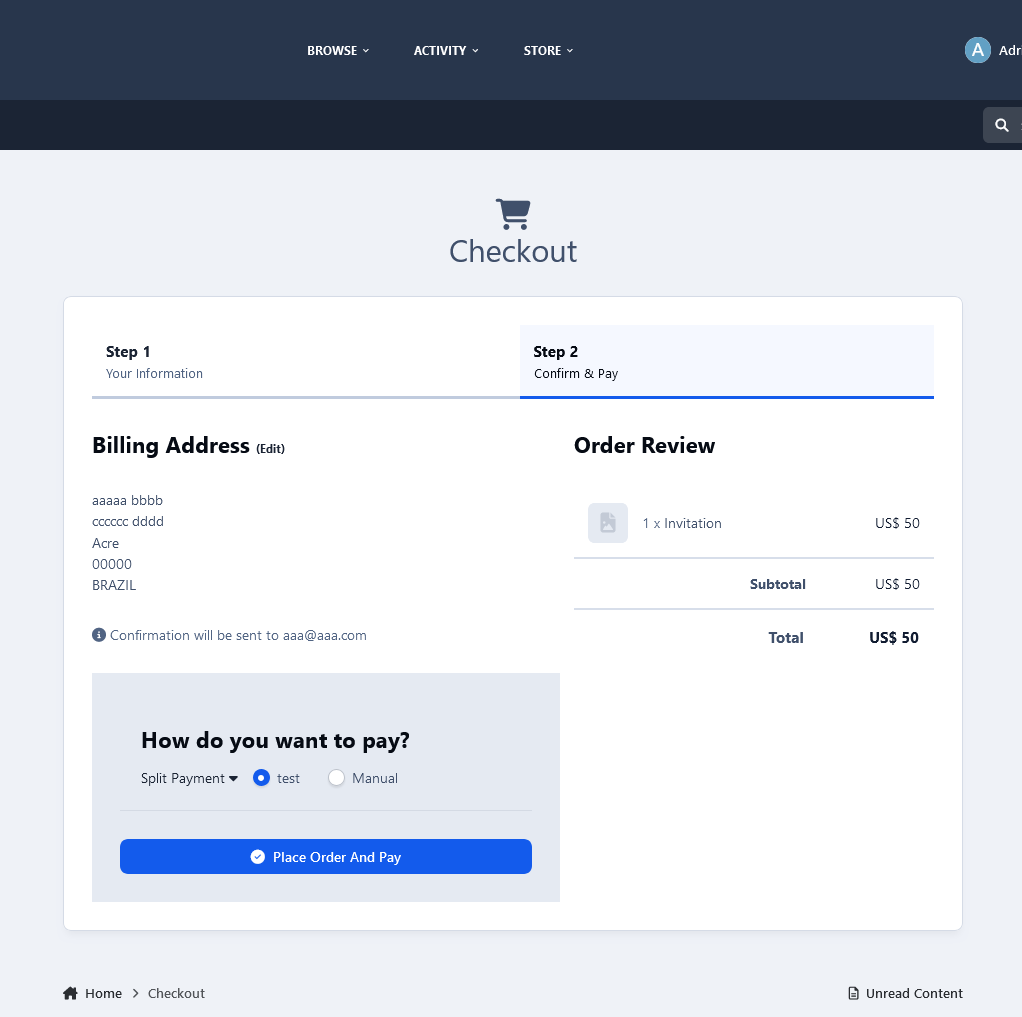
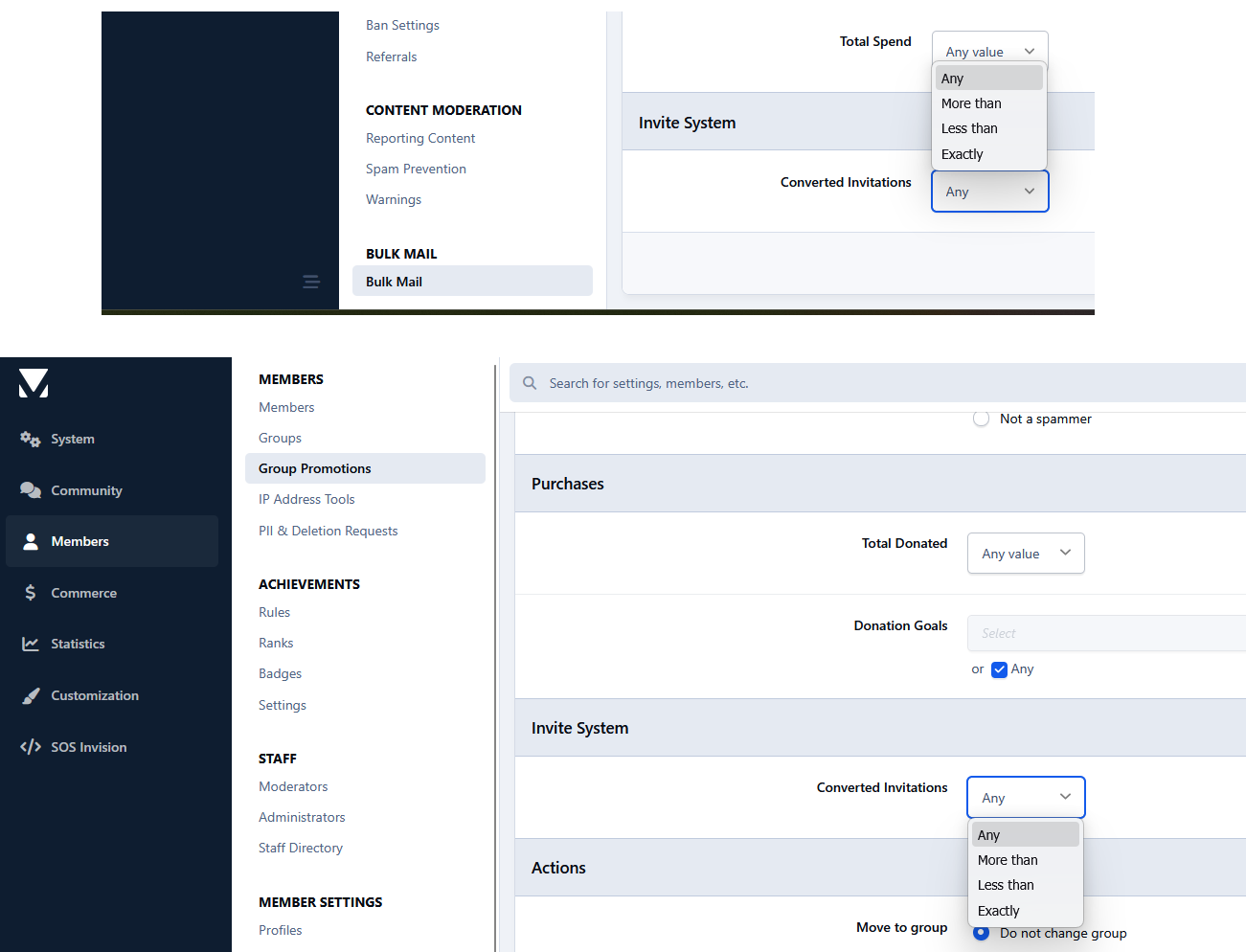
Integration with Commerce.
Notes:
It doesn't work in Commerce registration (if you have packages on the registration screen).
Since hooks cannot be used, a few options have been removed in this version.
What's New in Version 3.0.5
Released
Invitation Links
Members can now generate and share invitation links instead of sending invitations by email. Administrators can choose between invitation codes, links, or both methods.
Recurring Invitation Allowance
Automatically grant invitations to members at configurable intervals, with options to accumulate unused invitations and set a maximum balance.
Invitation Eligibility Rules
Set minimum account age, post count, and reputation requirements per member group to control who can send invitations.






You may only provide a review once you have downloaded the file.