




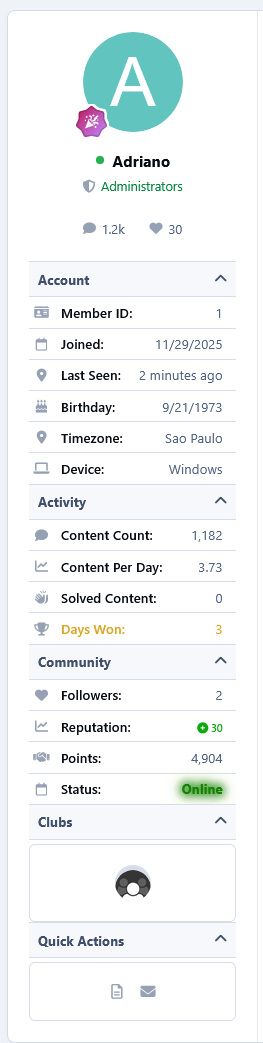
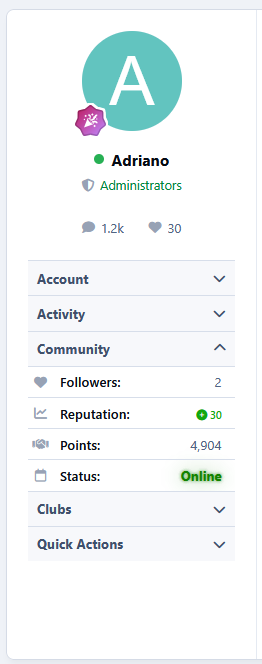
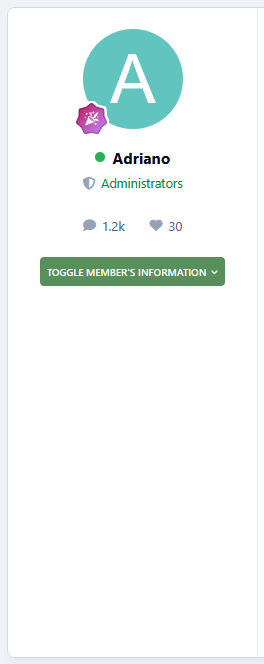
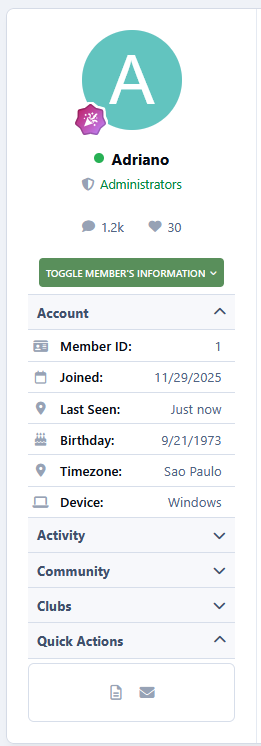
Enhance your user info panel with this powerful, fully customizable application for forum topic posts. You do not need to show all the information; you can choose to show or hide any one of them or just hide them for mobile viewing. You can also choose what user groups can see each piece of information.
User Info Panel
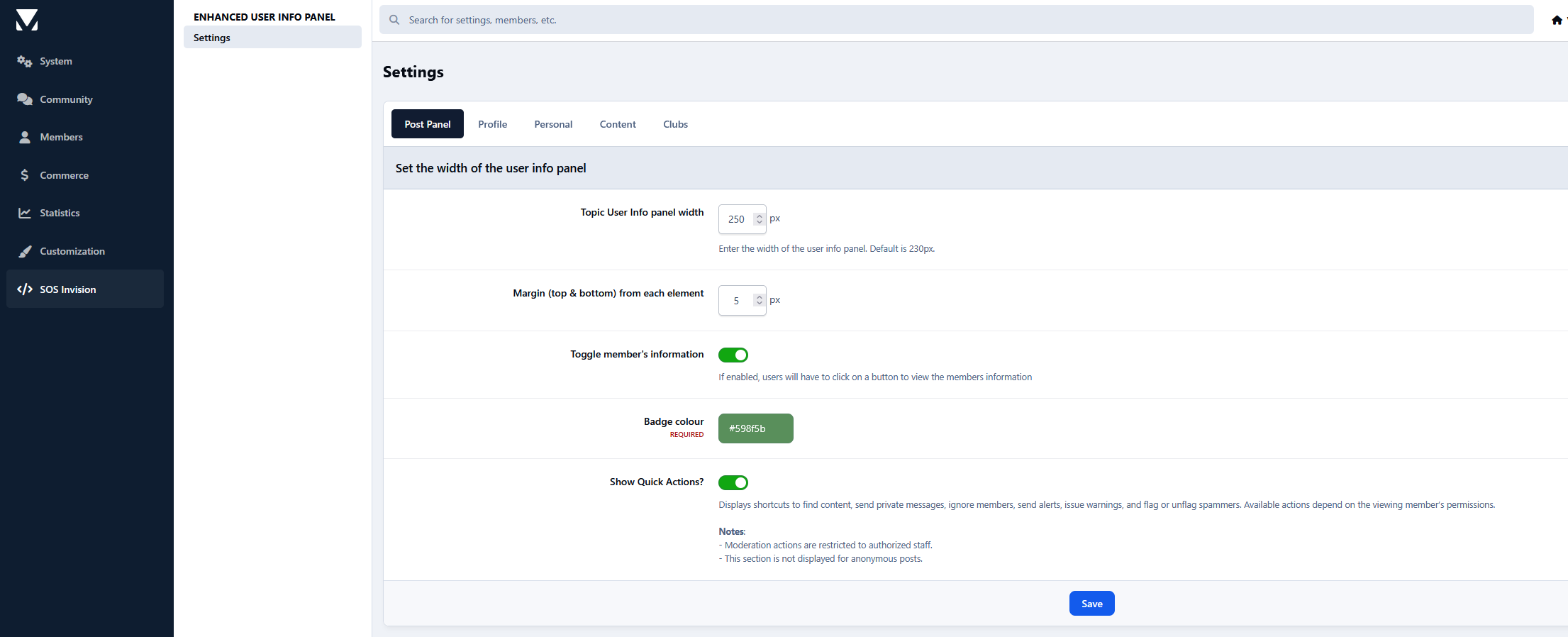
Edit the width of the user info panel between 200px and 350px
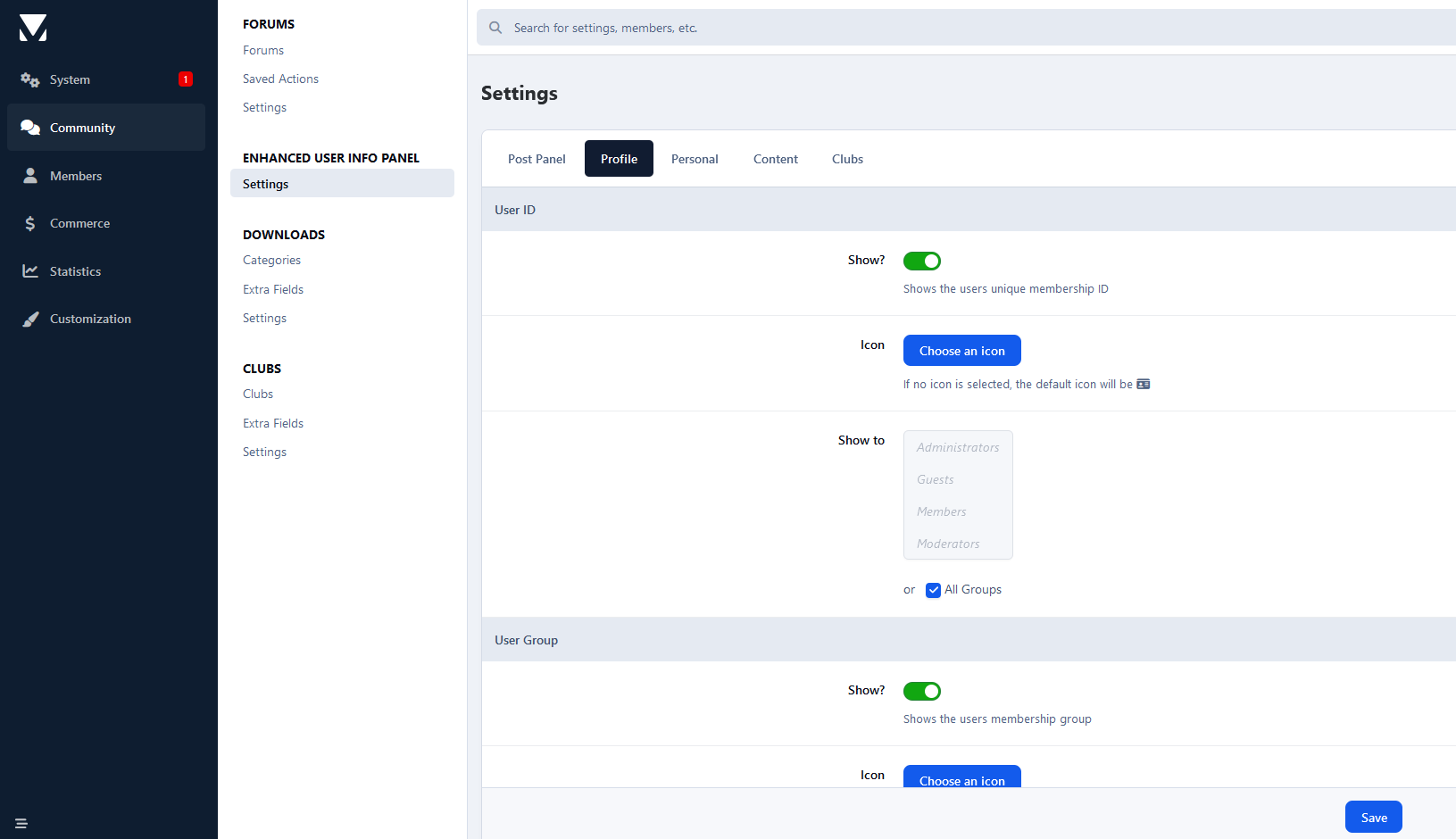
Profile Info
Show/Hide the user ID
Show/Hide the user group with color formatting
Personal Info
Show/Hide the user's birthday
Change the birthday view to show the member's age instead
Show/Hide the user joined date
Change the joined date to one saying "With Us For X Days"
Show/Hide the user's online status
Show/Hide the user's last activity
Show/Hide the users timezone
Show/Hide the user's follower count
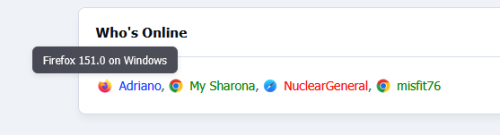
Show/Hide the user's connected device
Content
Show/Hide the user post count
Show/Hide the user's post-per-day ratio
Show/Hide the user's reputation
Show/Hide the user's amount of leader board members of the day won
Show/Hide the Achievements
Choose to use a gold font for the member of the day
Show/Hide the user's solved content
Clubs
Show/Hide the user's clubs as icons at the bottom of the user info panel (The club name will appear on hover)
Change the size of the club's icons
Requirements:
Forums application
Notes:
This version doesn’t show the Number of Topics created and the topics-per-day ratio; it may return in a future version.
This version doesn’t show the secondary group’s names or images; it may return in a future version.
This version doesn’t show profile fields as it is already displayed on userInfoPanel and we can only add new stuff on IPS5; we can’t hide/remove existing stuff so it would show twice.
What's New in Version 3.0.5.1
Released
3.0.5.1:
Fixed hardcoded language strings in the accordion to support translations.
3.0.5:
New Features:
Collapsible User Info Panel: Member information is now organized into four sections: Account, Activity, Community, and Clubs.
Each section can be expanded or collapsed independently, with preferences saved in the browser and preserved across page reloads. All sections are expanded by default.
Expanding or collapsing a section automatically applies the same state to all posts in the topic, not just the individual post.
Preferences are saved locally in each user's browser and preserved across page reloads.
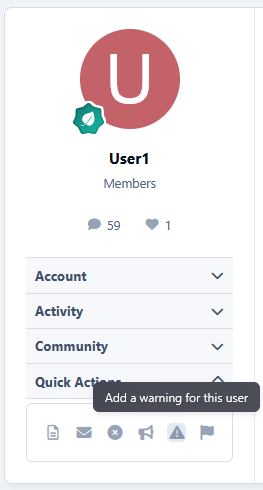
Quick Actions: Added a new collapsible section with shortcuts to find a member's content, send private messages, ignore members, send alerts, issue warnings, and flag or unflag spammers.
Moderation actions are restricted to authorized staff.
This section is not displayed for anonymous posts.
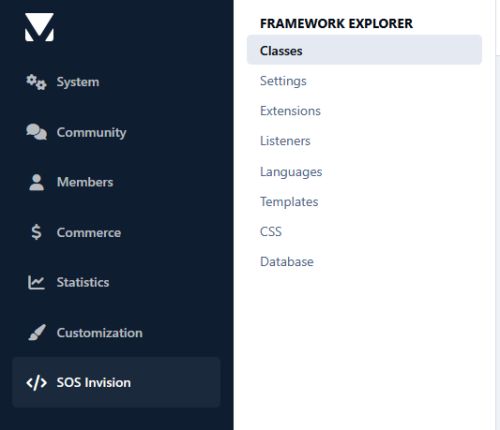
The ACP module has been relocated to a new centralized area (SOS Invision), where configuration options for all SOS Invision applications are now consolidated.
-
 1











You may only provide a review once you have downloaded the file.