




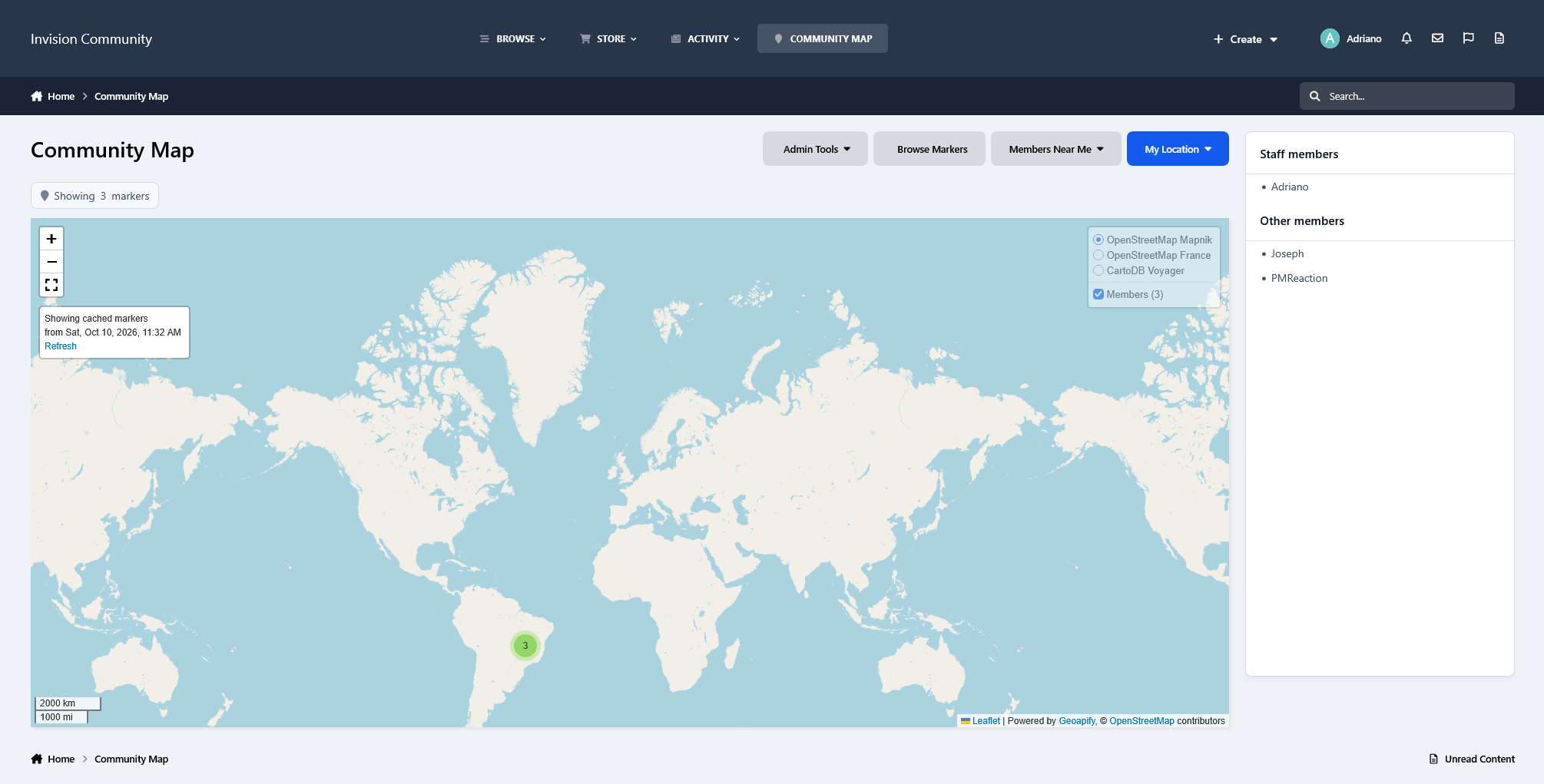
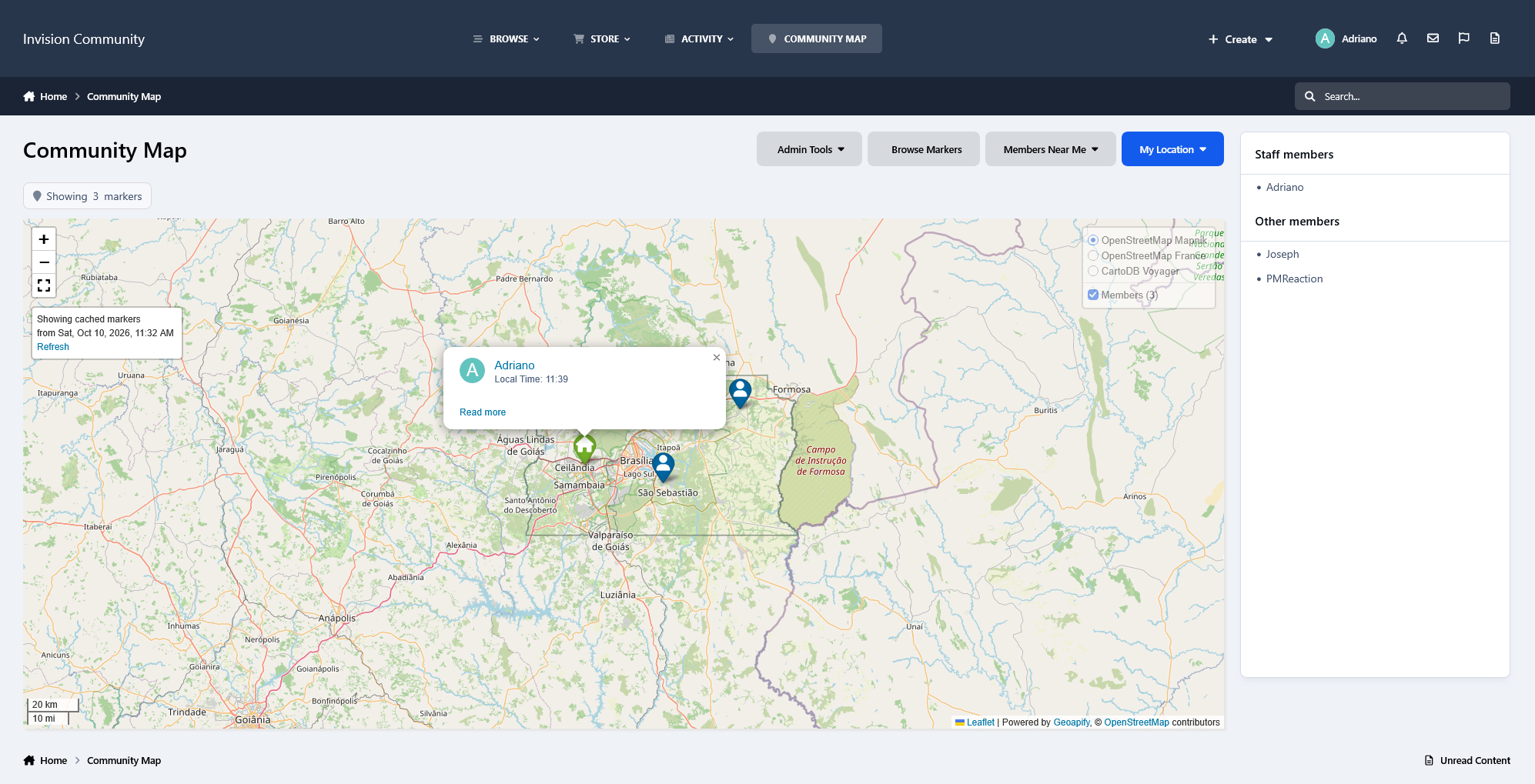
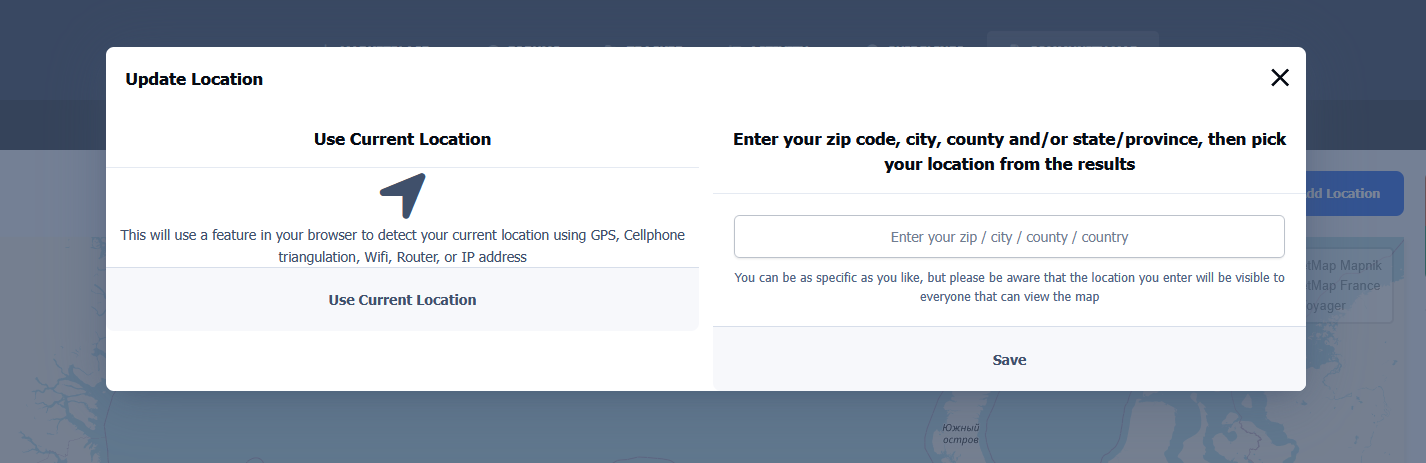
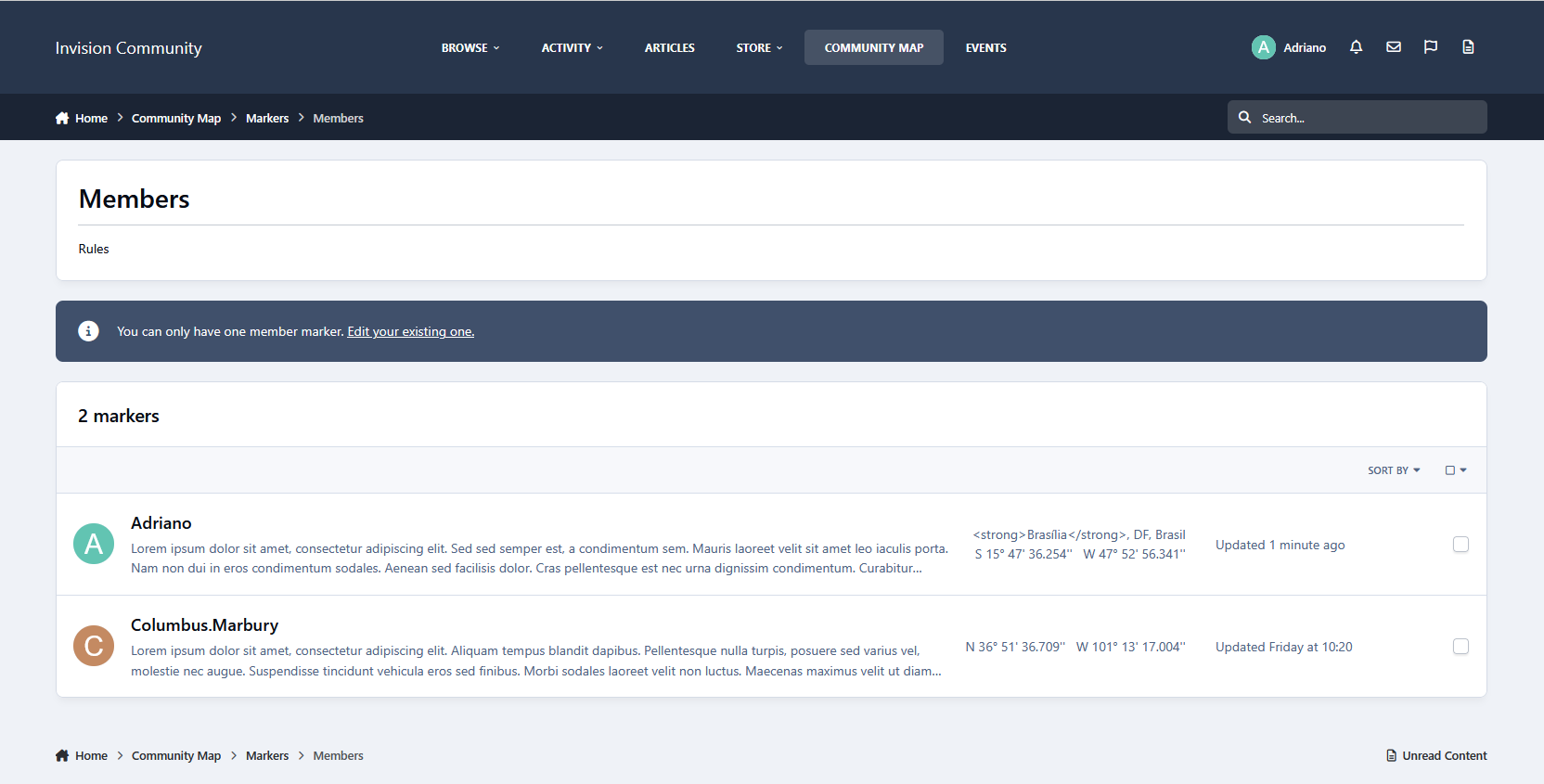
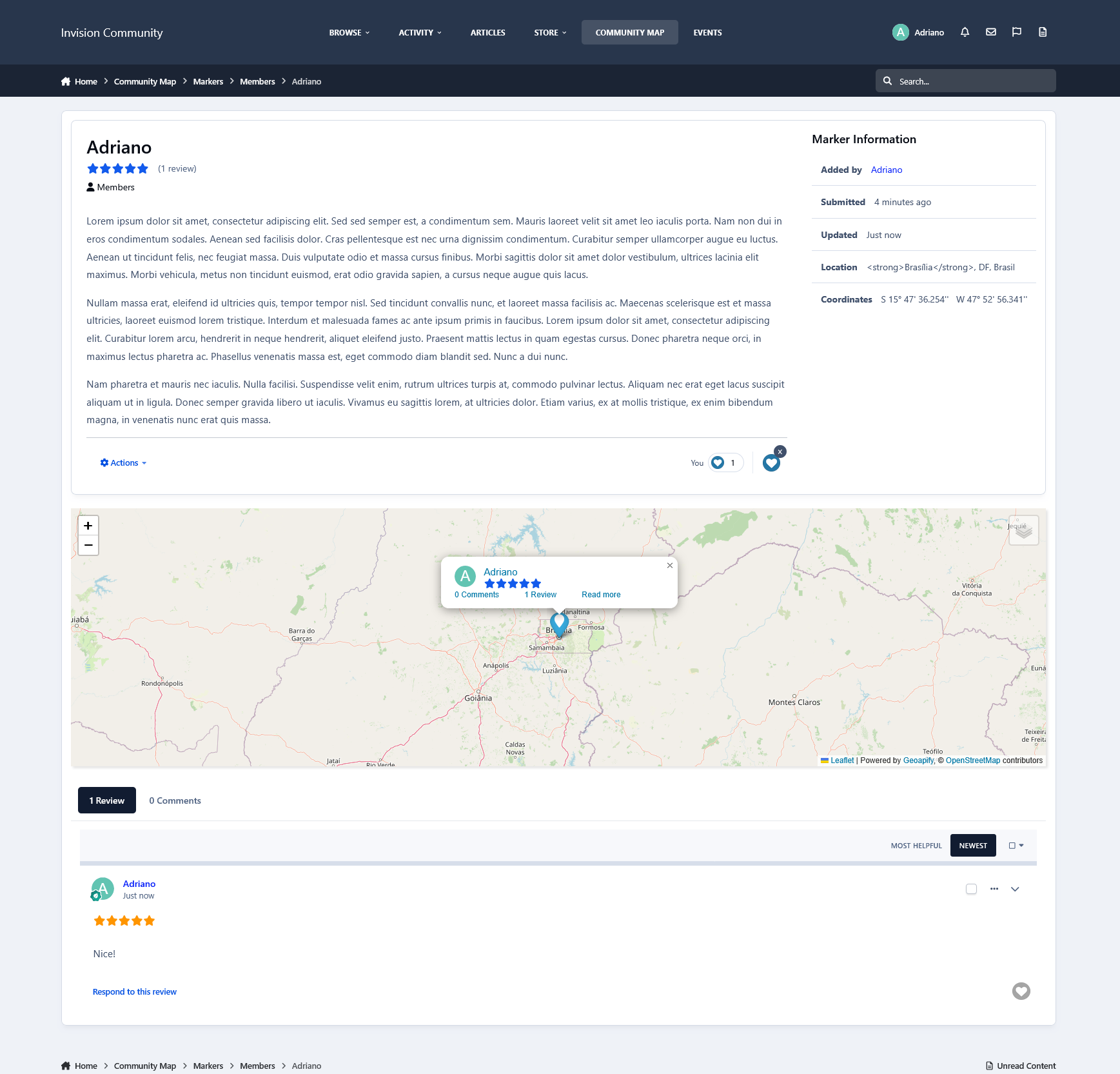
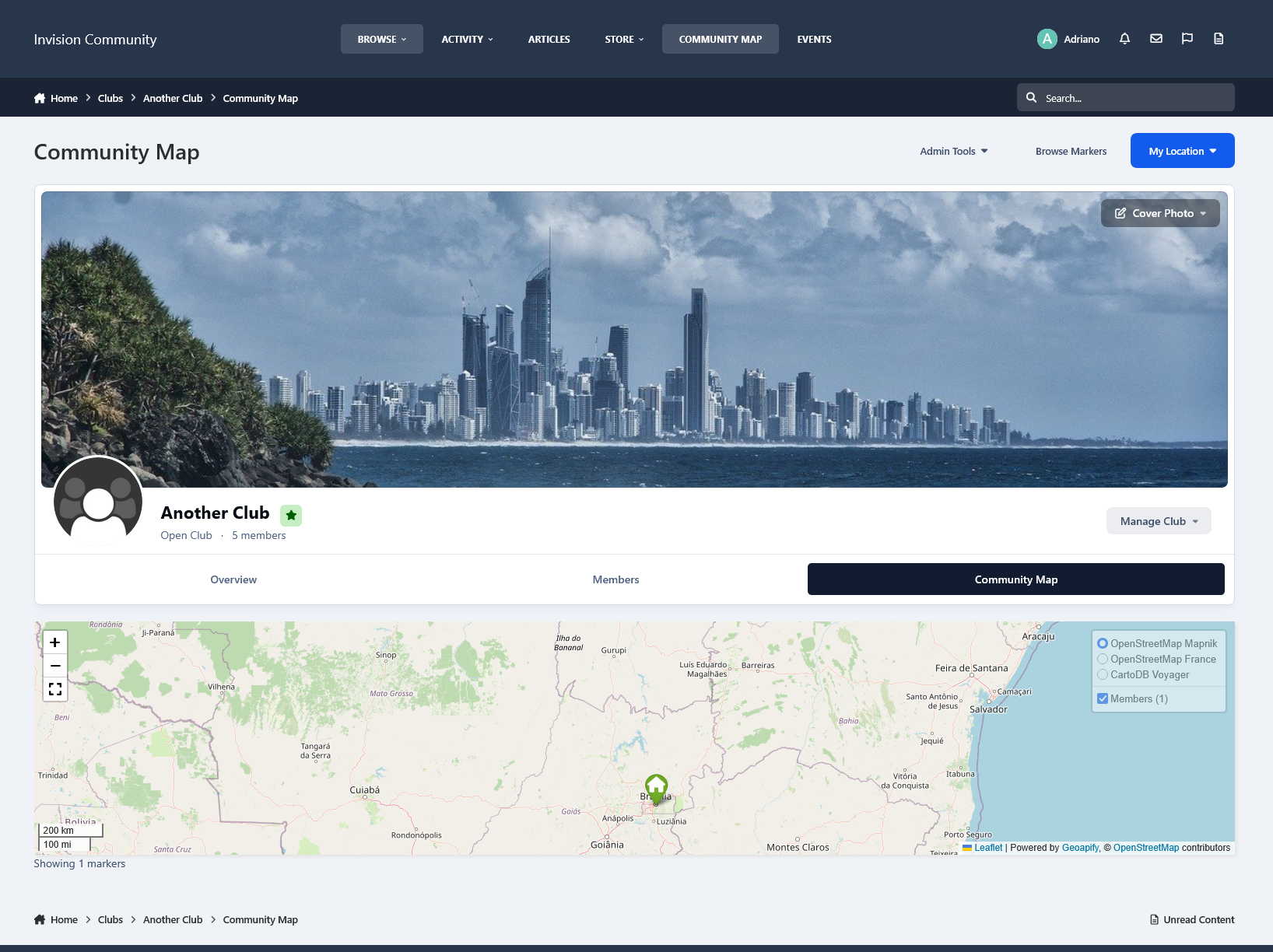
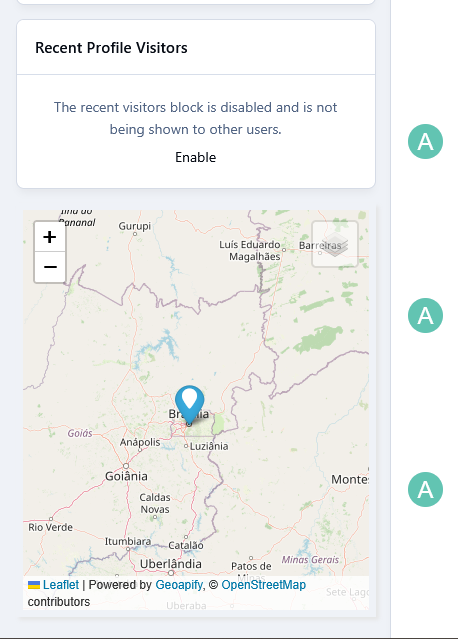
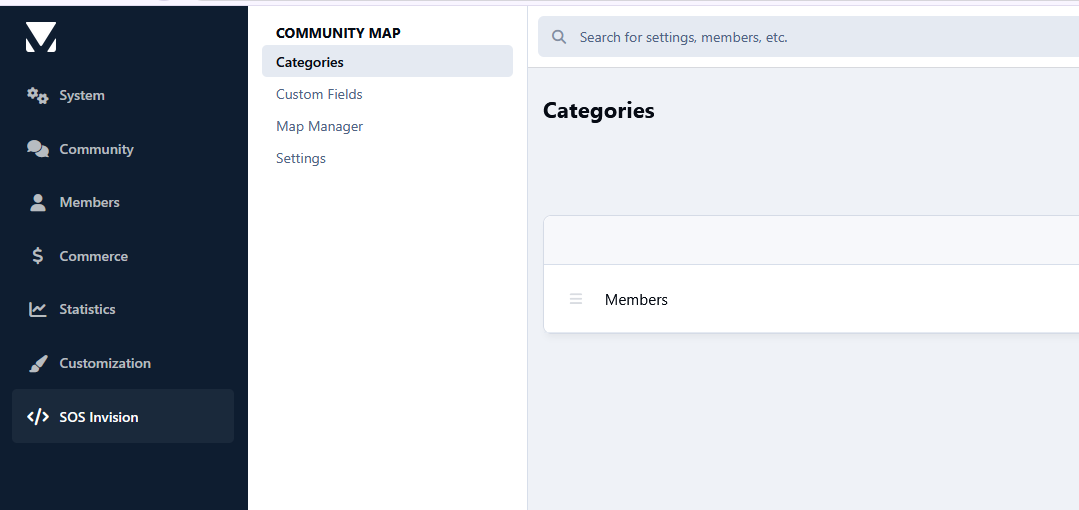
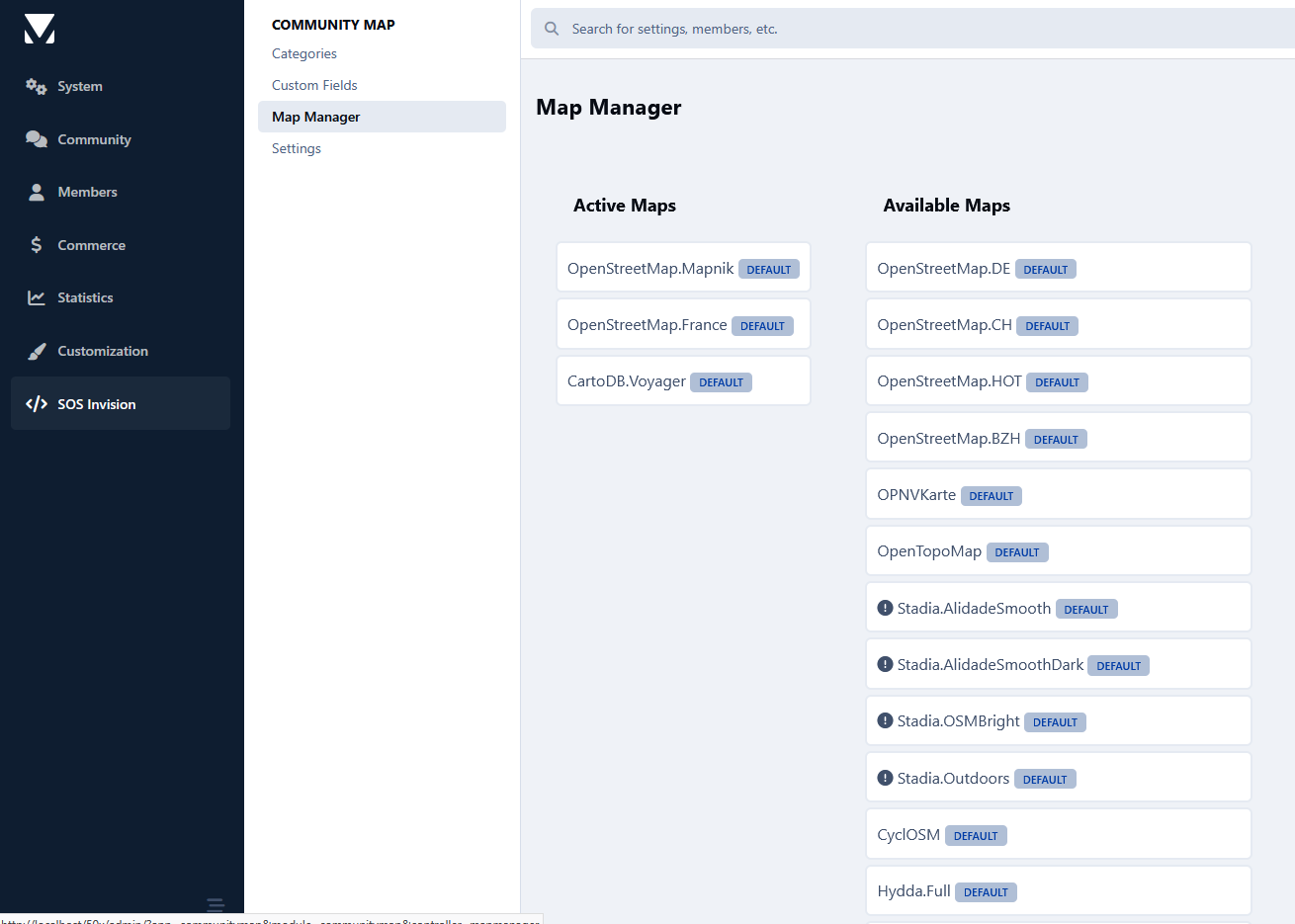
Community Map brings your community together on an interactive map, allowing members to share their exact or approximate locations, discover nearby members, and explore places of interest around the world.
Whether you're building a member directory, organizing geographic listings, showcasing local businesses, or helping members connect in person, Community Map provides a flexible way to visualize your community.
Key Features
Interactive Community Map: Allow members to add their exact or approximate locations to an interactive map, making it easier to see where your community is located.
Unlimited Marker Groups: Create as many marker groups as needed for member meet-ups, landmarks, exhibitions, shops, businesses, attractions, or any other geographic listings. Multiple groups can be displayed together on the global map.
Member Group Permissions: Administrators can control which member groups are allowed to add markers to the map.
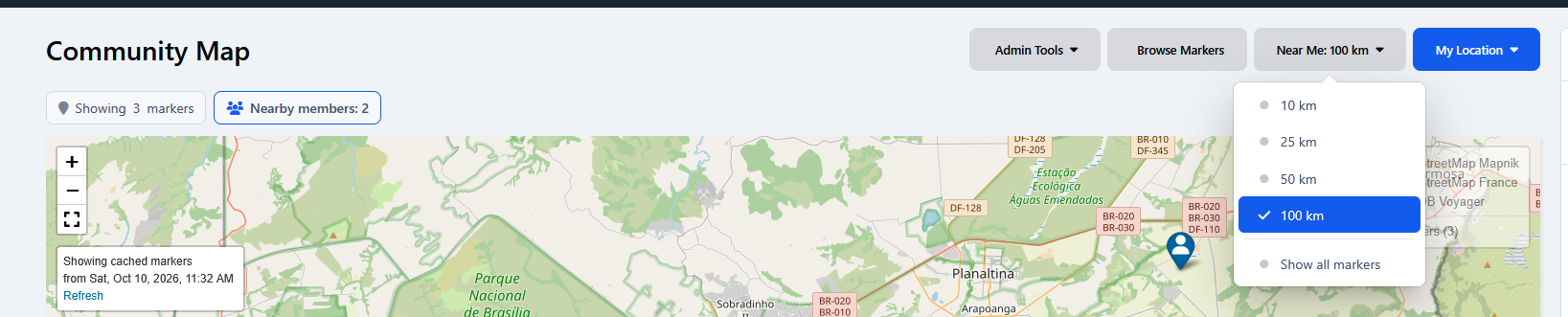
Members Near Me: Help members discover other community members within a selected distance of their location. An easy way to find people nearby and encourage local connections.
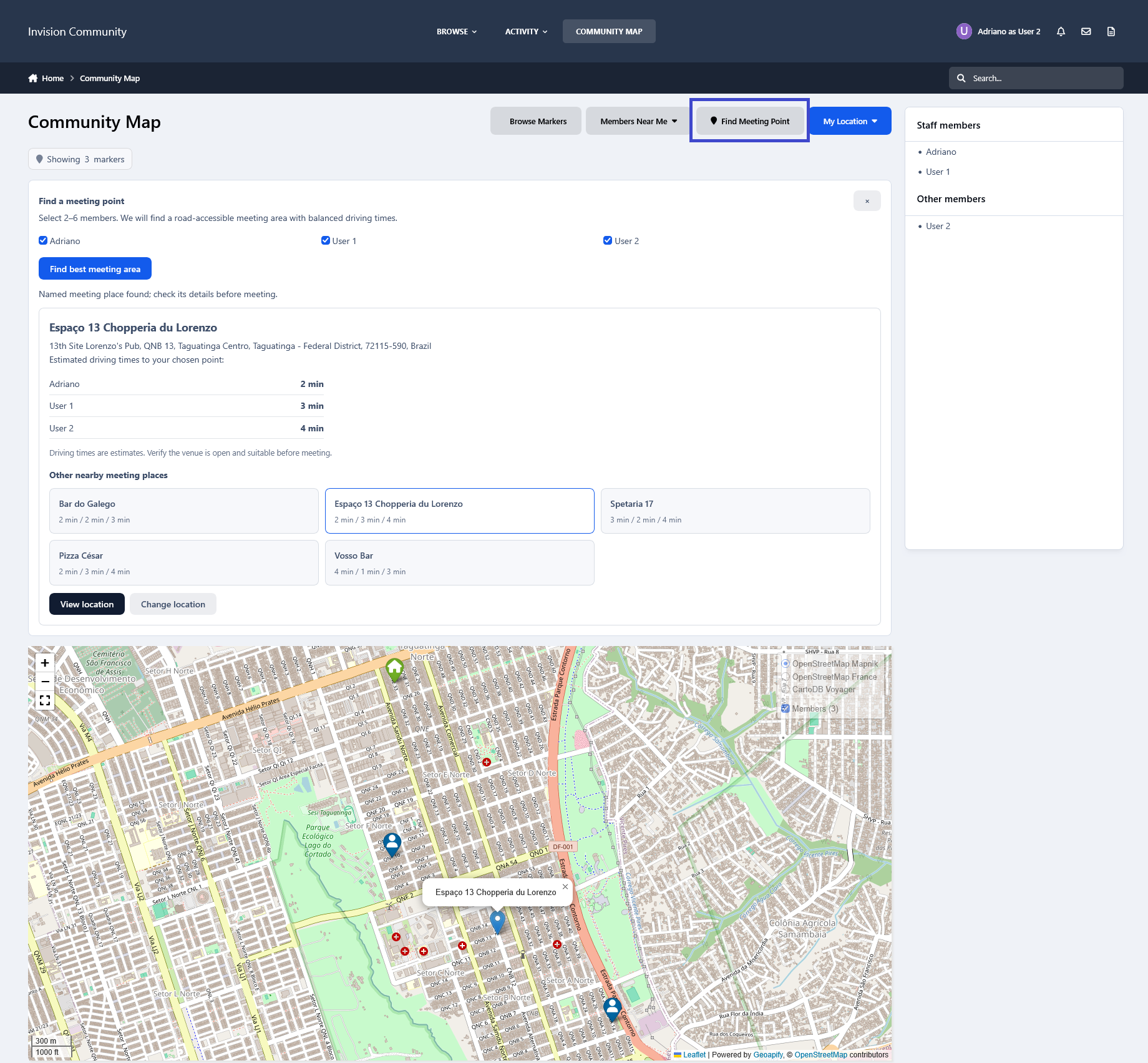
MeetHalfway: Find convenient meeting locations for groups of 2 to 6 members. Powered by Geoapify, this feature evaluates driving routes and travel times to suggest restaurants, cafés, and other establishments where participants could meet. Members can compare alternative locations and open the selected destination in Google Maps.
Google Earth Import: Easily import existing geographic markers using
.kmlor.kmzfiles.Clubs Integration: Display club members on dedicated club maps while also showing club locations on the global community map.
Content Integration: Display Gallery images, Calendar events and venues, and Pages records with geographic addresses directly on the map.
About MeetHalfway
MeetHalfway is a location discovery tool, not an invitation or meeting management system. The member using MeetHalfway is responsible for contacting the other participants, sharing the suggested location, and arranging the meeting. The application does not automatically notify participants, send invitations, or schedule meetings.
Requirement
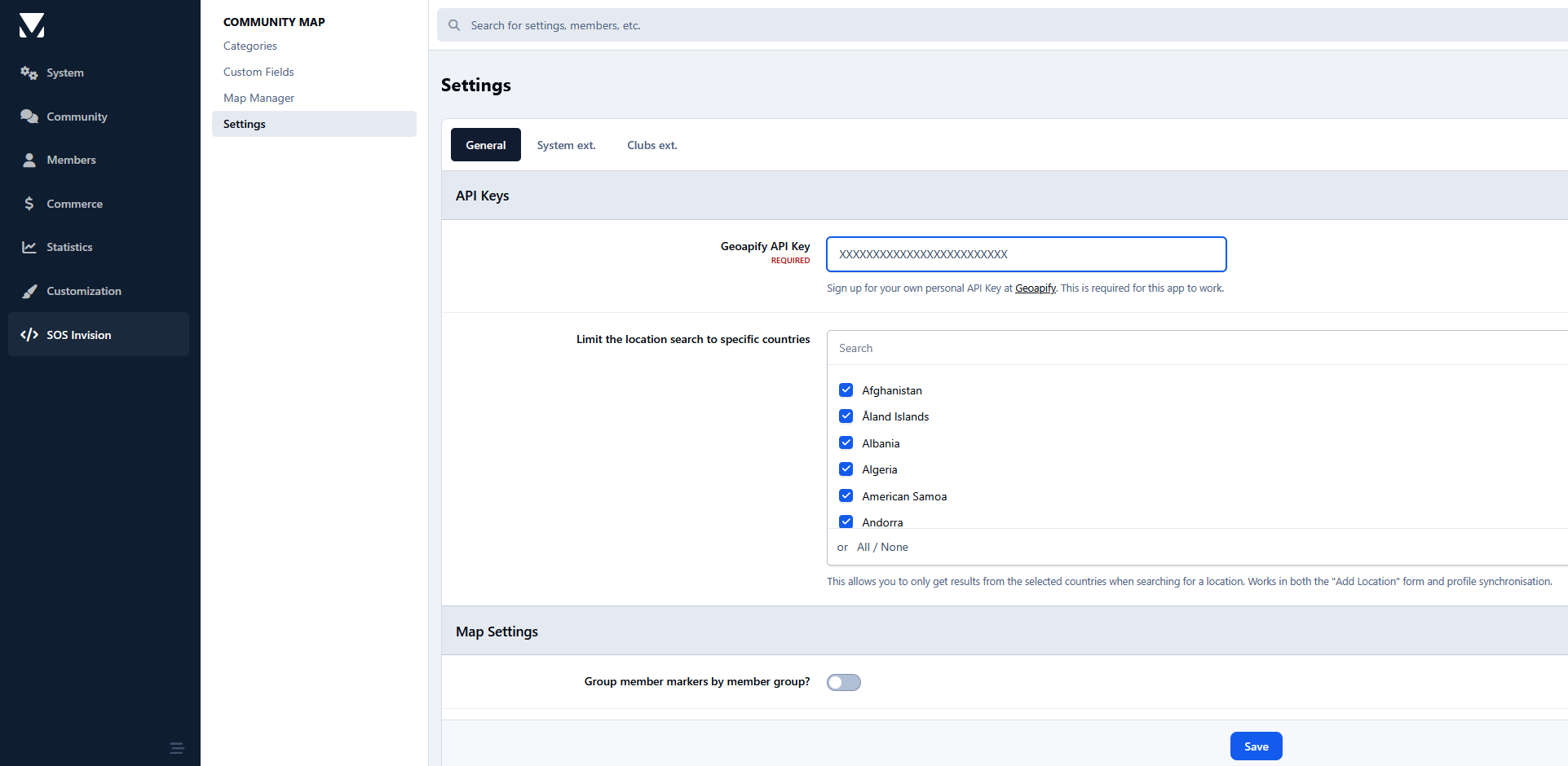
A Geoapify API key is required to use Community Map. Create your API key at: https://www.geoapify.com/
Geoapify offers a free usage allowance, although higher usage may require a paid plan.
What's New in Version 2.1.1
Released
Added a description snippet to marker popups on the main map.
Several fixes related to Custom Fields:
Fixed an error when saving custom fields caused by incorrect handling of field settings.
Improved custom field creation, editing, and deletion to prevent database inconsistencies and potential data loss.
Fixed custom field caching issues affecting marker groups and displayed values.
Fixed JavaScript issues when reordering custom fields in the AdminCP.
Improved the individual marker view layout:
Image uploads and Editor fields are now displayed below the map, using the main content area.
Images are displayed responsively with a maximum height of 320px.
Removed duplicate custom field content.
Removed the unnecessary popup from individual marker pages.
Improved member profile maps with a default zoom level of 11, providing a clearer view of the surrounding area without affecting other maps.
-
 4








You may only provide a review once you have downloaded the file.