




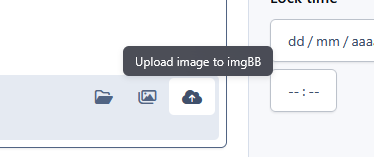
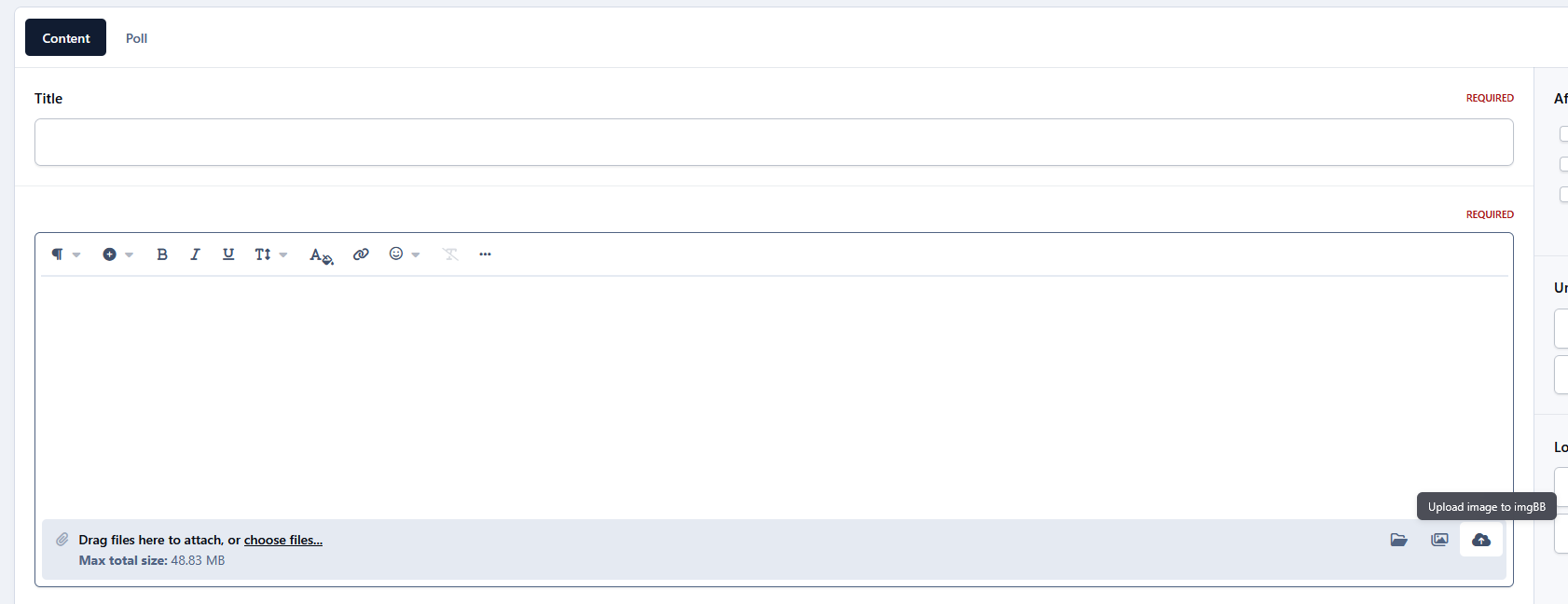
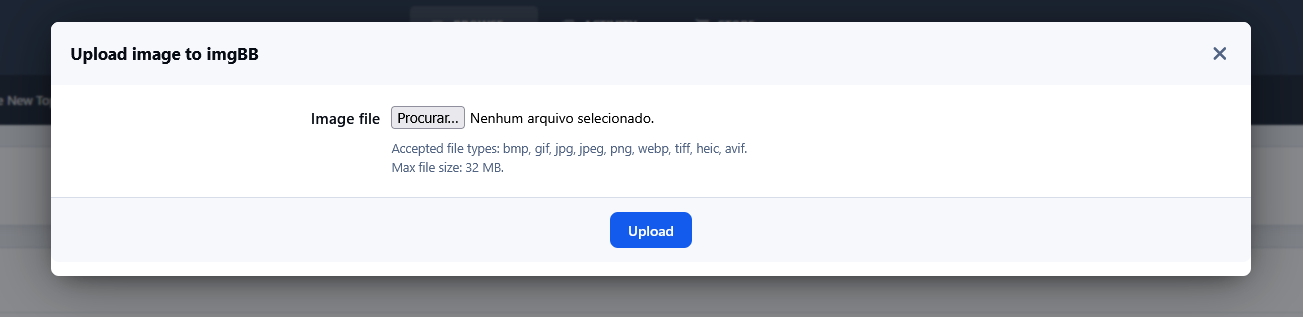
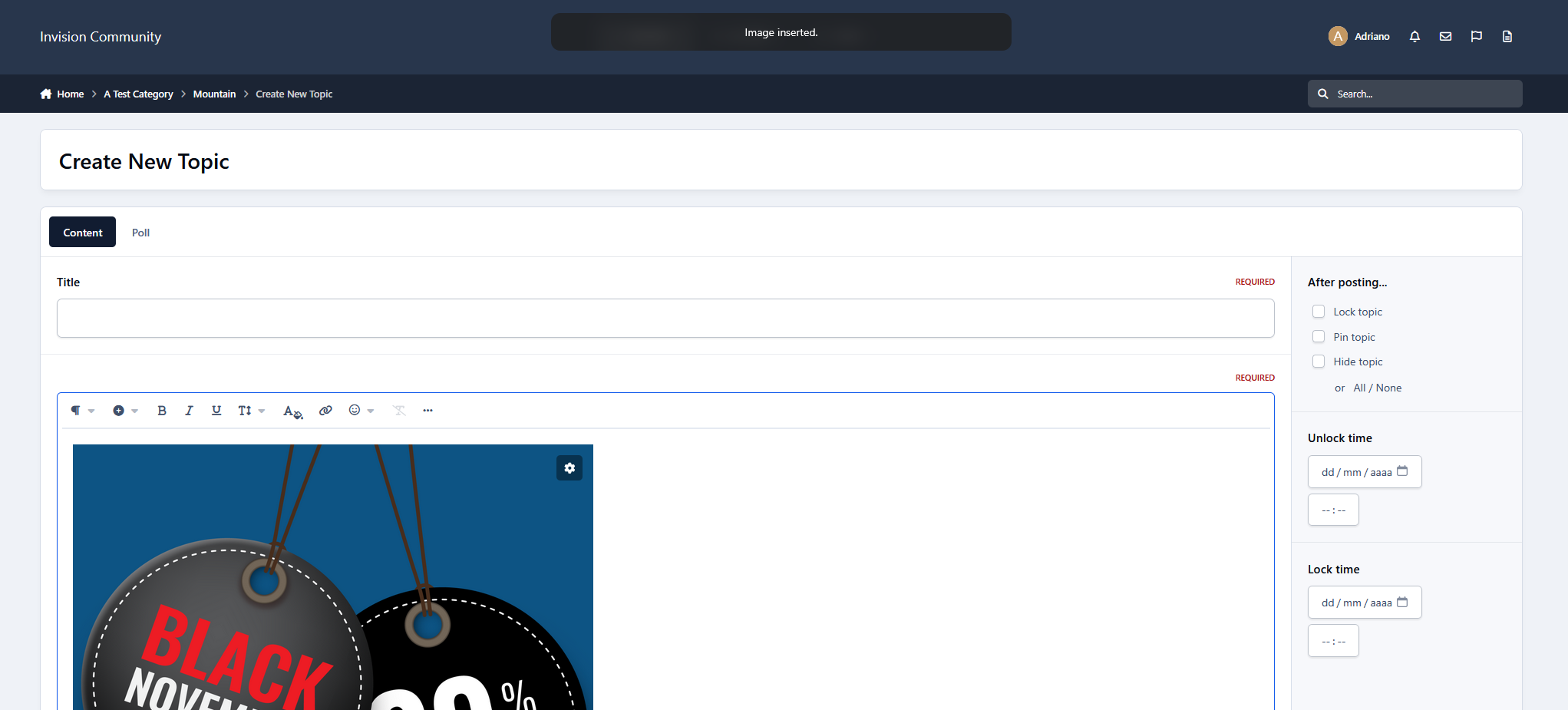
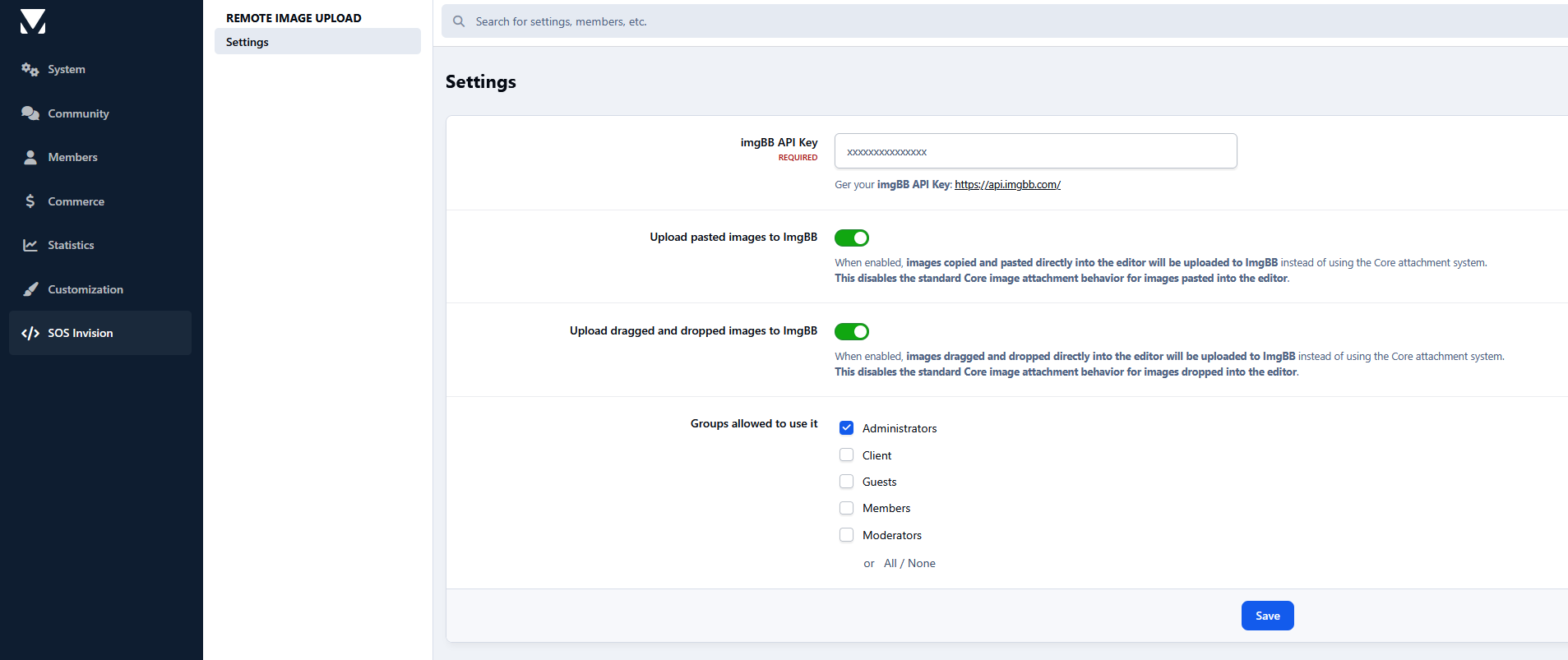
Upload images instantly and insert them directly into the editor using external hosting (imgBB). This application integrates imgBB with the IPS editor, allowing users to upload images using a dedicated upload button, by copying and pasting images, or by dragging and dropping them directly into the editor. Copy/paste and drag & drop can be enabled independently, replacing the standard IPS attachment upload for images when those methods are used. No local image attachments, no clutter — just fast and efficient image insertion.
Settings:
imgBB API Key
Upload pasted images to imgBB
Upload dragged and dropped images to imgBB
Groups allowed to use it
NOTE
The Copy/Paste and Drag & Drop options, when enabled, will disable the standard IPS Core attachment handling for images uploaded using those methods. Images will be uploaded directly to imgBB instead of being stored as local attachments.
See it in action:
What's New in Version 1.0.3
Released
Compatibility:
Version 1.0.3: IPS 5.1.x
Version 1.0.2: IPS 5.0.x
-
 1







You may only provide a review once you have downloaded the file.
There are no reviews to display.