Skip to content
View in the app

A better way to browse. Learn more.

SOS Invision

A full-screen app on your home screen with push notifications, badges and more.

To install this app on iOS and iPadOS
  1. Tap the Share icon in Safari
  2. Scroll the menu and tap Add to Home Screen.
  3. Tap Add in the top-right corner.
To install this app on Android
  1. Tap the 3-dot menu (⋮) in the top-right corner of the browser.
  2. Tap Add to Home screen or Install app.
  3. Confirm by tapping Install.

Filter by First Letter of File Name 2.0.0

$15

(0 reviews)

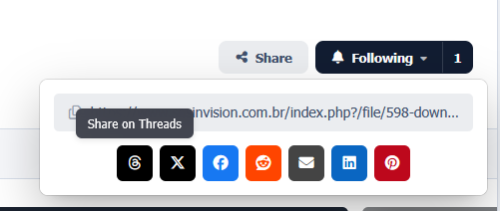
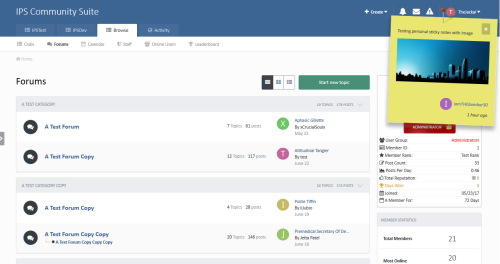
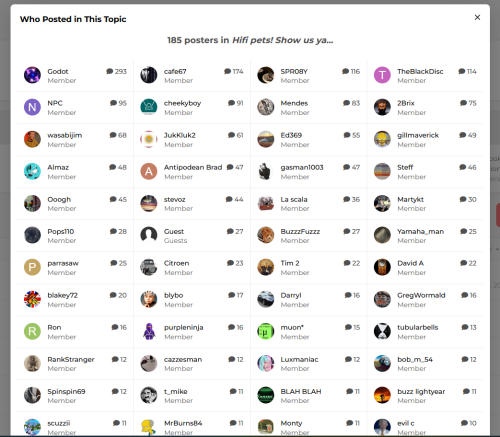
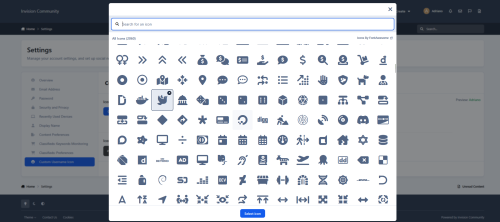
4 Screenshots

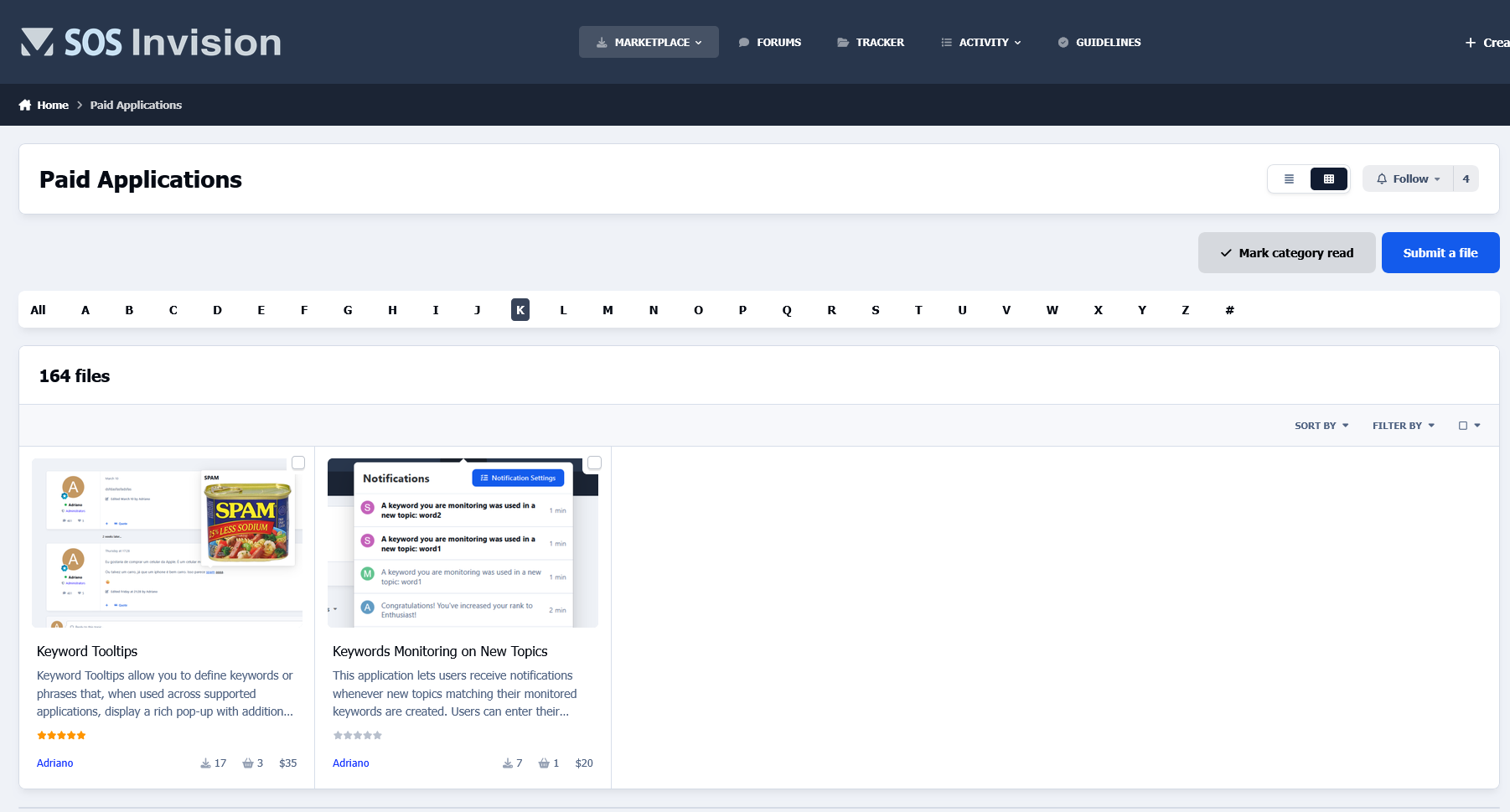
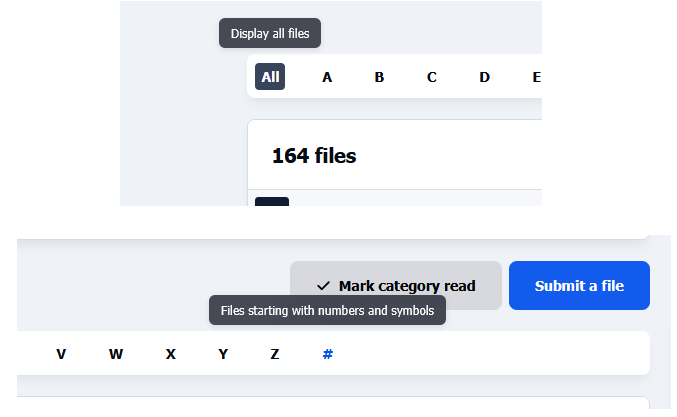
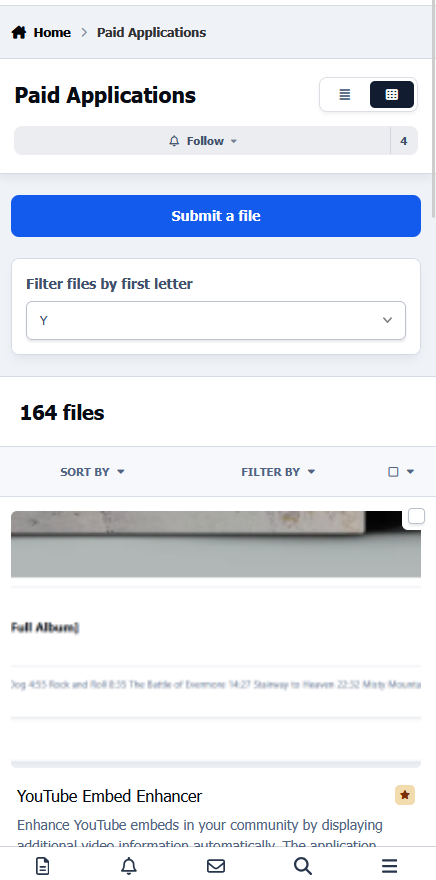
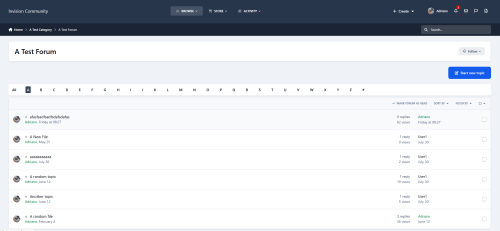
This application allows users to quickly filter files in the category view by the first letter of the file name, making it easier to find and browse specific files.

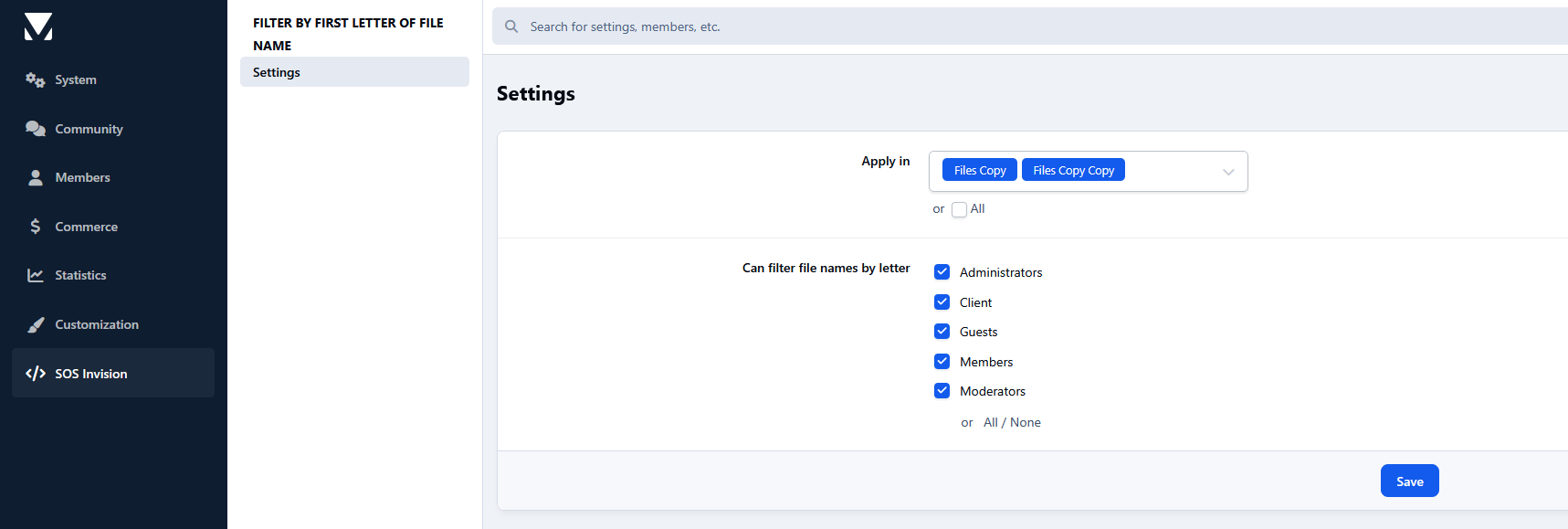
Settings:

  • Groups allowed to use the topic filter

  • Forums where the topic filter will be available

Note:

  • Compatible with Table and Grid views.

  • Requirement: Downloads app.
User Feedback

You may only provide a review once you have downloaded the file.

There are no reviews to display.

Other files from Adriano

Account

Navigation

Configure browser push notifications

Chrome (Android)
  1. Tap the lock icon next to the address bar.
  2. Tap Permissions → Notifications.
  3. Adjust your preference.
Chrome (Desktop)
  1. Click the padlock icon in the address bar.
  2. Select Site settings.
  3. Find Notifications and adjust your preference.