Skip to content
View in the app

A better way to browse. Learn more.

SOS Invision

A full-screen app on your home screen with push notifications, badges and more.

To install this app on iOS and iPadOS
  1. Tap the Share icon in Safari
  2. Scroll the menu and tap Add to Home Screen.
  3. Tap Add in the top-right corner.
To install this app on Android
  1. Tap the 3-dot menu (⋮) in the top-right corner of the browser.
  2. Tap Add to Home screen or Install app.
  3. Confirm by tapping Install.

Hover Menus 1.0.0

(0 reviews)

2 Screenshots

COMPATIBILITY

  • IPS 5.1 only!

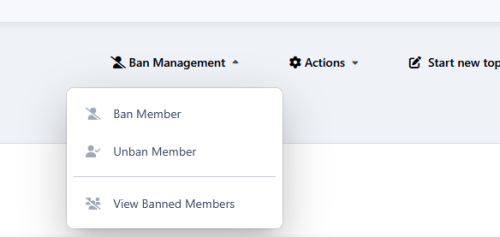
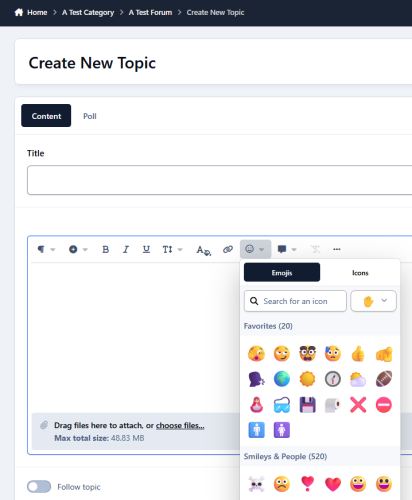
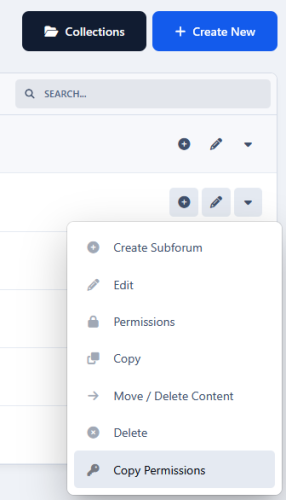
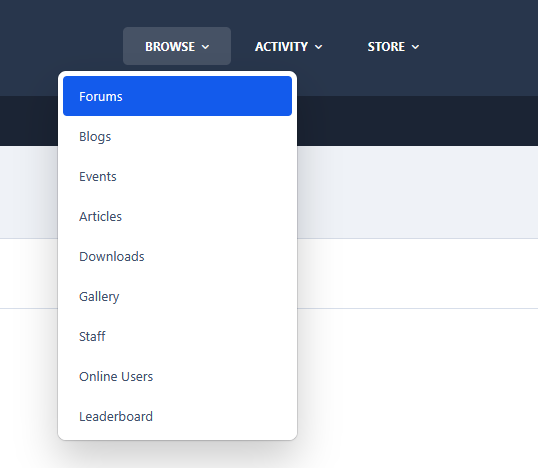
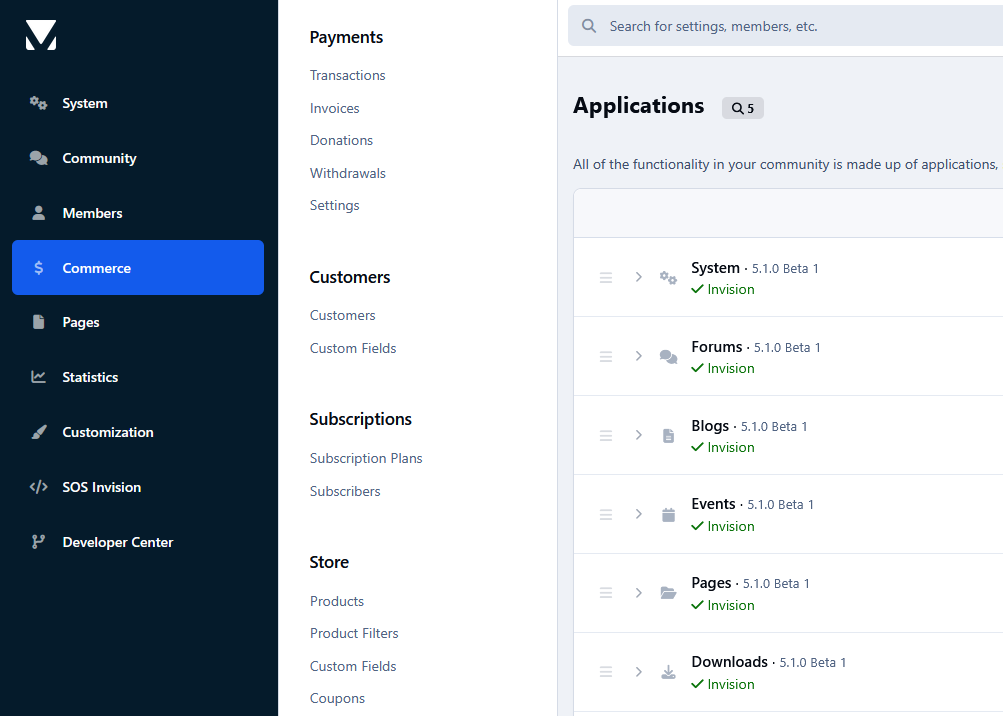
Hover Menus restores the hover-based navigation behavior from Invision Community 5.0.x in both the AdminCP and frontend menus.

In Invision Community 5.1, IPS changed the ACP and front-end navigation menus to a click-based UI to improve accessibility (#7401):

#7401 Redesigned ACP navigation to use click-based UI for improved accessibility.

Note: enabling hover navigation partially reverses the accessibility improvement introduced by IPS for these menus.

User Feedback

You may only provide a review once you have downloaded the file.

There are no reviews to display.

Other files from Adriano

Account

Navigation

Configure browser push notifications

Chrome (Android)
  1. Tap the lock icon next to the address bar.
  2. Tap Permissions → Notifications.
  3. Adjust your preference.
Chrome (Desktop)
  1. Click the padlock icon in the address bar.
  2. Select Site settings.
  3. Find Notifications and adjust your preference.