


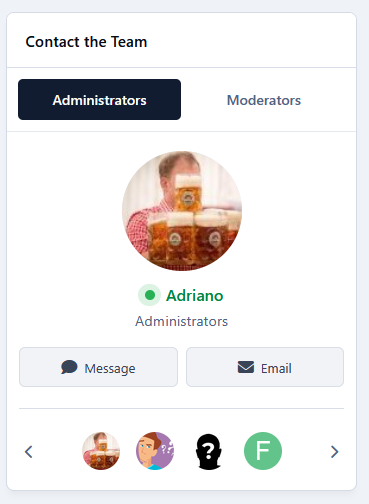
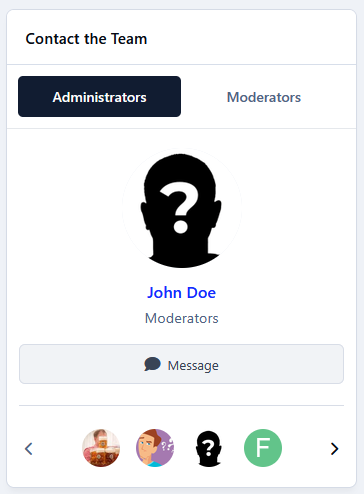
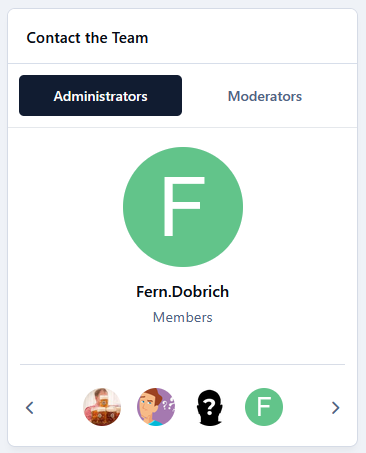
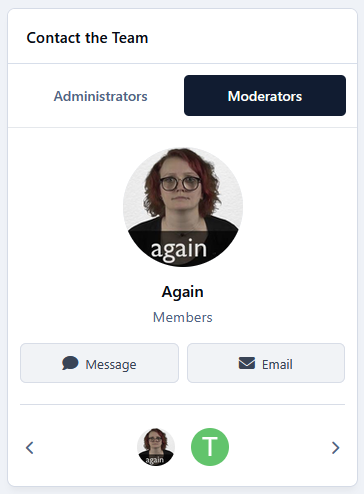
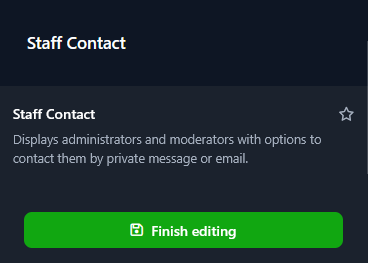
Staff Contact allows your community members to easily find and contact administrators and moderators through a sidebar widget.
Features:
Displays administrators and moderators in separate tabs.
Automatically rotates through team members in a slider, showing their photo, name, role, and online status.
Includes a carousel of member avatars for quick navigation.
Allows members to send private messages, respecting the community's existing Messenger permissions.
Allows members to contact staff by email through a built-in form, without exposing email addresses.
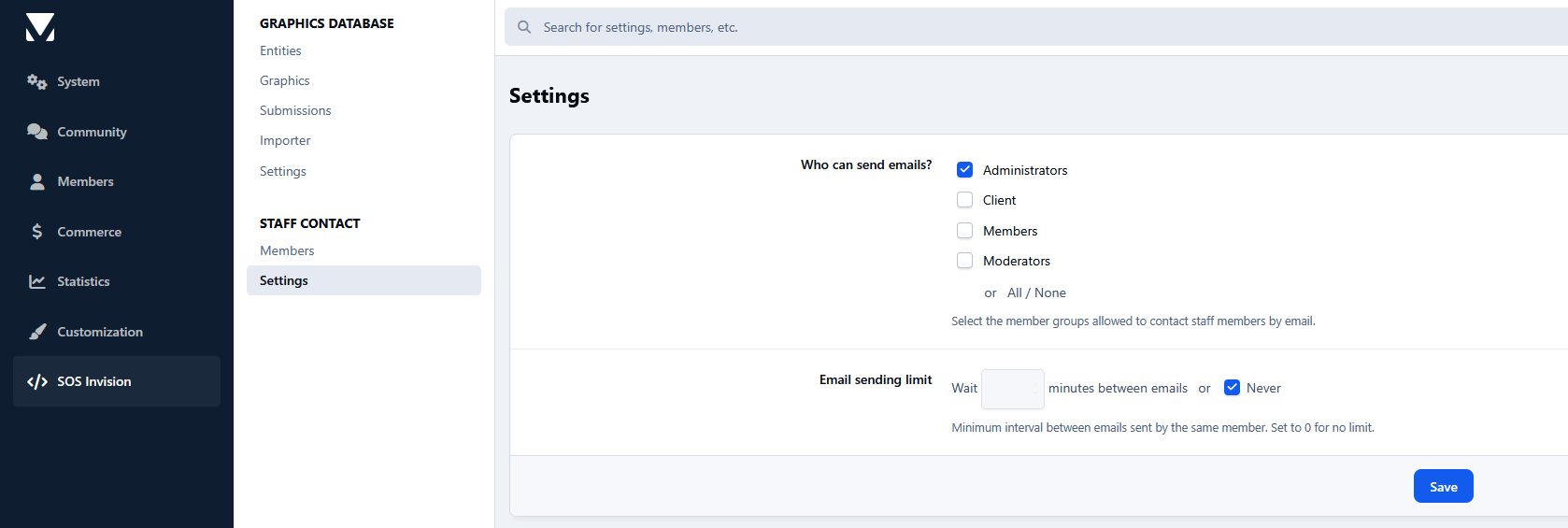
Administrators can select which member groups are allowed to send emails and configure an hourly sending limit to prevent abuse.
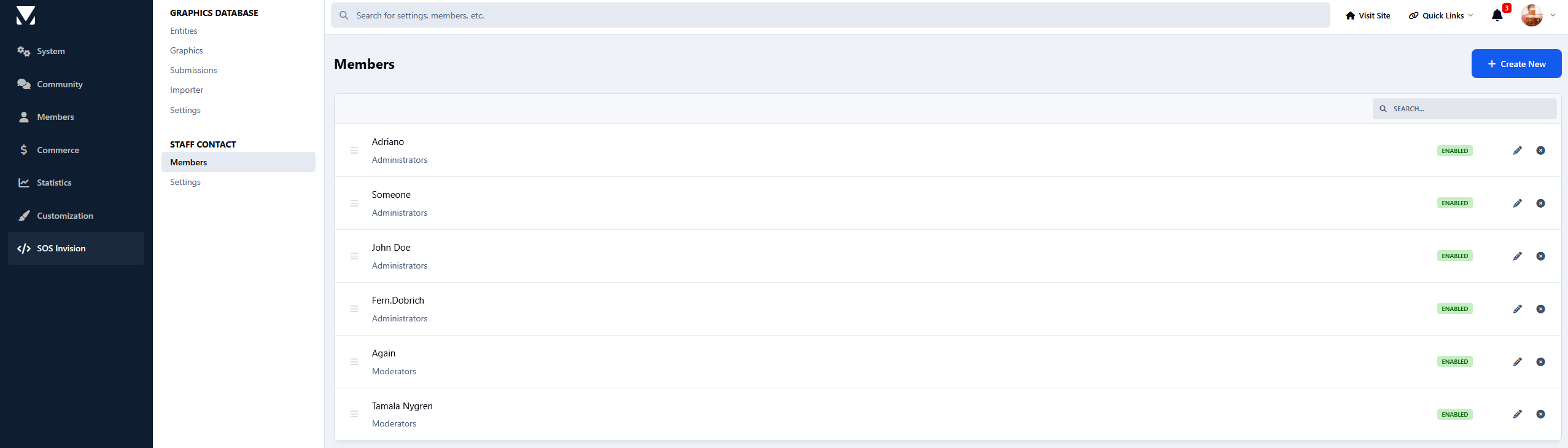
Manage team members, custom roles, visibility, and display order through the AdminCP.
Notes:
Visually inspired by the (db) Contact Application Class by dottcode.
Sponsored by Karma Goddess




You may only provide a review once you have downloaded the file.
There are no reviews to display.