




Just like the built-in Mailchimp integration, this application automatically synchronizes your Invision Community members with your EasySendy mailing list.
The application respects members' administrative email preferences and synchronizes subscriptions based on the following events:
New Account: Subscribes members when they register, if account validation is not required.
Account Validation: Subscribes members after their accounts are validated.
Profile Update: Updates members' display names and subscribes or unsubscribes them when their email preferences change.
Email Change: Synchronizes changes to members' email addresses.
Account Deletion: Removes members from the mailing list when their community accounts are deleted.
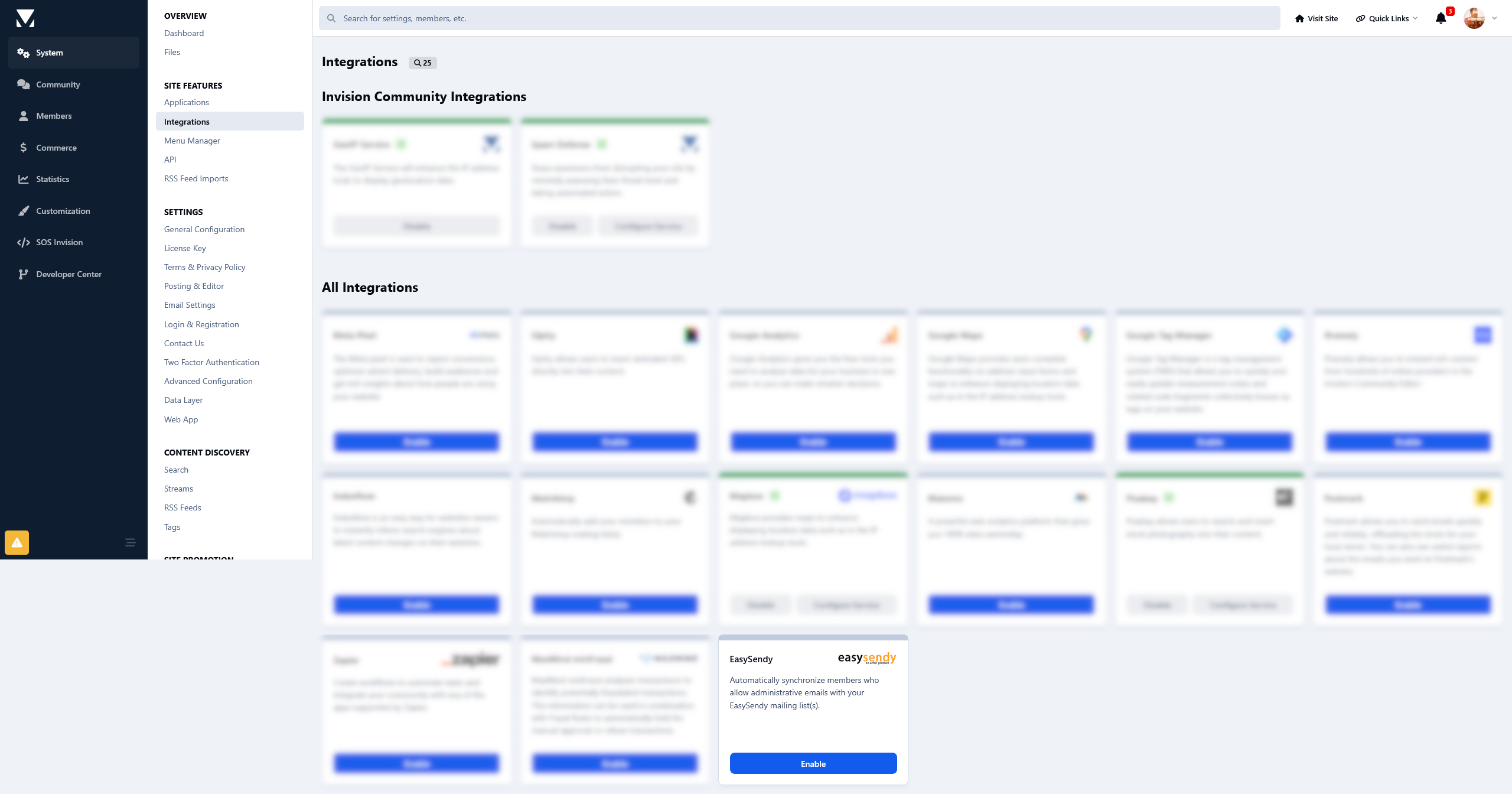
The application integrates directly into the IPS5 Community Enhancements section.
Requirements:
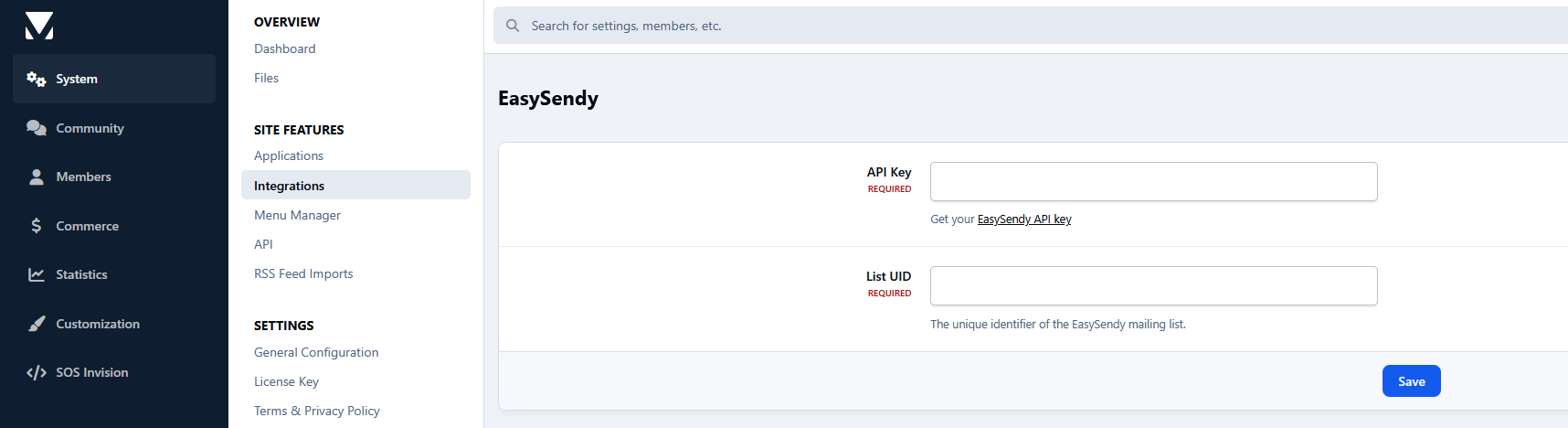
An EasySendy account,
EasySendy API Key
List UID








You may only provide a review once you have downloaded the file.
There are no reviews to display.