Skip to content
View in the app

A better way to browse. Learn more.

SOS Invision

A full-screen app on your home screen with push notifications, badges and more.

To install this app on iOS and iPadOS
  1. Tap the Share icon in Safari
  2. Scroll the menu and tap Add to Home Screen.
  3. Tap Add in the top-right corner.
To install this app on Android
  1. Tap the 3-dot menu (⋮) in the top-right corner of the browser.
  2. Tap Add to Home screen or Install app.
  3. Confirm by tapping Install.

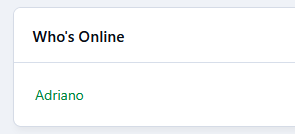
Who's Online Widget Auto Refresh 1.0.0

$18 · Renewal Term: $10/12 months

(0 reviews)

2 Screenshots

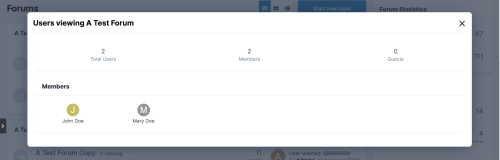
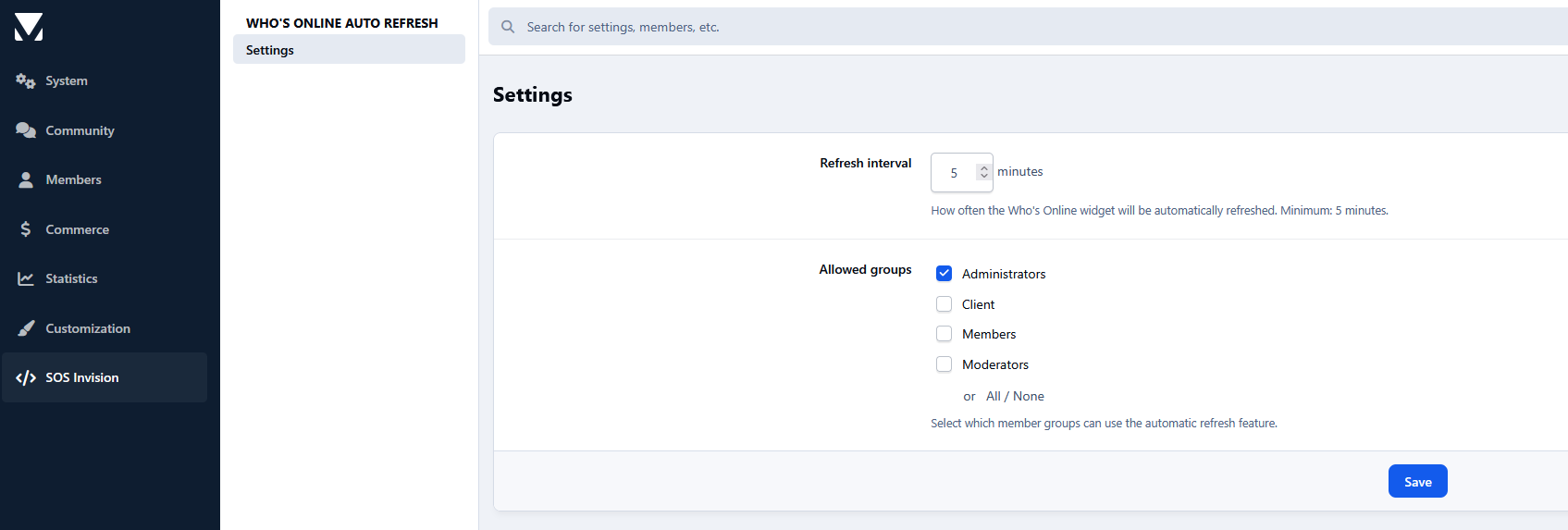
Automatically refreshes the native Who's Online widget without requiring users to reload the page.

Features:

  • Updates the Who's Online widget automatically via AJAX.

  • Configurable refresh interval (in minutes).

  • Select which member groups can use automatic refreshing.

  • Uses the native IPS5 widget without modifying its appearance or functionality.

  • Pauses refresh requests when the browser tab is inactive.

User Feedback

You may only provide a review once you have downloaded the file.

There are no reviews to display.

Other files from Adriano

Account

Navigation

Configure browser push notifications

Chrome (Android)
  1. Tap the lock icon next to the address bar.
  2. Tap Permissions → Notifications.
  3. Adjust your preference.
Chrome (Desktop)
  1. Click the padlock icon in the address bar.
  2. Select Site settings.
  3. Find Notifications and adjust your preference.