






About This File
This resource will allow to submit music lyrics and display them in a nice format.
Features:
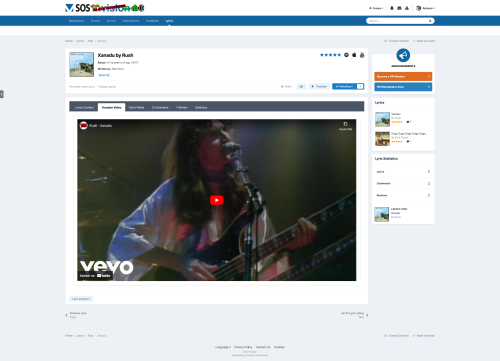
- Ability to use the Vagalume API to get song title, song lyrics, artist name, album name, year release, and album cover automatically. Several languages are supported (English, French, Brazilian Portuguese, German, etc).
- Internal search by lyric title and content, artist, lyric writer, and year released.
- Fully compatible with IPS 4.6 (Clubs, Recommended Comments, Content Message, etc.)
-
Per-category features:
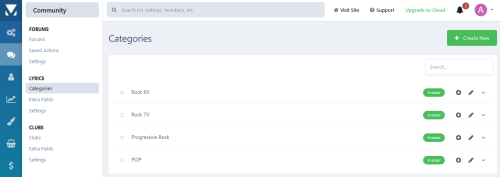
- Unlimited depth of parent-child relationships
- Background image to be displayed in index
- Icons
- Ability to use comments/reviews, tags, share, anonymous content, etc.
- Discussion topics
- Permission to show categories read articles, submit articles, add comments, and avoid approval queues
- Extra Fields that can be used per-category
-
Integration with the suite:
- Report system, search, report, webhooks, achievements, reputation points, etc.
- Ability to add a YouTube embed video URL
- Ability to create RSS feeds of lyrics
- etc
What's New in Version 1.2.2 See changelog
Released
- IPS 4.7.15+ Compatibility


