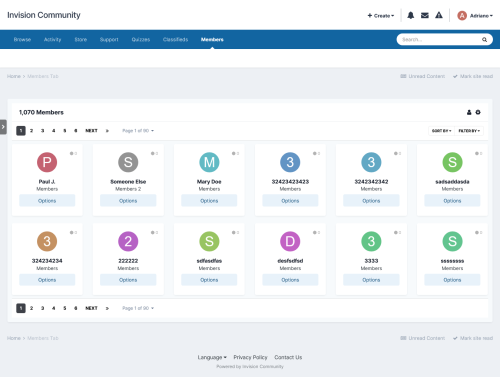
This widget will give the admin the ability to create a TOP POSTER CONTENT block similar to the Popular Contributors block, using any of the contents available on their board. You can use more than one block on every page.
Filters: The records can be filtered by:
- Today
- Week
- Month
- Year
- All Time
Content Type: The following content will be automatically recognized and will be available to be used in blocks:
- Forums: Top Topics Starter
- Forums: Top Posters
- Gallery: Top Images Submitter
- Downloads: Top Files Submitter
- Blog: Top Entries Starter
- Calendar: Top Events Starter
- Pages: Top Records Starter
Content Type - 3rd party: It will also work with any 3rd party app that meets the requirement for IPS4 Content Item, such as:
- Tutorials
- Videos Directory
- Links Directory
- Movies
- Games
- Raffles
- Quizzes
- Recipes
- Books
- Etc.
Those options will appear if you have the application installed on your IPS4 installation.
Settings per widget block:
- Block title
- Number to show
- Type of Content
- Groups allowed to view the block
What's New in Version 1.2.1 See changelog
Released
- Added TODAY to the tabs to display the content count.