Jump to content
View in the app

A better way to browse. Learn more.

SOS Invision

A full-screen app on your home screen with push notifications, badges and more.

To install this app on iOS and iPadOS
  1. Tap the Share icon in Safari
  2. Scroll the menu and tap Add to Home Screen.
  3. Tap Add in the top-right corner.
To install this app on Android
  1. Tap the 3-dot menu (⋮) in the top-right corner of the browser.
  2. Tap Add to Home screen or Install app.
  3. Confirm by tapping Install.

Email Address Confirmation 1.2.4

$20 · Renewal Term: $10/year

(0 reviews)

6 Screenshots

This resource will display a widget for to members confirm their email addresses by clicking on a button. The widget will go away when they confirm the email address and will reappear after several days configured by the admin on the resource settings. Admin can still choose which user groups will be able to use the resource.

Settings:

  • Number of days to widget reappear
  • Groups to show the widget

Note:

  • The widget won't show up to:
    • Admins as admins can't change email addresses on the front end
    • Guests

What's New in Version 1.2.4

Released

  • Adds the Update Check URL to let you know when a new version is available.
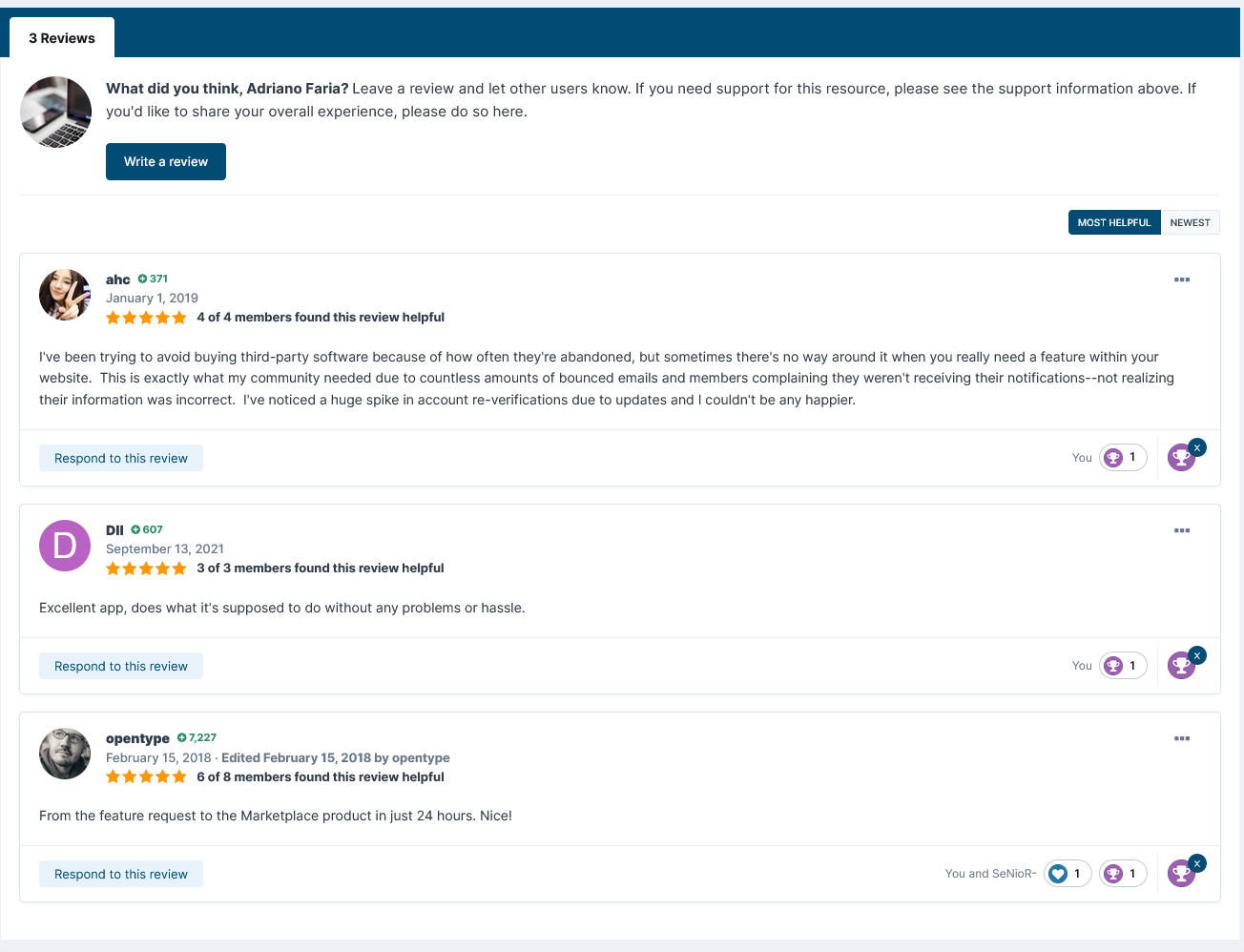
User Feedback

You may only provide a review once you have downloaded the file.

There are no reviews to display.

Other files from Adriano

Important Information

By using this site, you agree to our Terms of Use and Privacy Policy.

Configure browser push notifications

Chrome (Android)
  1. Tap the lock icon next to the address bar.
  2. Tap Permissions → Notifications.
  3. Adjust your preference.
Chrome (Desktop)
  1. Click the padlock icon in the address bar.
  2. Select Site settings.
  3. Find Notifications and adjust your preference.