Jump to content
View in the app

A better way to browse. Learn more.

SOS Invision

A full-screen app on your home screen with push notifications, badges and more.

To install this app on iOS and iPadOS
  1. Tap the Share icon in Safari
  2. Scroll the menu and tap Add to Home Screen.
  3. Tap Add in the top-right corner.
To install this app on Android
  1. Tap the 3-dot menu (⋮) in the top-right corner of the browser.
  2. Tap Add to Home screen or Install app.
  3. Confirm by tapping Install.

Ignore Forums 1.1.1

$18

(0 reviews)

5 Screenshots

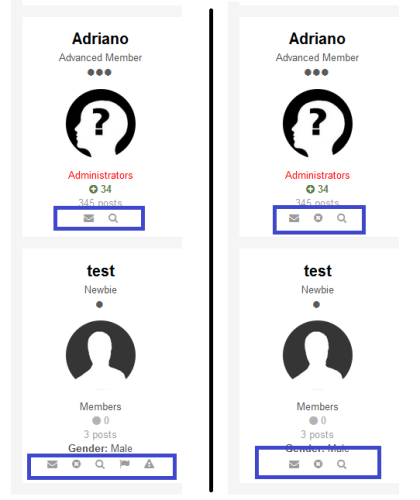
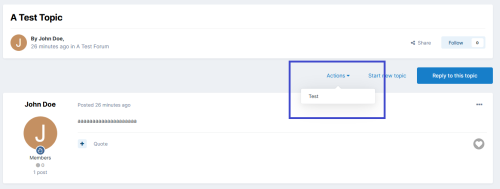
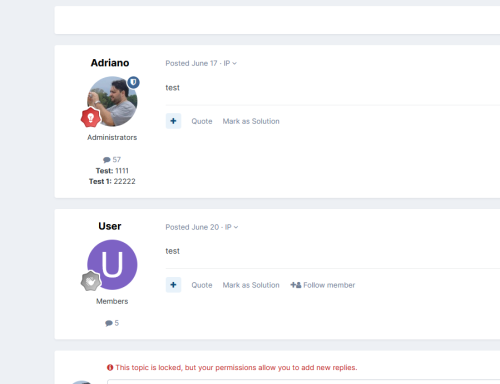
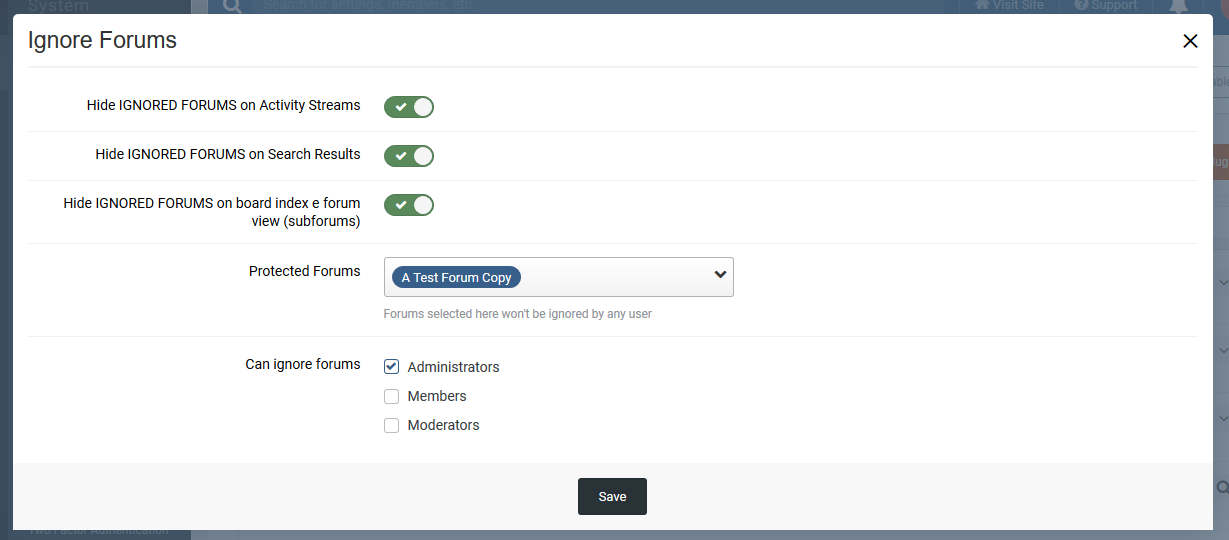
This plugin will allow users (from selected groups) to ignore forums. Ignored forums won't have their topics appearing in Activity Streams or Search Results, depending on the settings. Admin can also decide if wants to hide the ignored forum; this will remove it from viewing but the forum is still acessible via URL or in Account Settings -> Ignored Forums.

Settings:

  • Hide IGNORED FORUMS on Activity Streams
    • Their topics won't show up in Activity Streams
  • Hide IGNORED FORUMS on Search Results
    • Their topics won't show up in Search Results
  • Hide IGNORED FORUMS on board index e forum view (subforums)
    • Ignored forums won't appear in board index and forum view (subforums)
  • Groups
    • User groups who can igonore forums

Note:

  • Topics from ignored forums won't show up in widgets
  • Compatible with Clubs

What's New in Version 1.1.1

User Feedback

You may only provide a review once you have downloaded the file.

There are no reviews to display.

Other files from Adriano

Important Information

By using this site, you agree to our Terms of Use and Privacy Policy.

Configure browser push notifications

Chrome (Android)
  1. Tap the lock icon next to the address bar.
  2. Tap Permissions → Notifications.
  3. Adjust your preference.
Chrome (Desktop)
  1. Click the padlock icon in the address bar.
  2. Select Site settings.
  3. Find Notifications and adjust your preference.