Jump to content
View in the app

A better way to browse. Learn more.

SOS Invision

A full-screen app on your home screen with push notifications, badges and more.

To install this app on iOS and iPadOS
  1. Tap the Share icon in Safari
  2. Scroll the menu and tap Add to Home Screen.
  3. Tap Add in the top-right corner.
To install this app on Android
  1. Tap the 3-dot menu (⋮) in the top-right corner of the browser.
  2. Tap Add to Home screen or Install app.
  3. Confirm by tapping Install.

Services 1.0.7

$30 · Renewal Term: $10/12 months

(4 reviews)

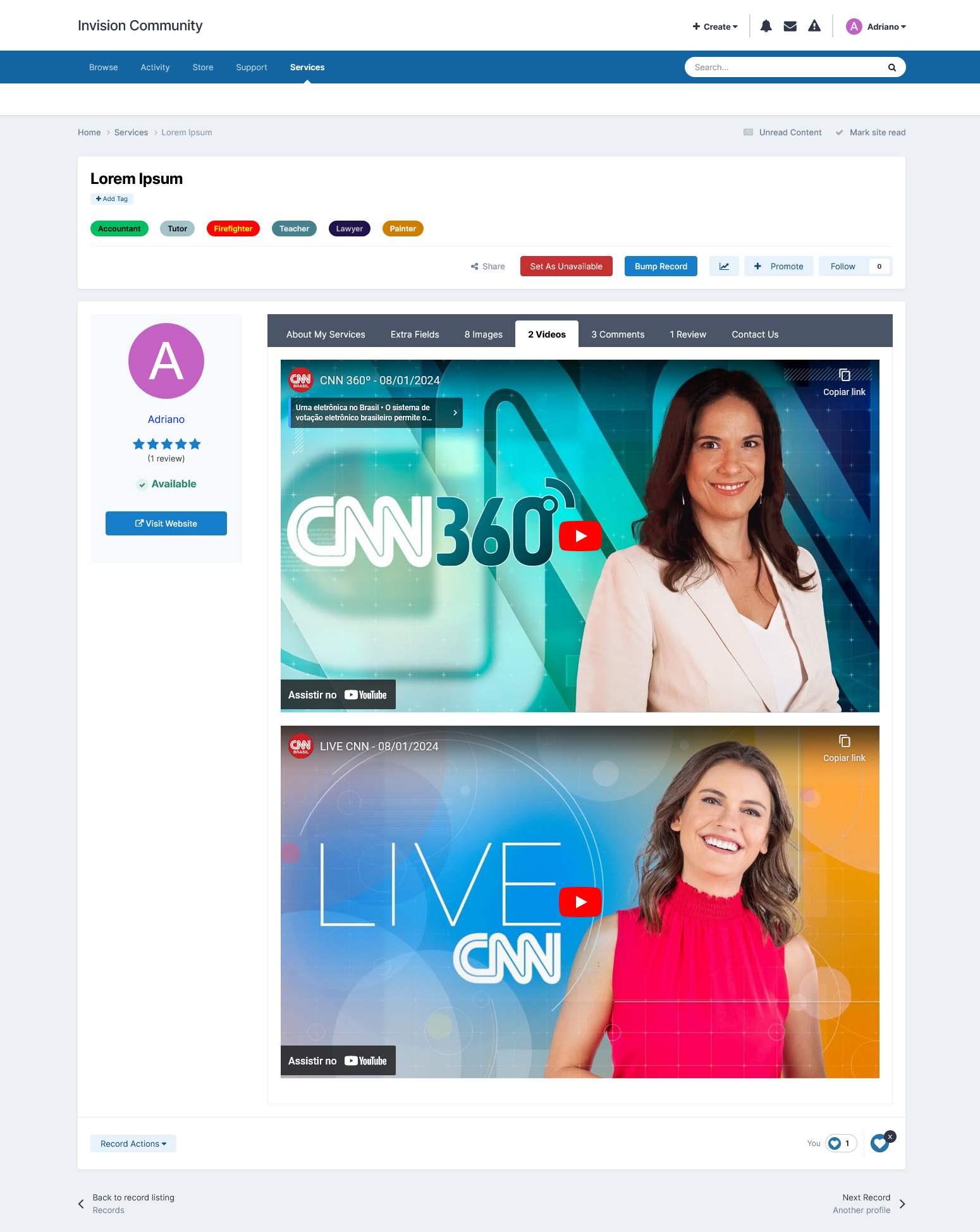
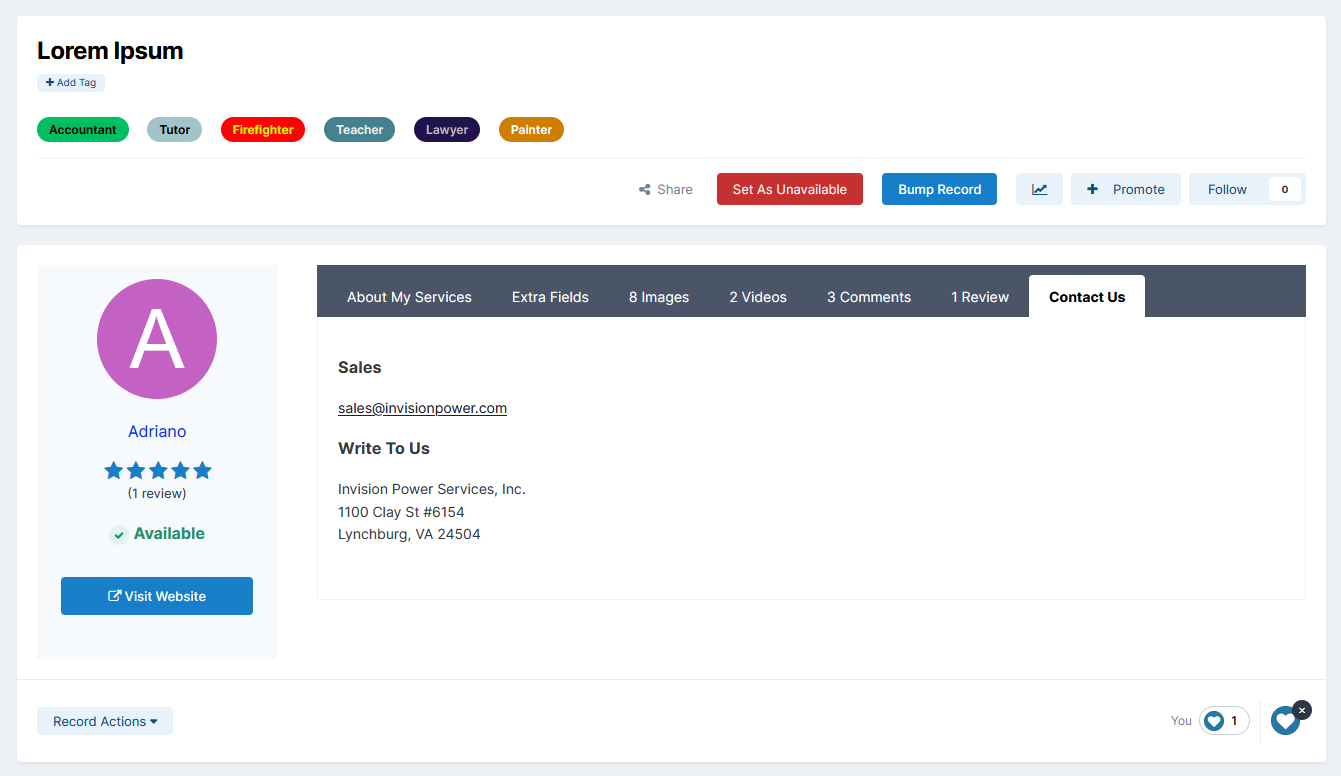
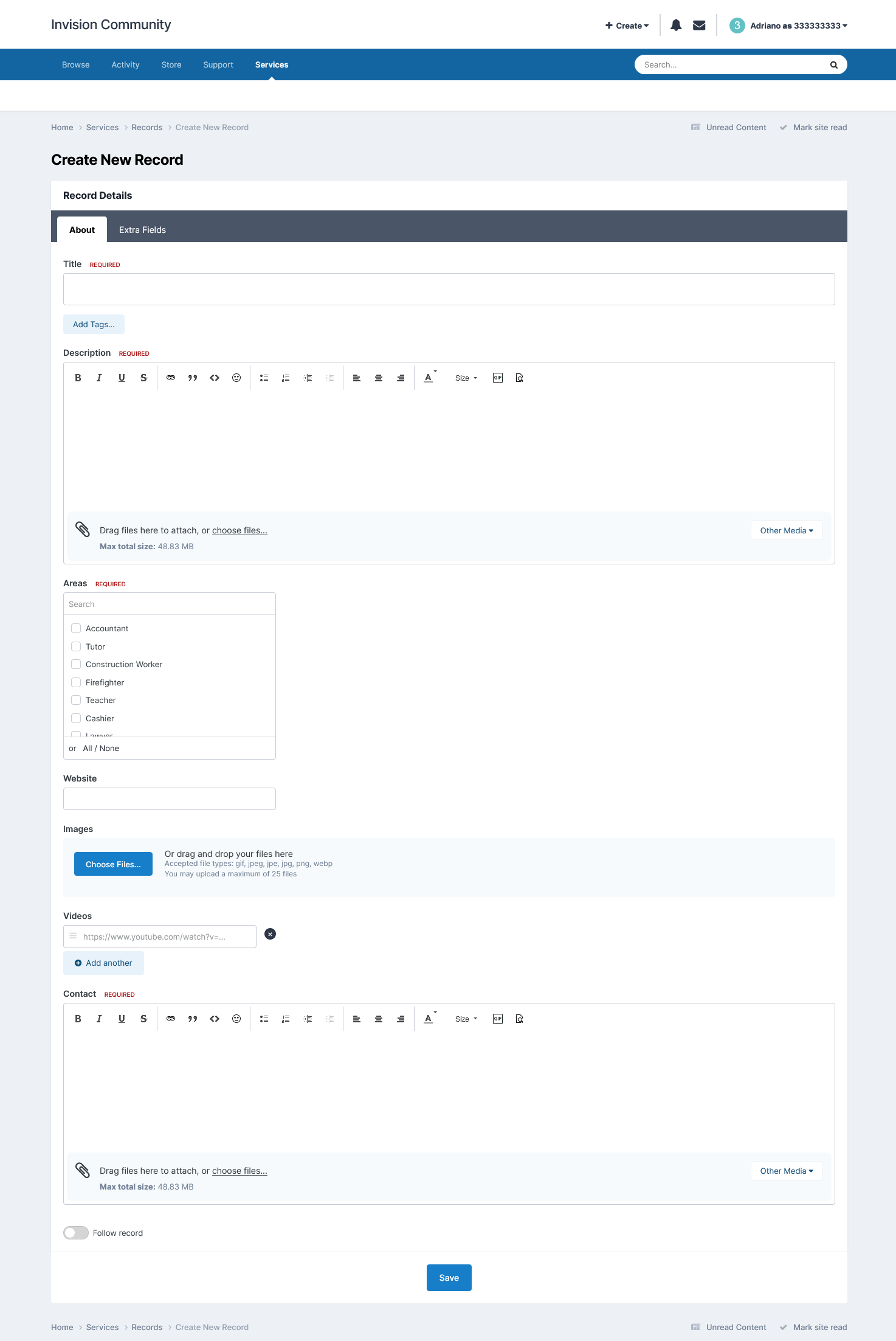
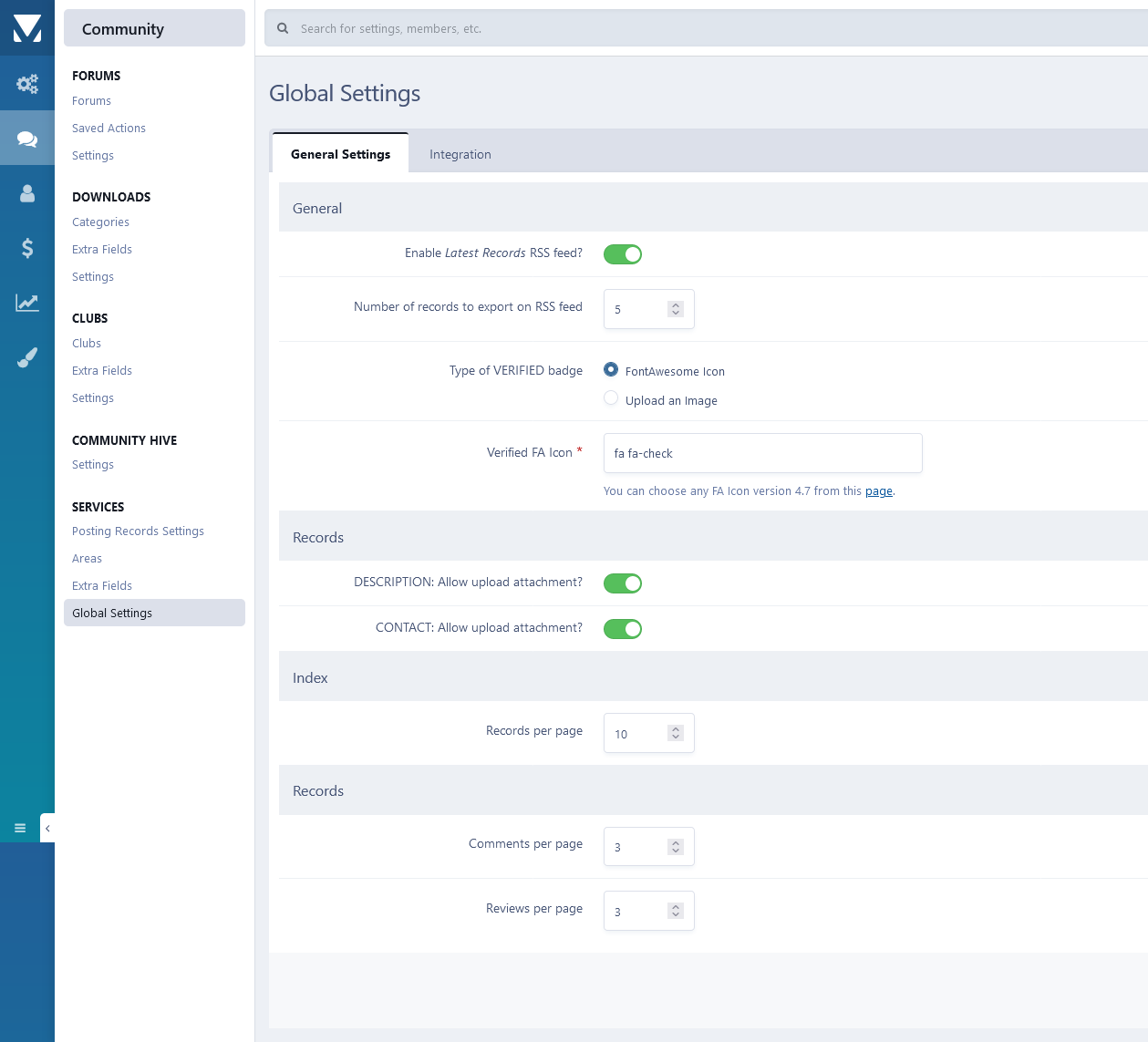
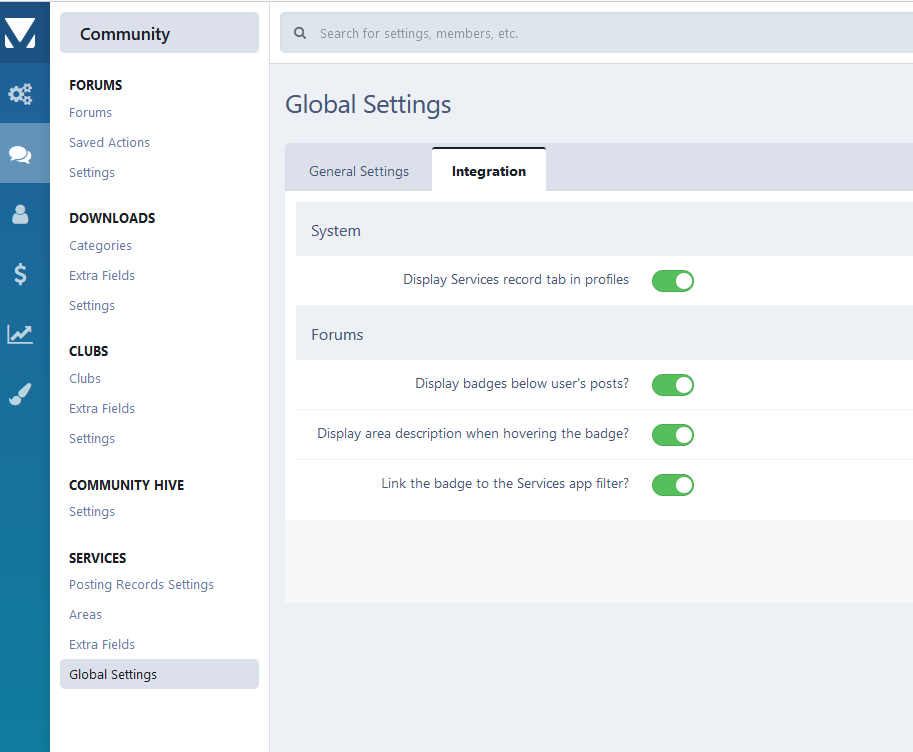
16 Screenshots

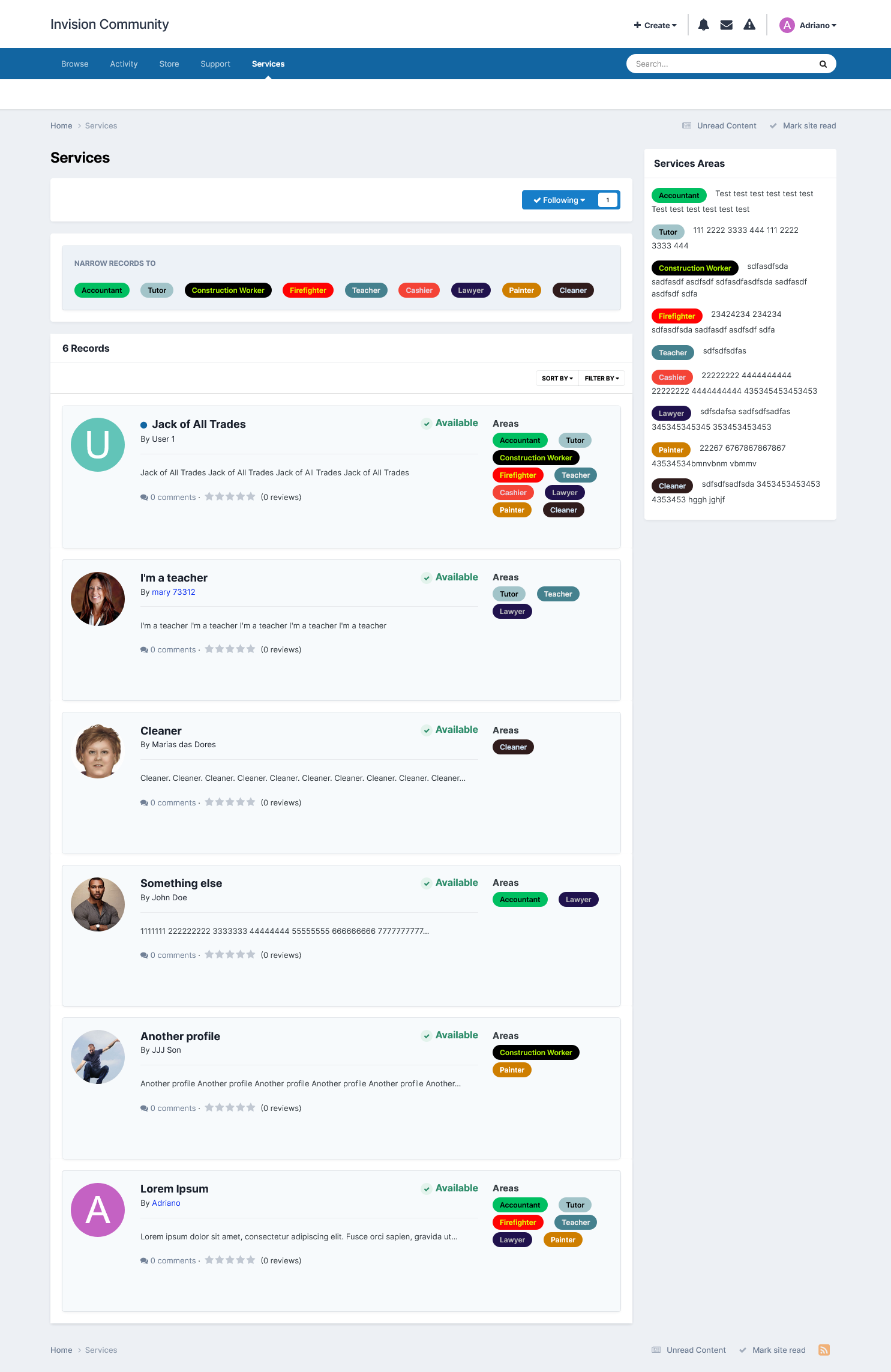
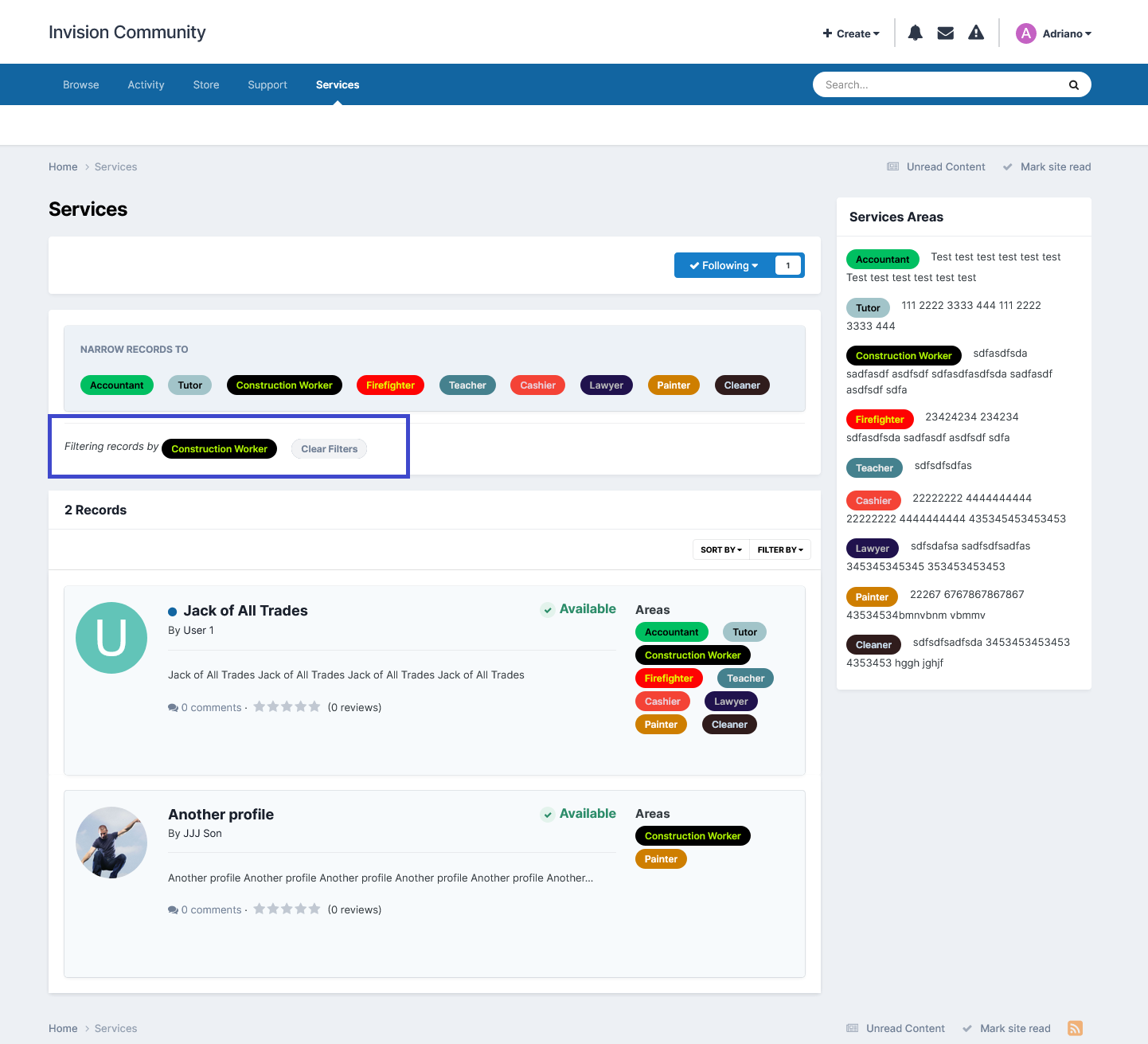
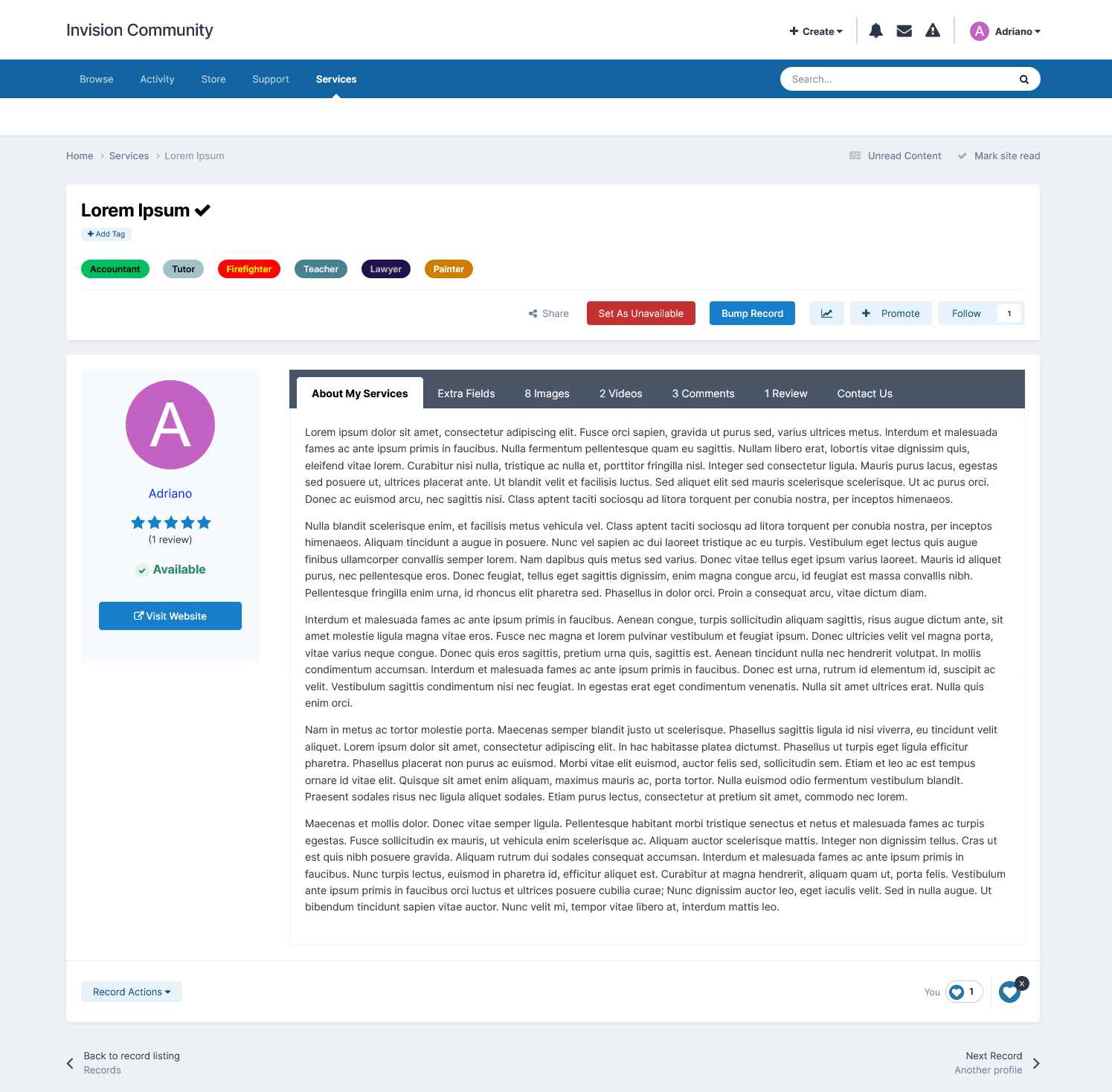
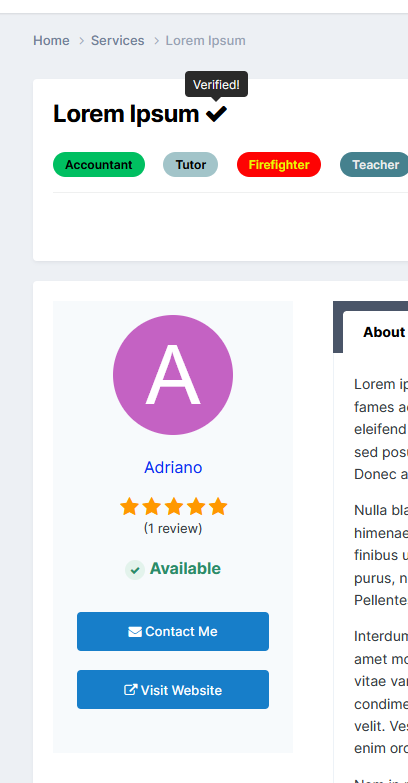
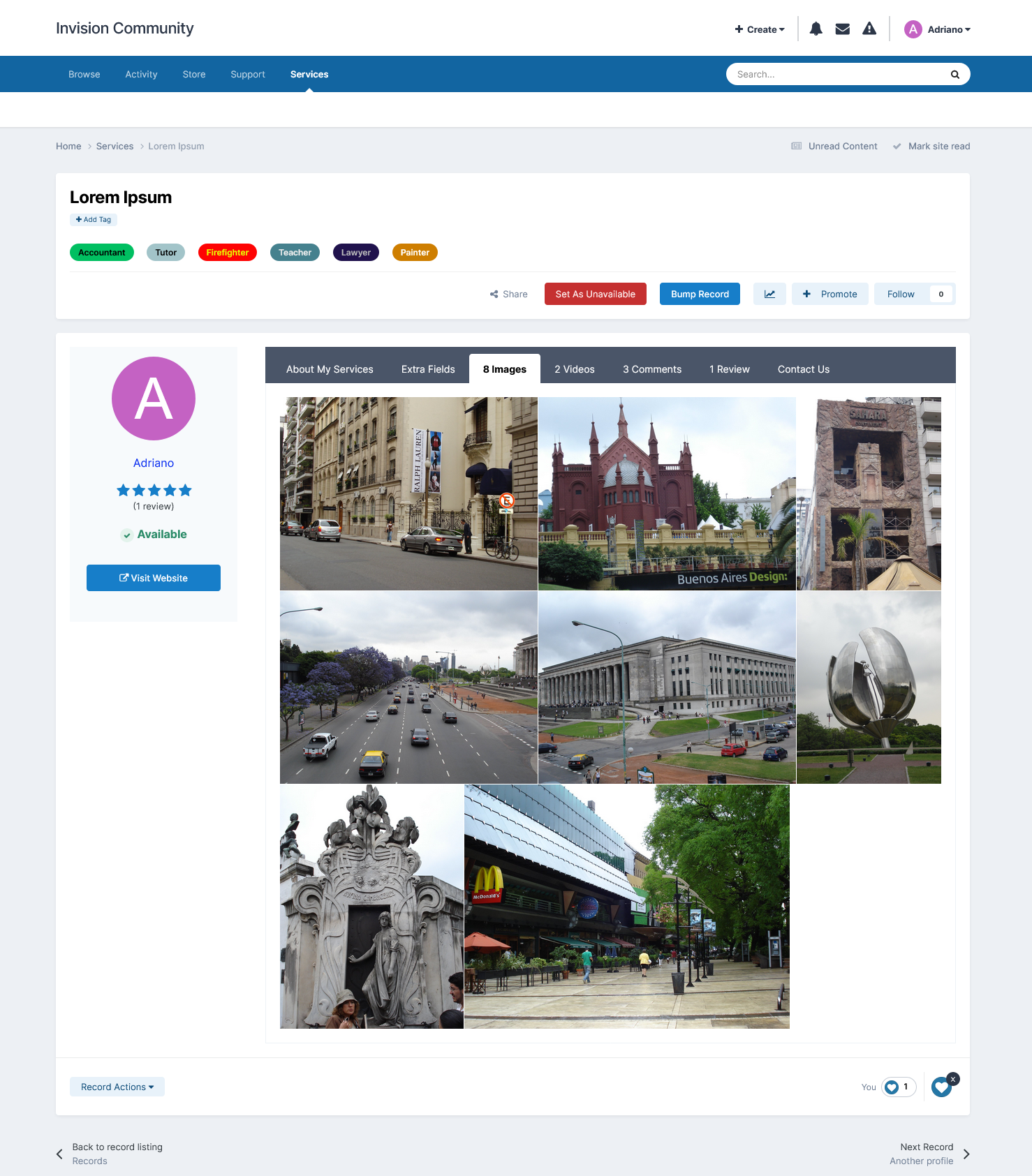
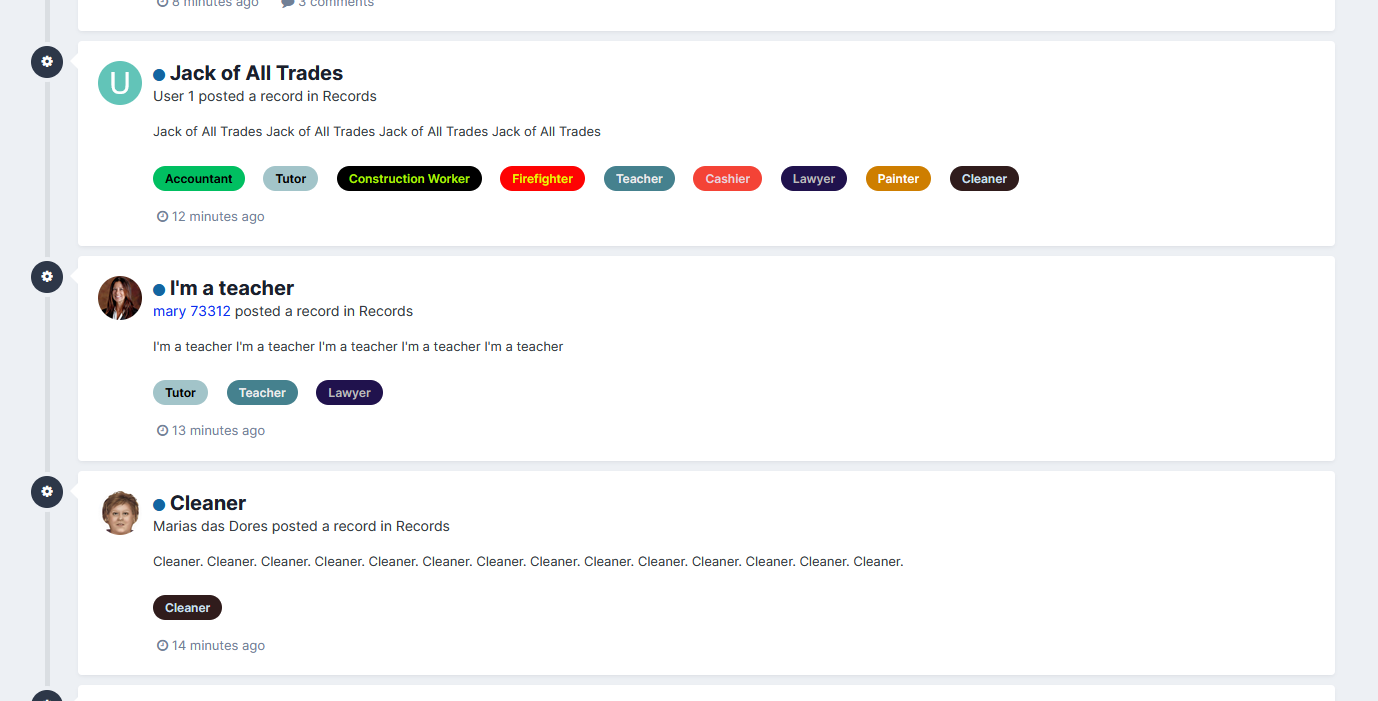
Visually based on the Providers Directory from IPS, this app will allow members to offer their services in your community. You can verify the record and allow members to bump their records, which will bring them to the top of the listing.

Features:

  • Integration with Commerce to charge for records submission
  • Flexible options to enable comments and reviews system.
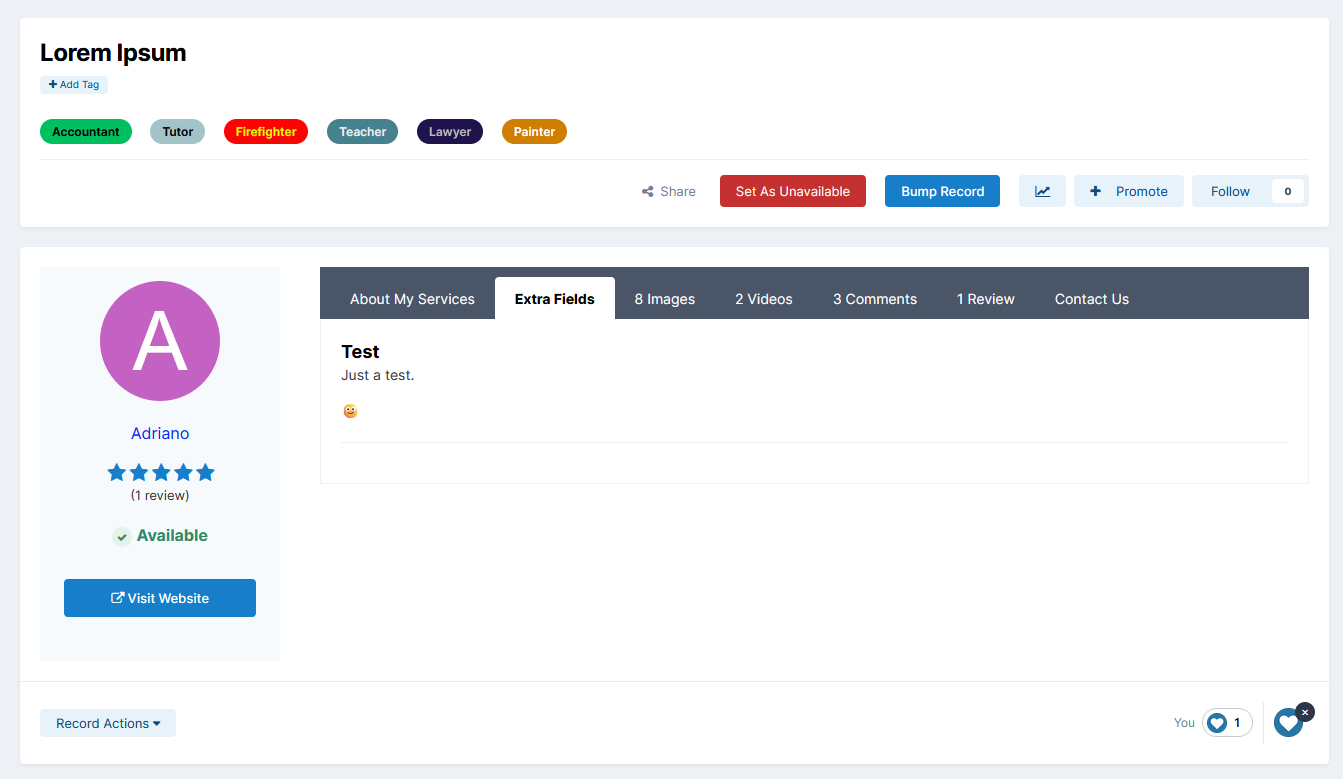
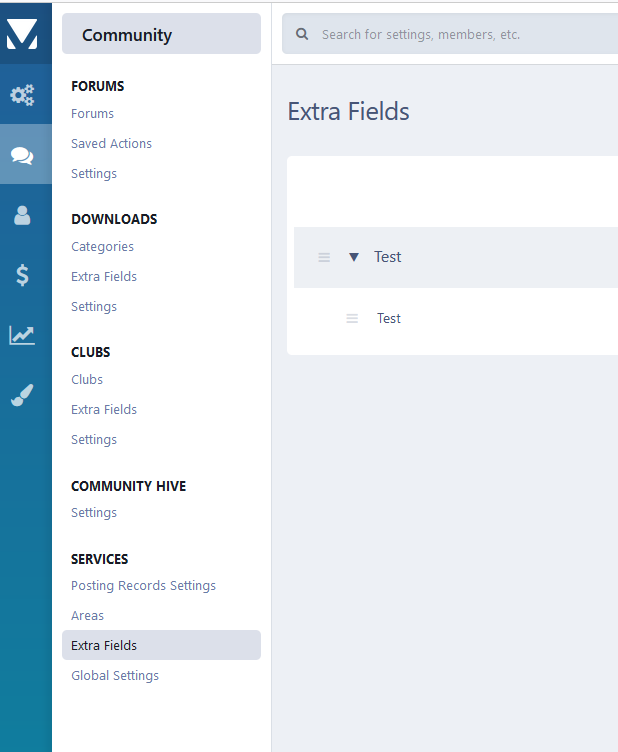
  • Extra Fields.
  • Profile tab to display the record submitted by the profile owner.

Areas:

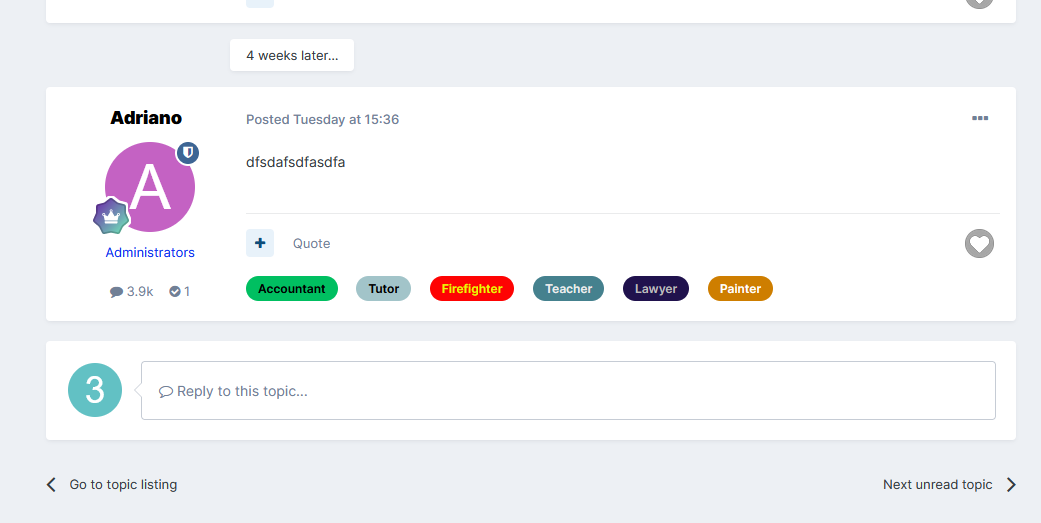
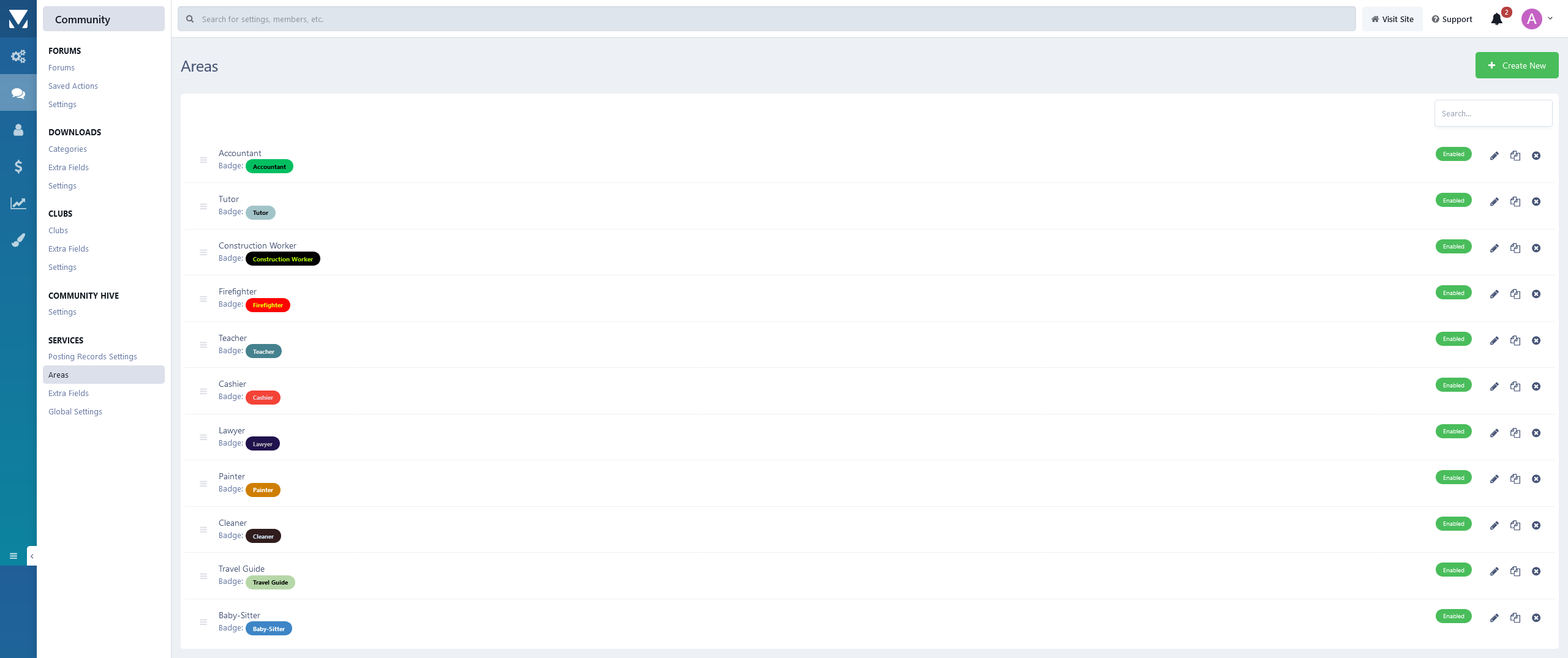
  • You can establish designated badges to refine and focus the organization of records.

Other Features:

  • Integrated with the framework, including features such as search, tags, follow functionality, reactions, and more.
  • Support to Rest API
  • Support to Webhooks
  • More...

Settings:

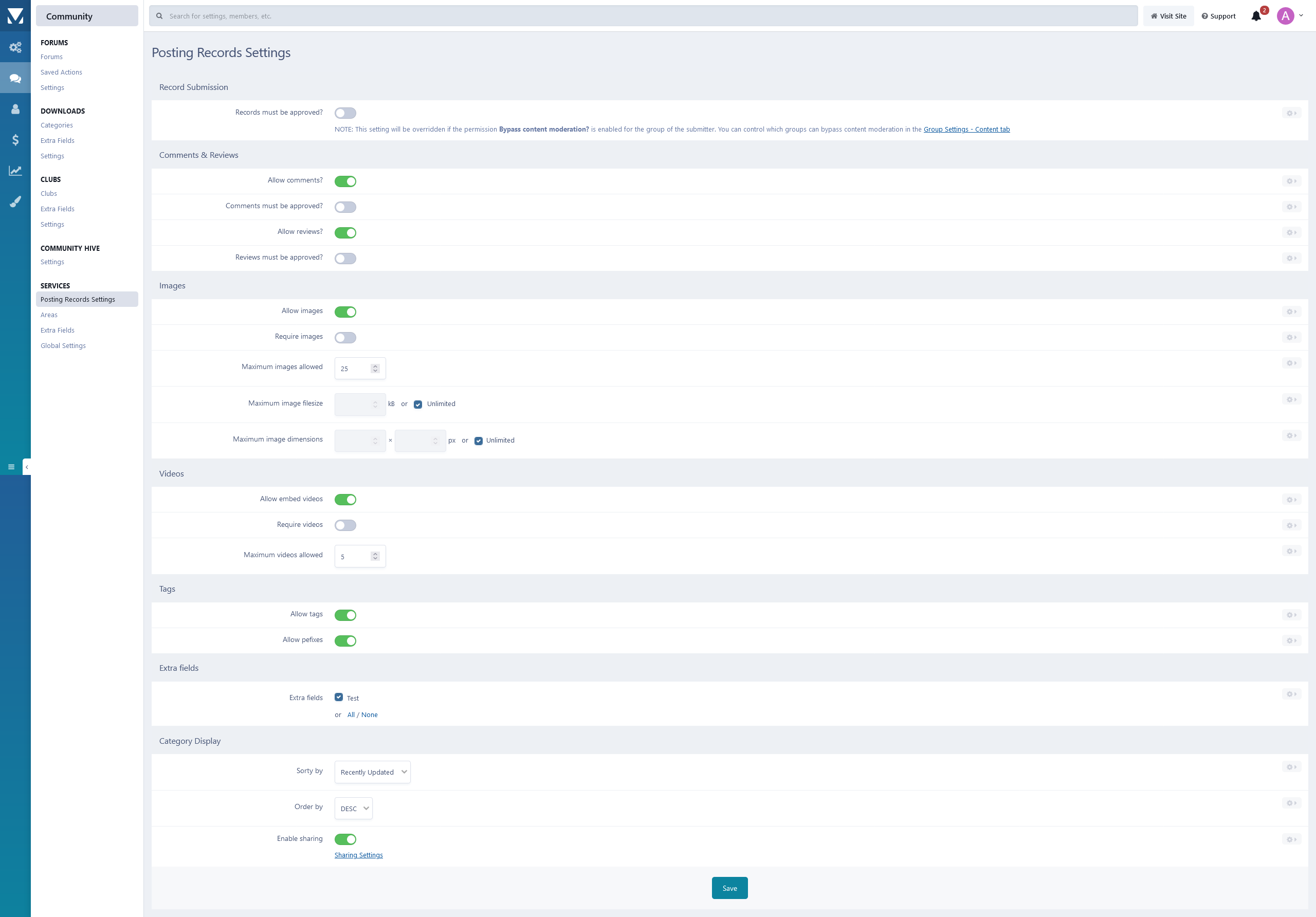
  • Settings to control the app behavior in several places/situations.

What's New in Version 1.0.7

Released

User Feedback

You may only provide a review once you have downloaded the file.

hyprem Member

hyprem

   1 of 1 member found this review helpful 1 / 1 member

Very well-made App and very flexible in configuration. Also, Adriano gives superb Support in case you have question. I can recommend this Product!

Square Wheels Advanced Member

Square Wheels

   3 of 3 members found this review helpful 3 / 3 members

Fantastic app.

I am not using it as designed.  I have advertisers on my site, and I use this for a "Vendors" section where I showcase their services / products.

Chris59 Advanced Member

Chris59

(edited)

   4 of 4 members found this review helpful 4 / 4 members

This app can be used for other things then just service . I find a way to use it for serviceteams and their's skills . really cool app I will be using a lot . initial release very good and I will make some suggestions for improvements in later stage . I rate this 5 stars , I also did a widget for an explain of each area I have done . 

Thanks @Adriano for this app , well worth to buy it

Cheers Chris

services.jpg

Edited by Chris59

jcbmorgxn Advanced Member

jcbmorgxn

   4 of 4 members found this review helpful 4 / 4 members

This is a new plugin Adriano has just started offering and it's great - few little niggles to iron our and I think this could be a fantastic contender to any business forum service app! Great work!

Other files from Adriano

Important Information

By using this site, you agree to our Terms of Use and Privacy Policy.

Configure browser push notifications

Chrome (Android)
  1. Tap the lock icon next to the address bar.
  2. Tap Permissions → Notifications.
  3. Adjust your preference.
Chrome (Desktop)
  1. Click the padlock icon in the address bar.
  2. Select Site settings.
  3. Find Notifications and adjust your preference.