Jump to content
View in the app

A better way to browse. Learn more.

SOS Invision

A full-screen app on your home screen with push notifications, badges and more.

To install this app on iOS and iPadOS
  1. Tap the Share icon in Safari
  2. Scroll the menu and tap Add to Home Screen.
  3. Tap Add in the top-right corner.
To install this app on Android
  1. Tap the 3-dot menu (⋮) in the top-right corner of the browser.
  2. Tap Add to Home screen or Install app.
  3. Confirm by tapping Install.

Other Files From File Submitter 2.0.0

(0 reviews)

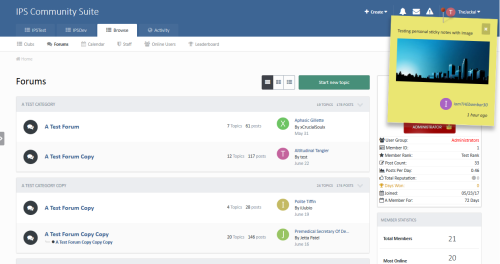
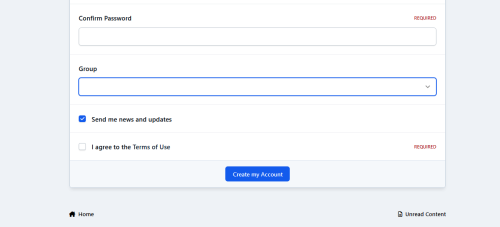
2 Screenshots

This application will add a carousel at the bottom of the file view page to display other files from the file submitter.

Settings:

  • Number of files to display

  • Display order: start date or random files

  • Show block to (groups)

Requirement:

User Feedback

You may only provide a review once you have downloaded the file.

There are no reviews to display.

Other files from Adriano

Important Information

By using this site, you agree to our Terms of Use and Privacy Policy.

Configure browser push notifications

Chrome (Android)
  1. Tap the lock icon next to the address bar.
  2. Tap Permissions → Notifications.
  3. Adjust your preference.
Chrome (Desktop)
  1. Click the padlock icon in the address bar.
  2. Select Site settings.
  3. Find Notifications and adjust your preference.