Skip to content
View in the app

A better way to browse. Learn more.

SOS Invision

A full-screen app on your home screen with push notifications, badges and more.

To install this app on iOS and iPadOS
  1. Tap the Share icon in Safari
  2. Scroll the menu and tap Add to Home Screen.
  3. Tap Add in the top-right corner.
To install this app on Android
  1. Tap the 3-dot menu (⋮) in the top-right corner of the browser.
  2. Tap Add to Home screen or Install app.
  3. Confirm by tapping Install.

Manage Validating Members 4.0.2

$18 · Renewal Term: $10/year

(0 reviews)

6 Screenshots

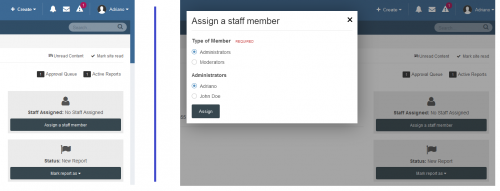
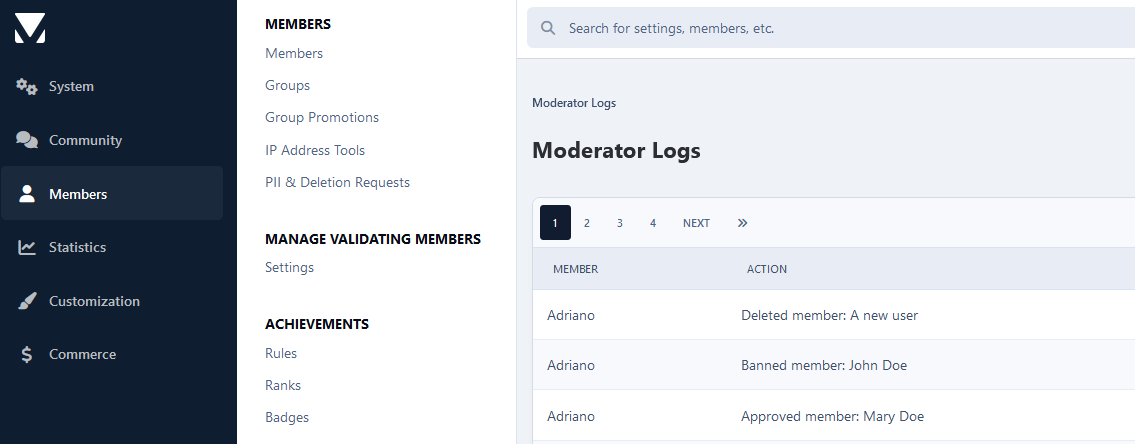
This application enables you to efficiently manage your validation queue-approving, banning, or deleting accounts, directly from the public side when using Administrator validation or Email and Administrator validation for new registrations.

Please note that the widget is not compatible with the sidebar due to space limitations and will only function at the top or bottom of the page.

What's New in Version 4.0.2

Released

  1. Improved the Stop Forum Spam results layout for better readability and visual clarity.

  2. The ACP module has been relocated to a new centralized area (SOS Invision), where configuration options for all SOS Invision applications are now consolidated.

User Feedback

You may only provide a review once you have downloaded the file.

There are no reviews to display.

Other files from Adriano

Account

Navigation

Configure browser push notifications

Chrome (Android)
  1. Tap the lock icon next to the address bar.
  2. Tap Permissions → Notifications.
  3. Adjust your preference.
Chrome (Desktop)
  1. Click the padlock icon in the address bar.
  2. Select Site settings.
  3. Find Notifications and adjust your preference.